



Batch Photo Editor: Edit Multiple Photos at Once
Edit up to 50 photos at once with PhotoCat batch photo editor. Retouch faces, change hairstyles, remove objects, and enhance images automatically with AI.
Image Tools








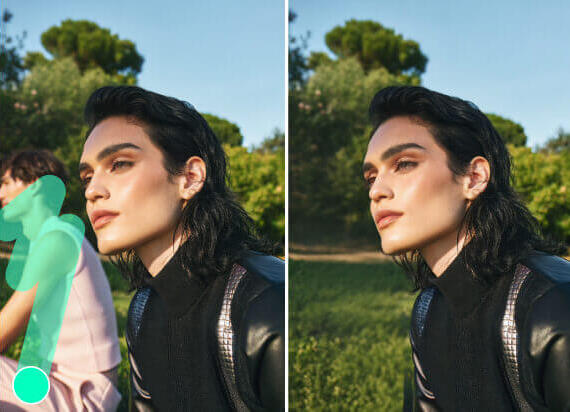




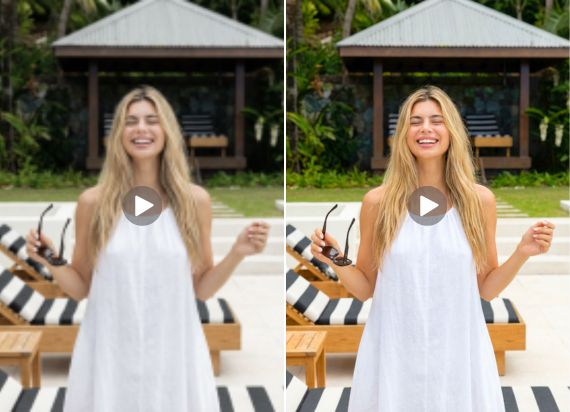

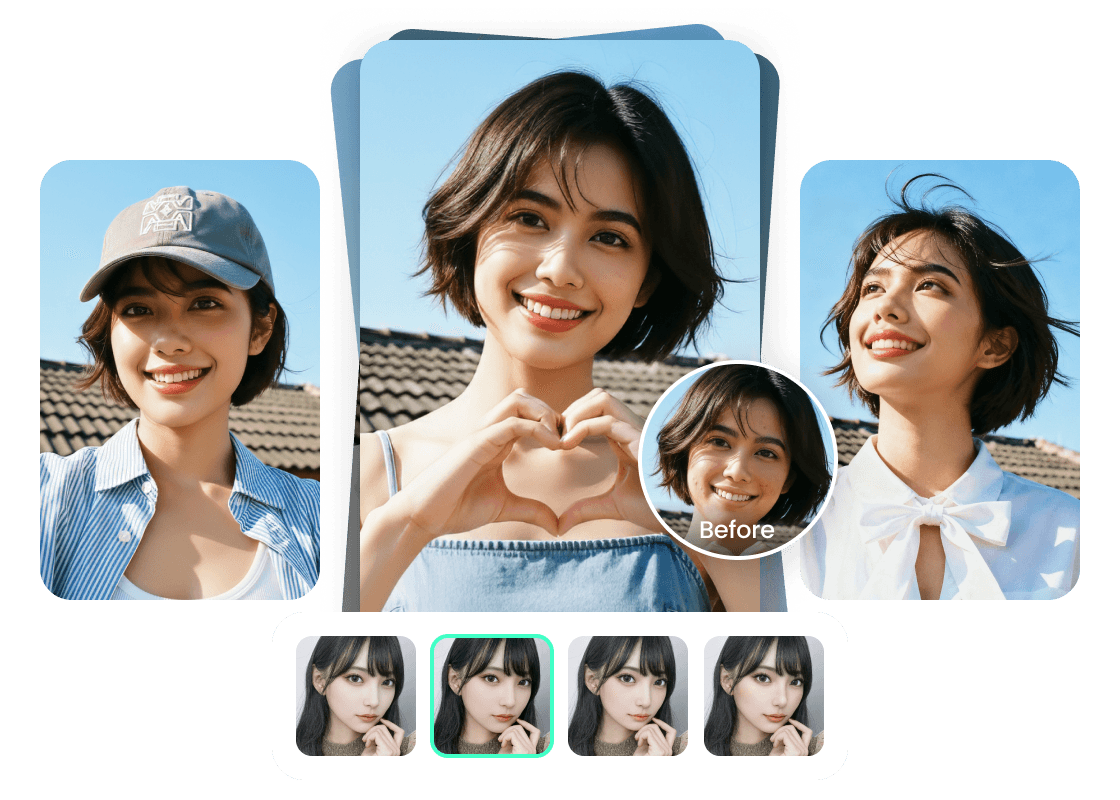
Retouch Faces in Photos as a Batch
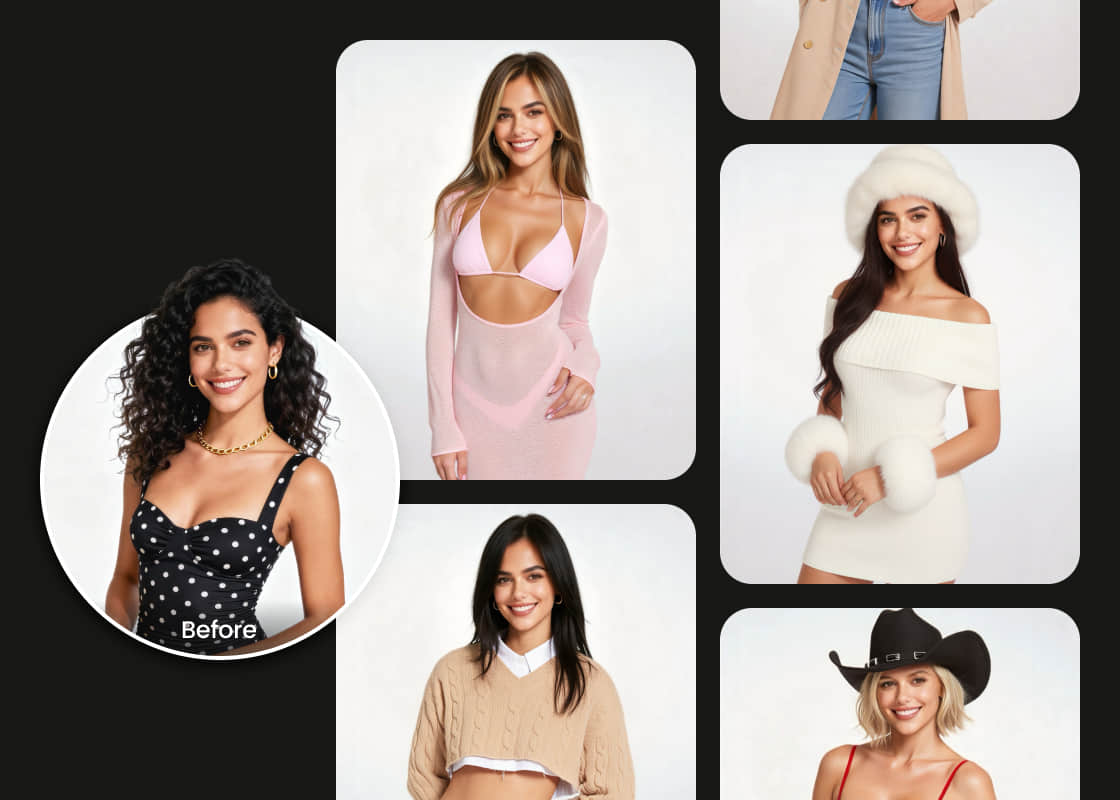
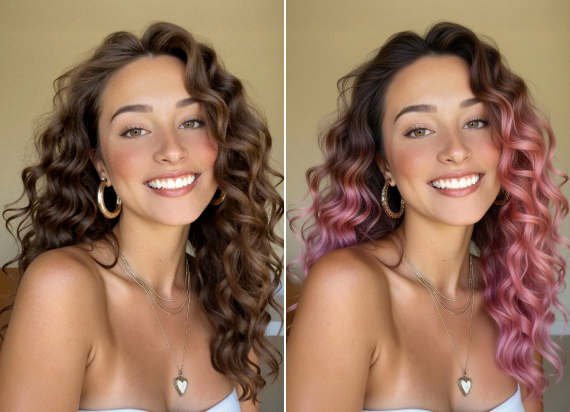
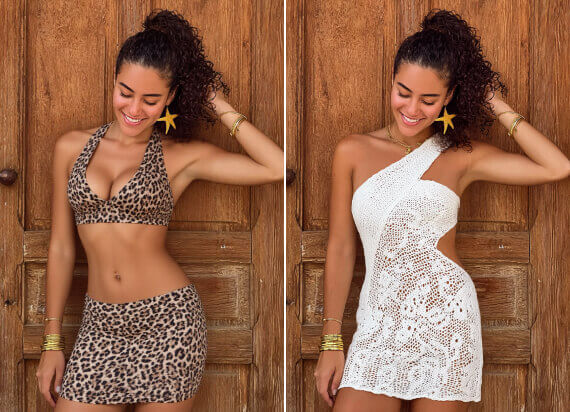
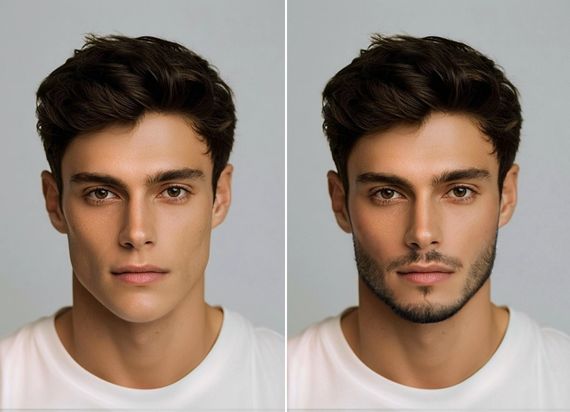
Change Hair and Outfits in Multiple Photos
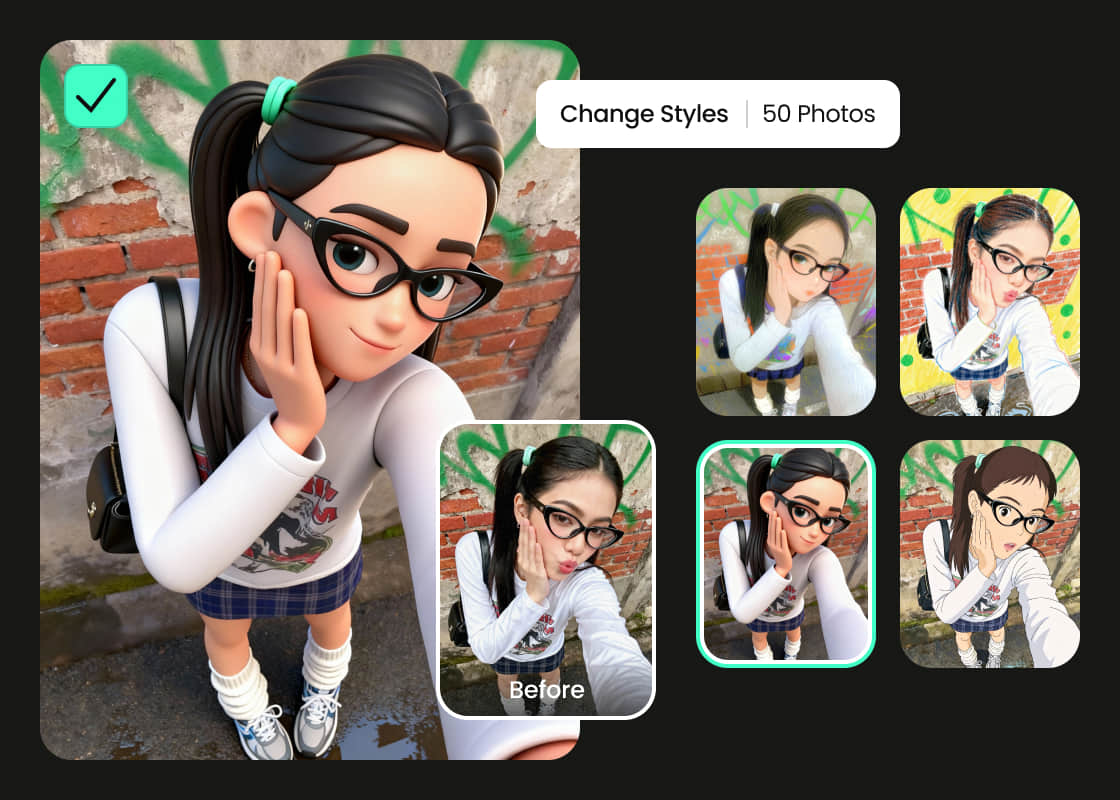
Turn Photos into Art Styles in Groups
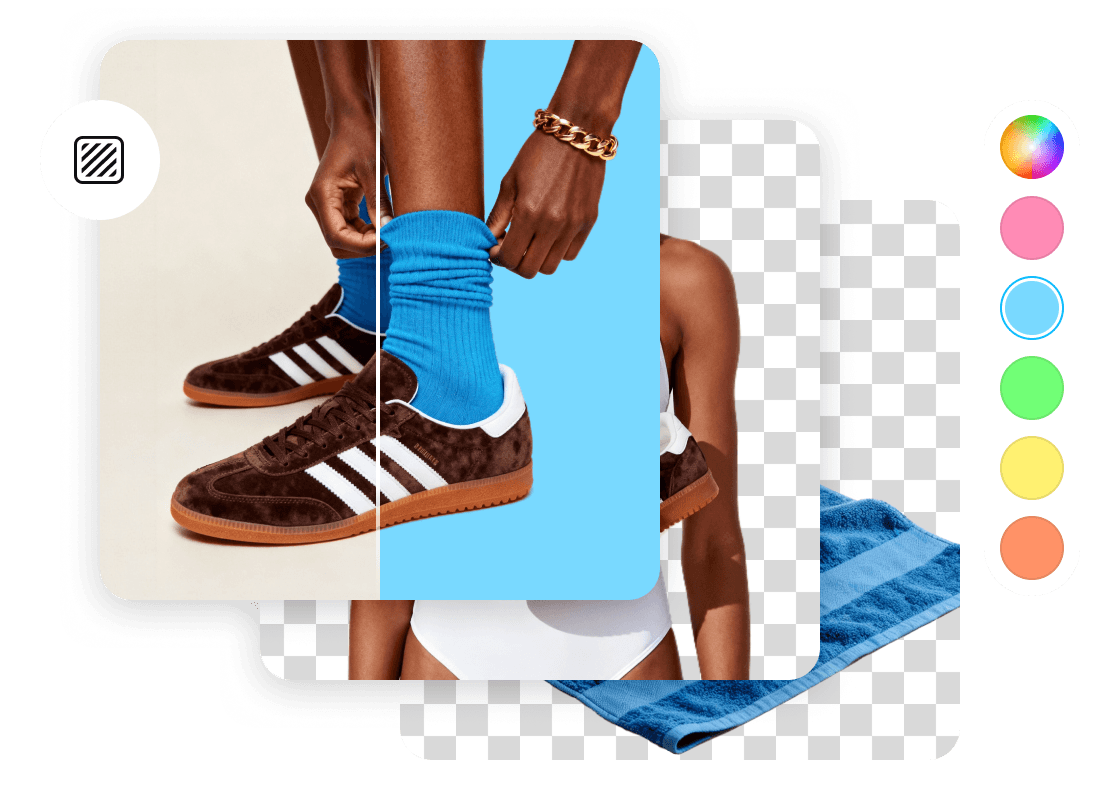
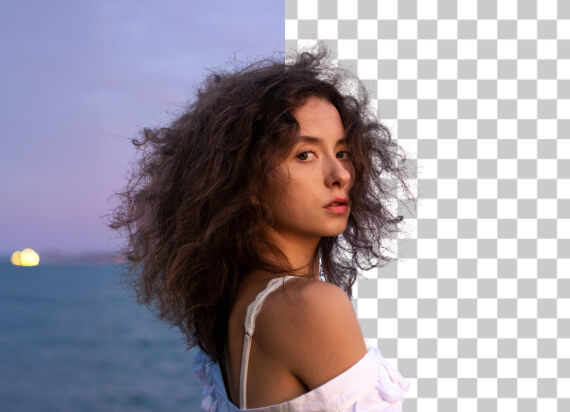
Edit Background with Batch Photo Editor
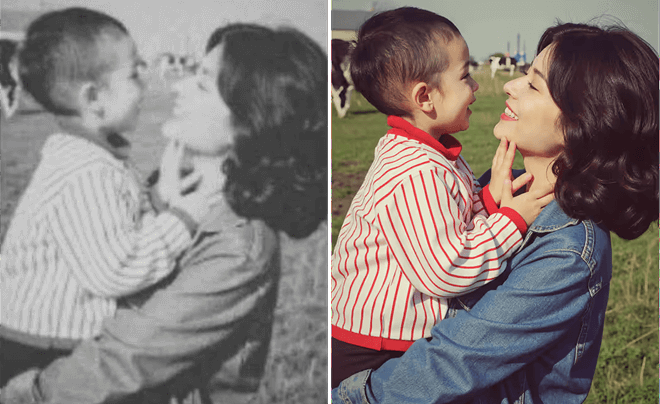
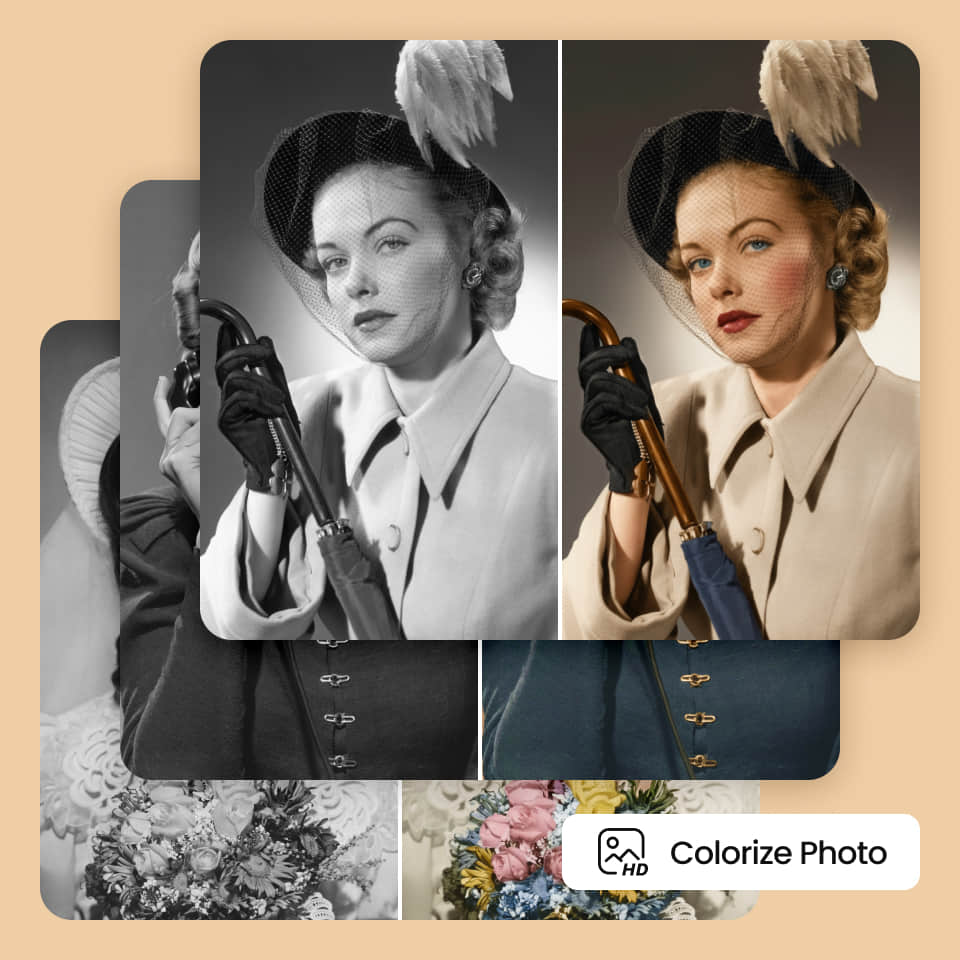
Mass Enhance and Colorize Photos
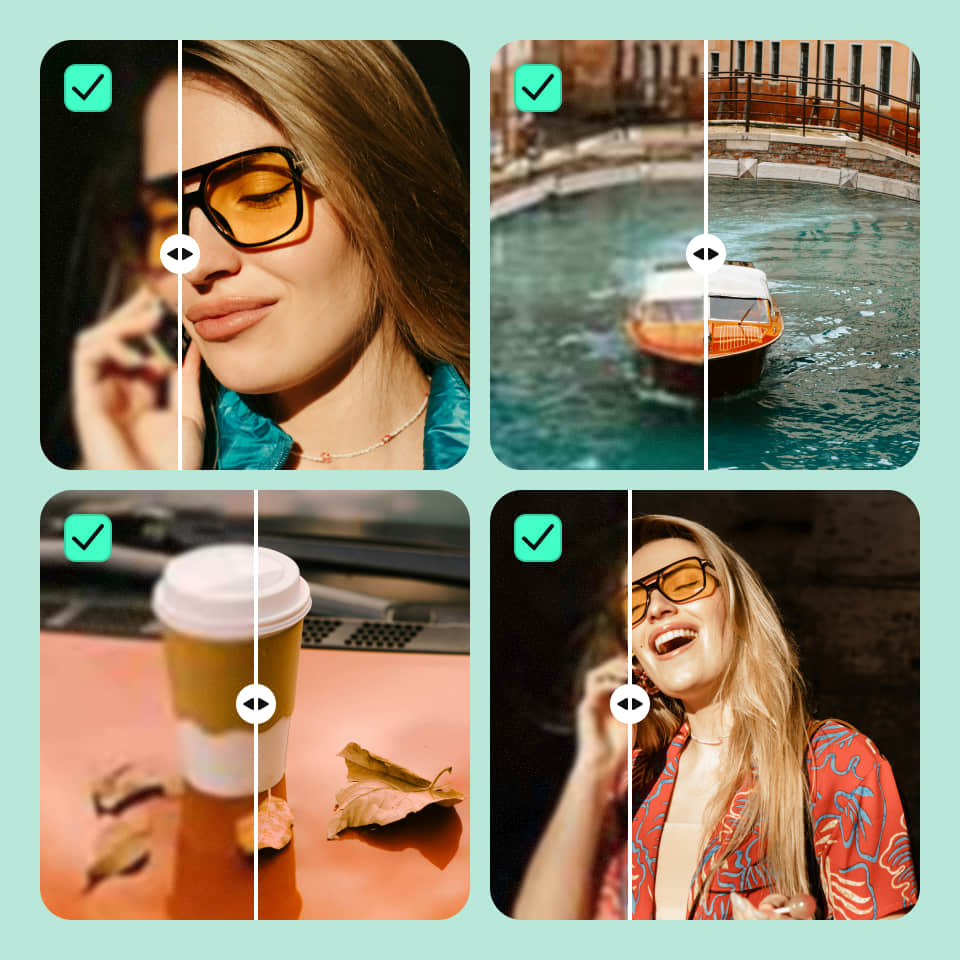
Batch Image Enhancer with HD Quality
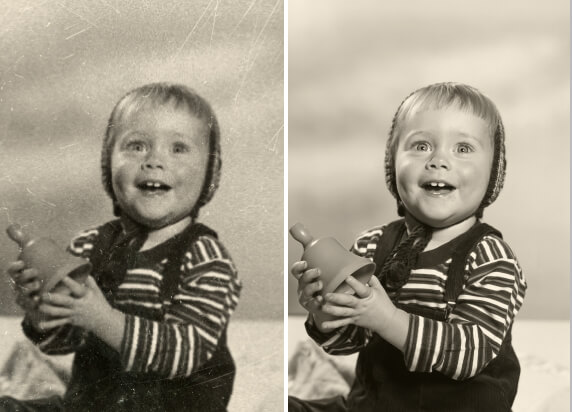
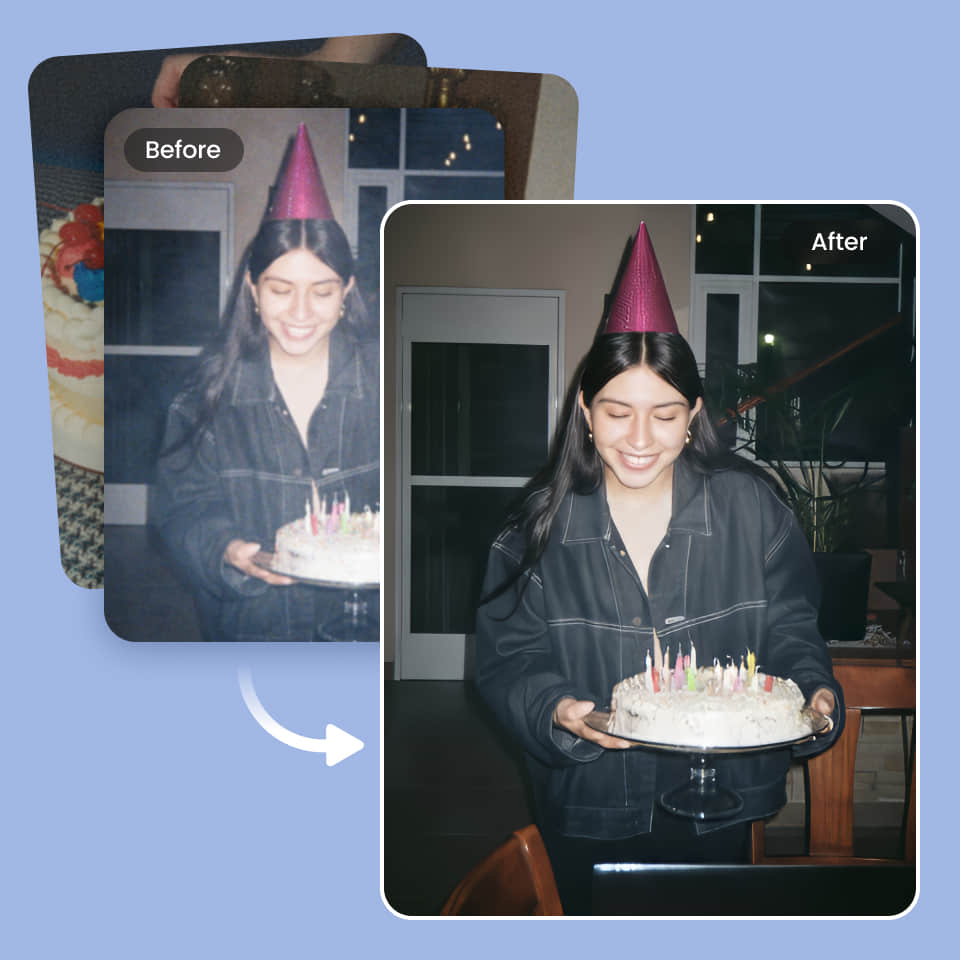
Restore Multiple Old Photos
Why Choose PhotoCat Batch Photo Editor?



How to Edit Multiple Photos at Once?
Upload your batch
Upload the batch of photos you want to edit by dragging and dropping them into the Batch Photo Editor. Process up to 50 at a time.
Choose the tool to use
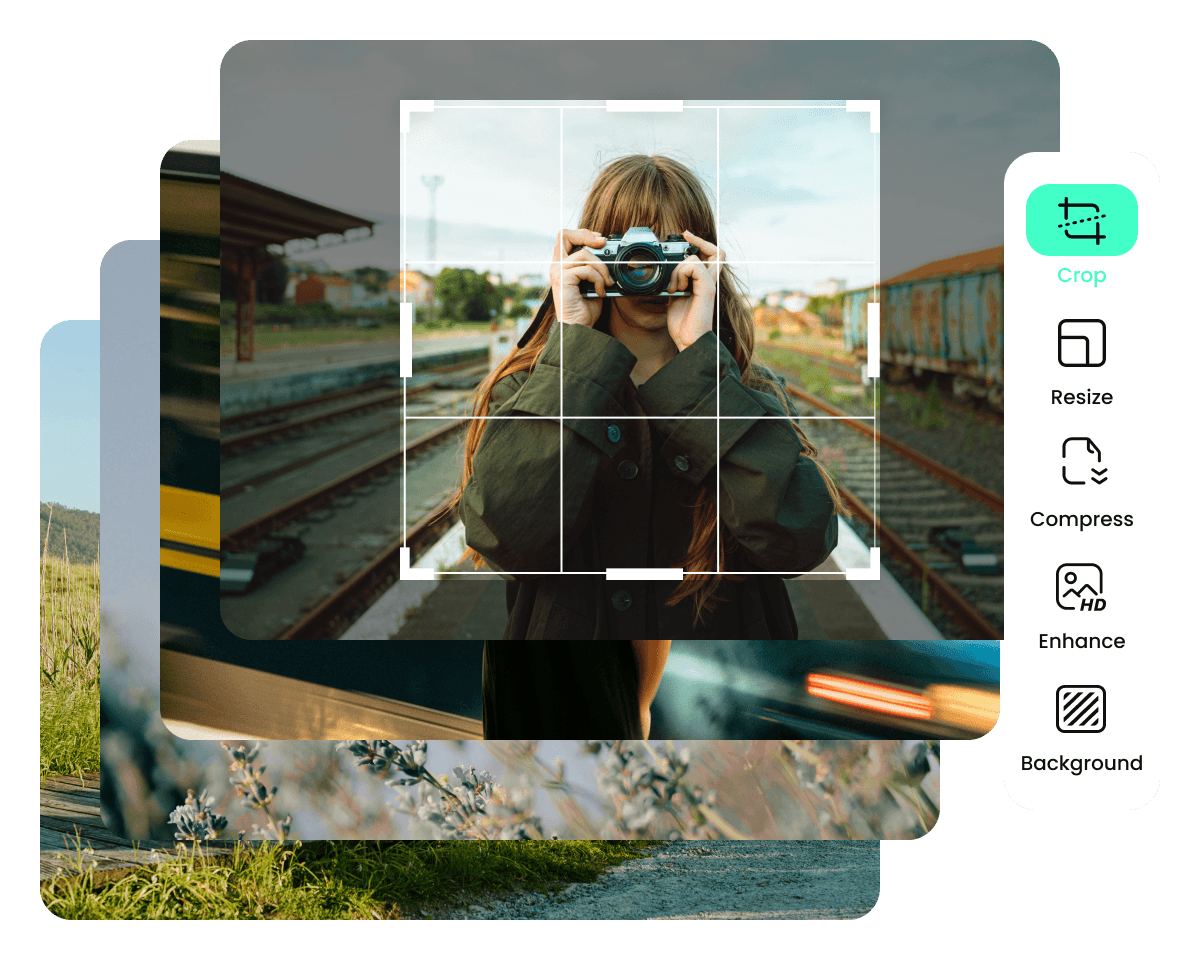
Select the batch editing feature you want to use, then apply it with one tap or click.
Download and save
Download the finished images as a batch in a zip file, and save them to your device. You can unzip the file to access the images.
User Reviews
FAQs
Is it possible to edit multiple photos at once?
Yes, you can bulk edit photos using the PhotoCat bulk image editor.
How many photos can I edit at a time?
You can process up to 50 photos at a time with PhotoCat Batch Photo Editor.
Does PhotoCat Batch Photo Editor let me detect and change objects, people and backgrounds with AI?
Can I drag and drop with PhotoCat Batch Photo Editor?
Can I upload images in multiple formats at the same time?
More Ways to Perfect Your Photos
AI Image Extender
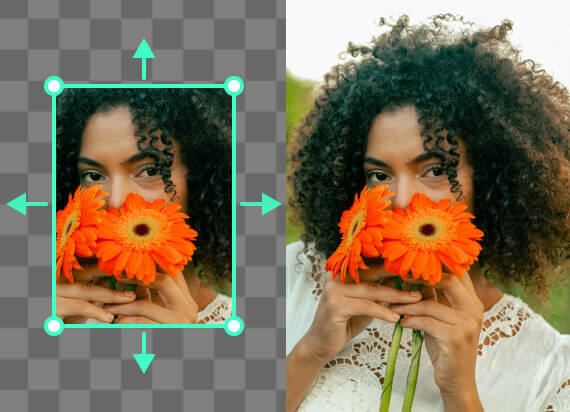
Expand an image’s background with AI outpainting that generates seamless new content.
AI Object Remover
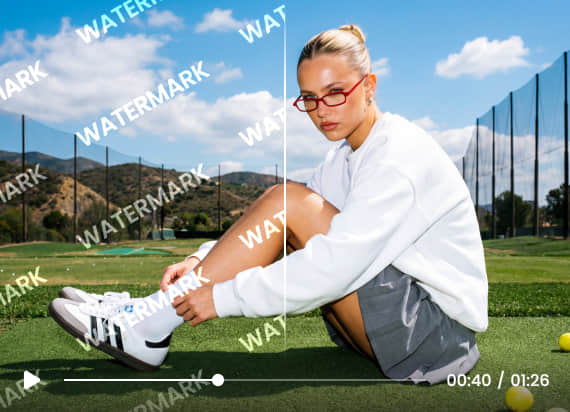
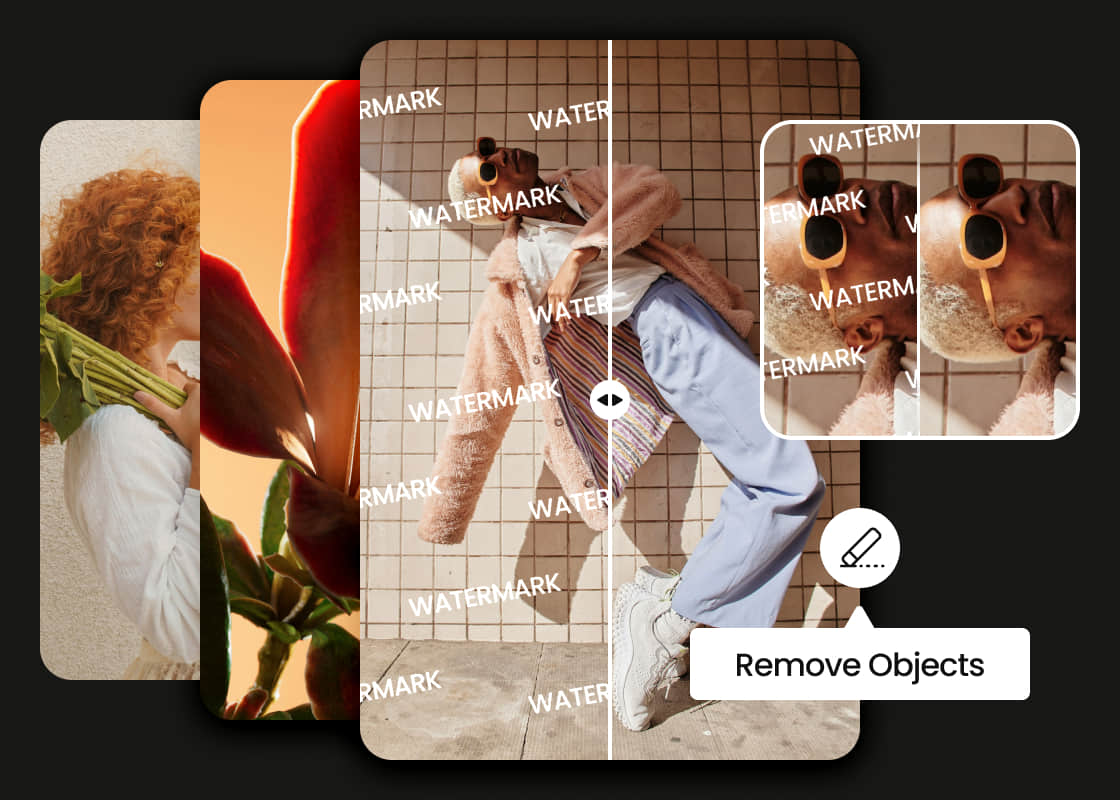
Remove person, text, watermark, logo, wrinkles and more in photo with AI.
Background Remover
Remove backgrounds to transparent and replace or edit them with ease.
AI Image Enhancer
Upscale image sizes to 4K, remove noise and enhance blurry image with AI.

Bulk Edit Photos with AI
Upload multiple photos and see instant batch enhancements, colorization, and more. No manual work required.