



Free Creative AI Filter Tools: Instantly Transform Photos
Make any photo look like a sketch, cartoon, or painting. Just click or tap to apply any of dozens of free AI filters.
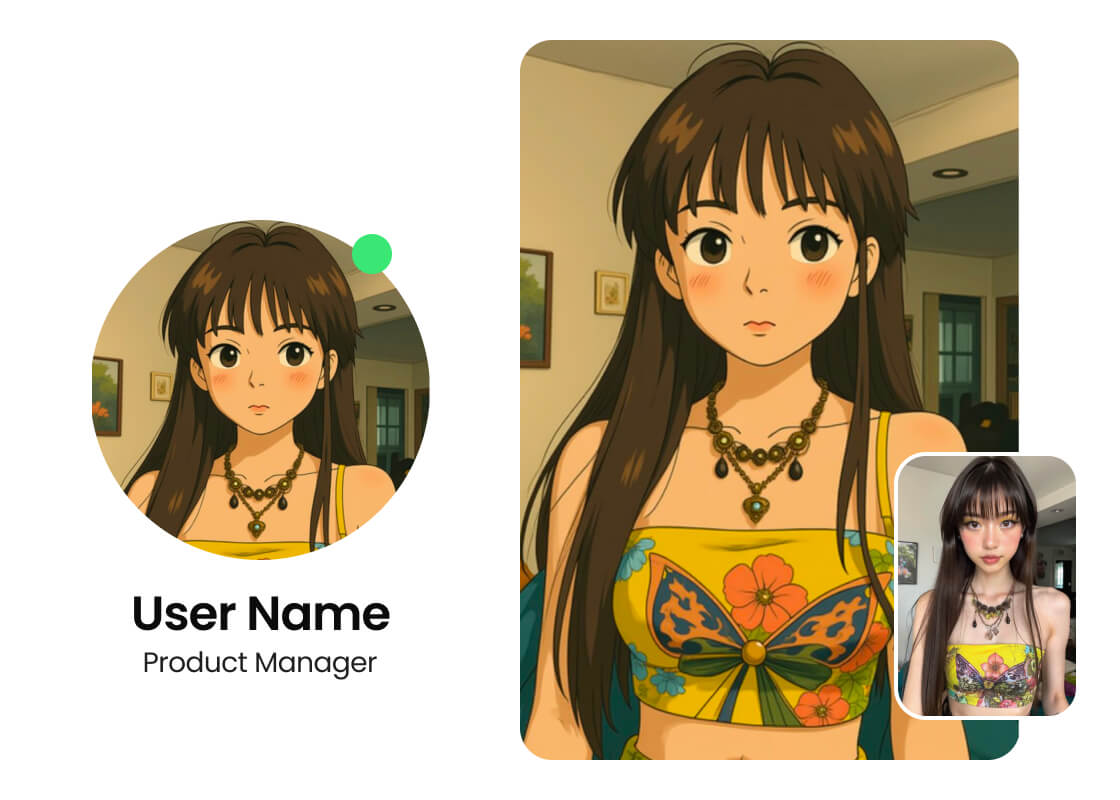
Create a Unique PFP with the AI Filter
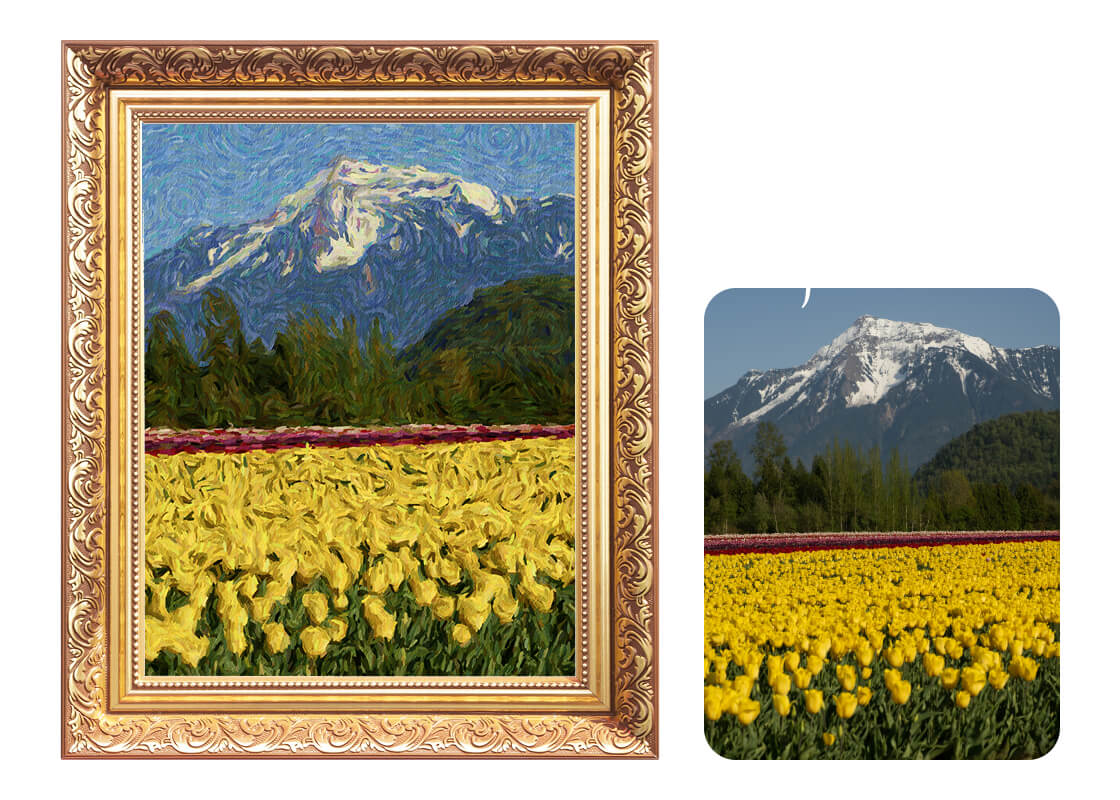
Turn Landscape or Portrait into Art
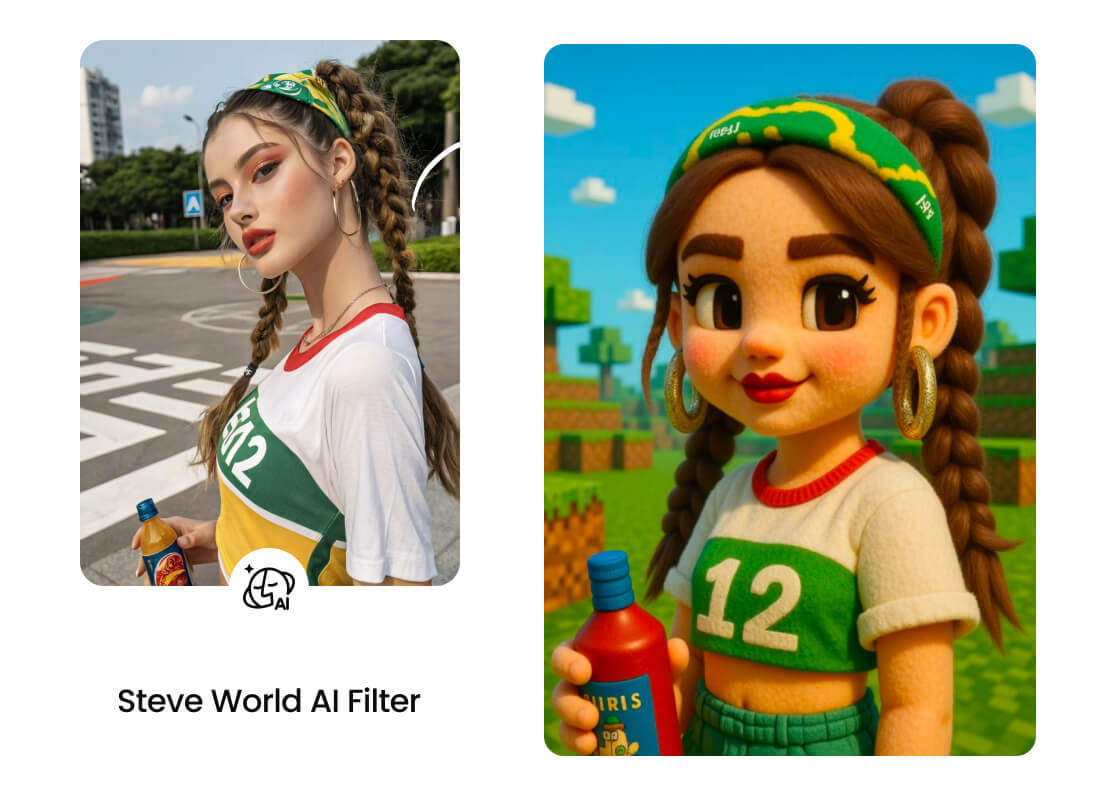
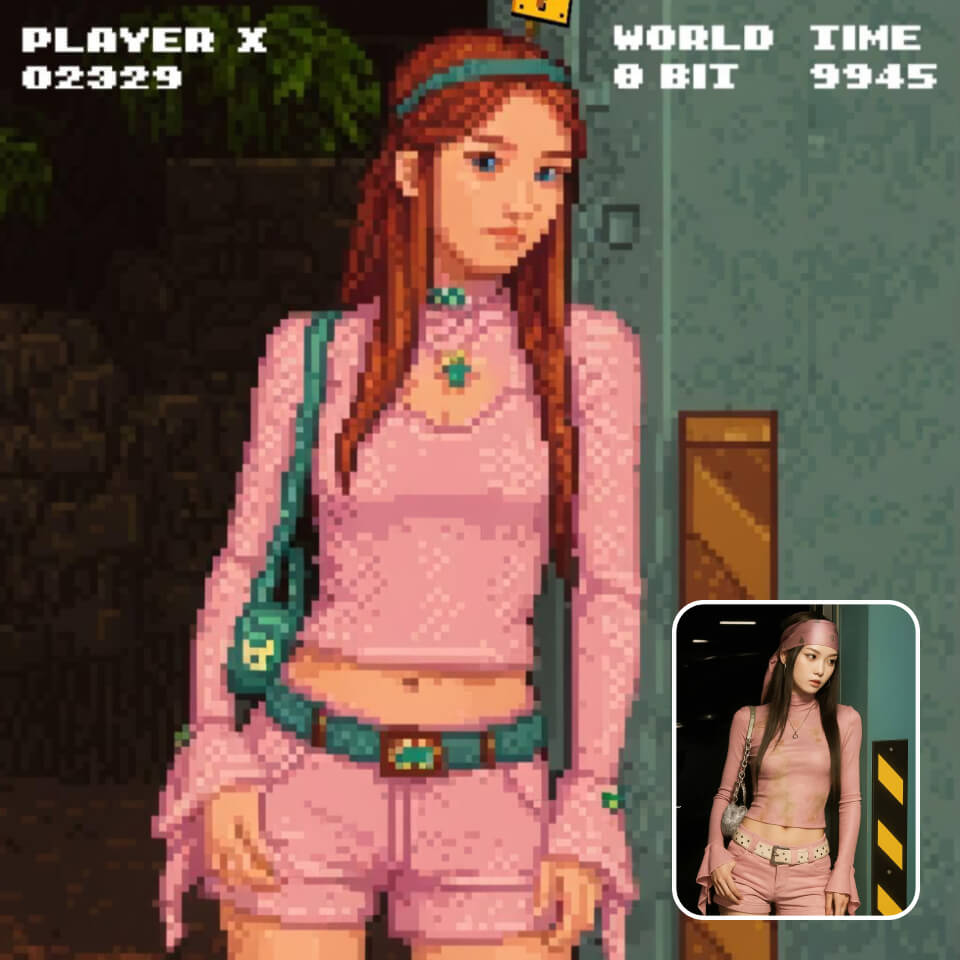
Transform Yourself a Game Character
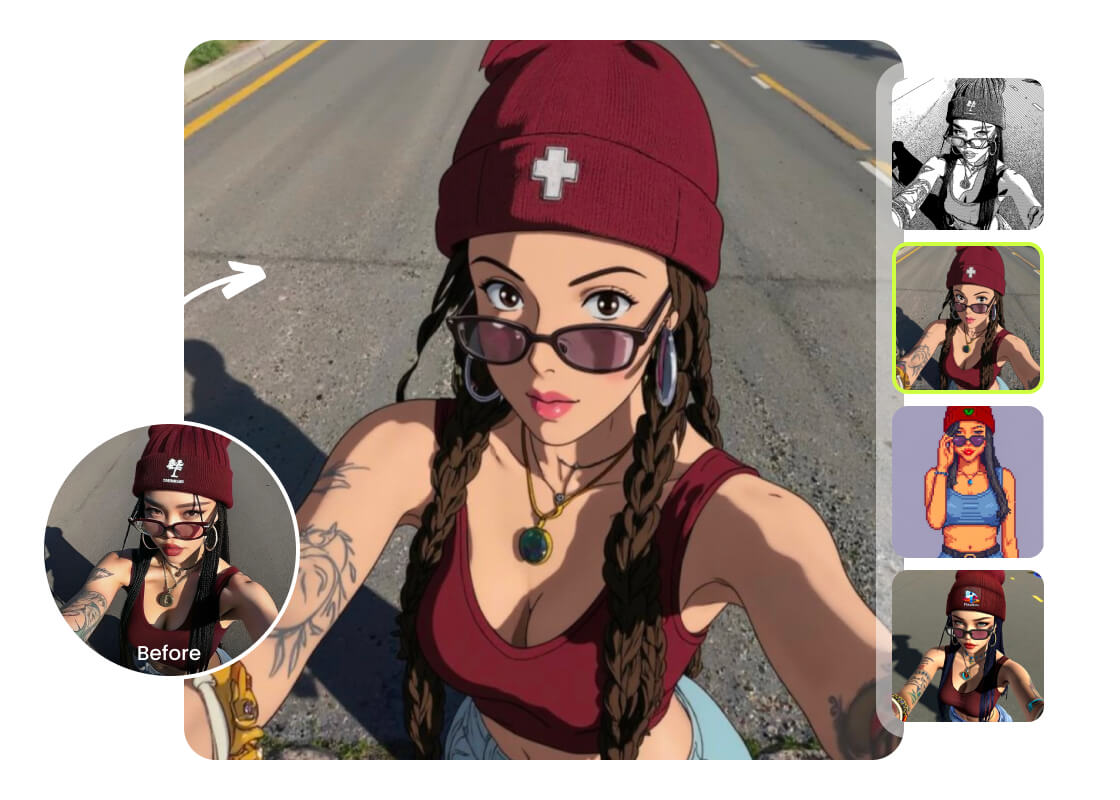
Play with Dozens of Free AI filters
Step Into Style with AI Filters
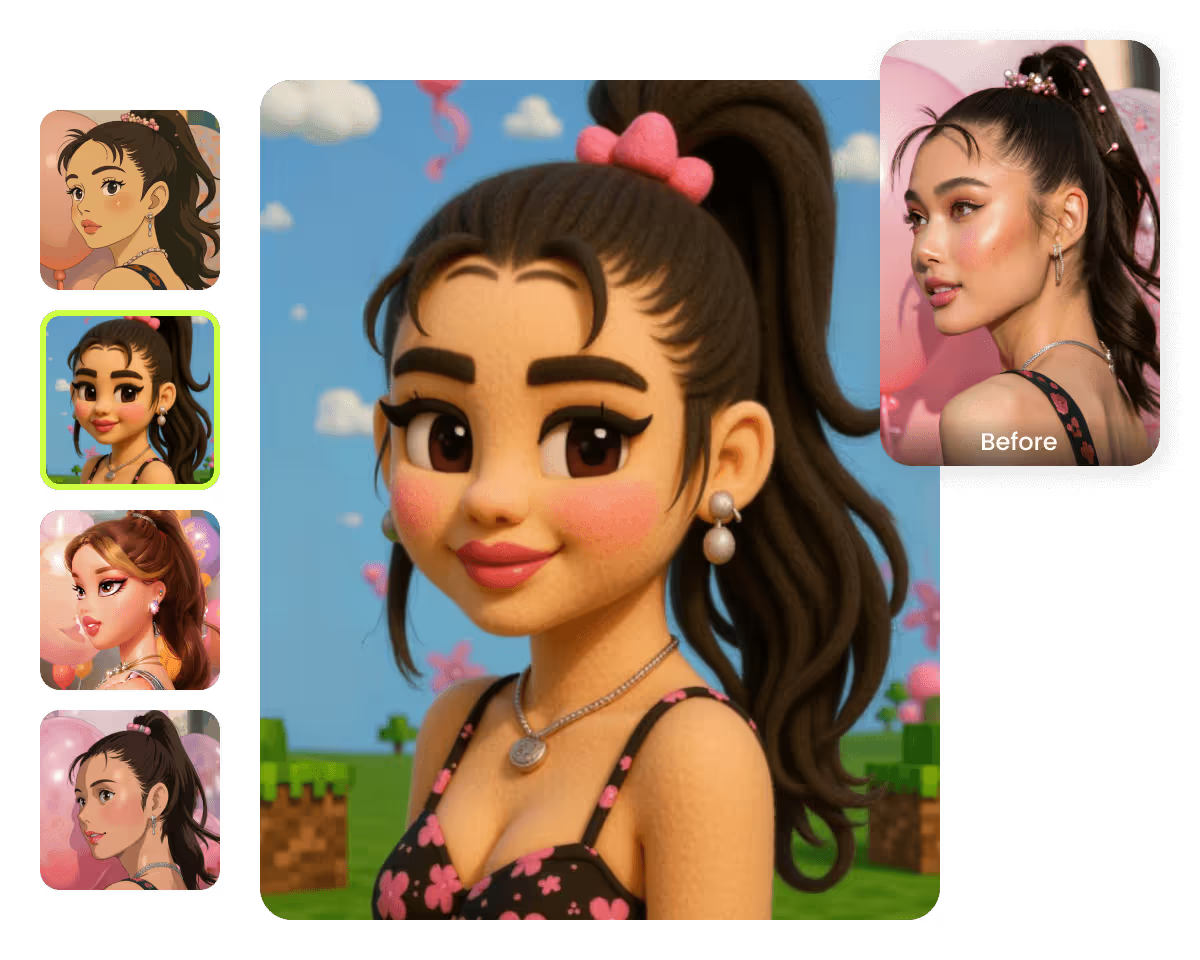
Try the Cartoon Filter Effect
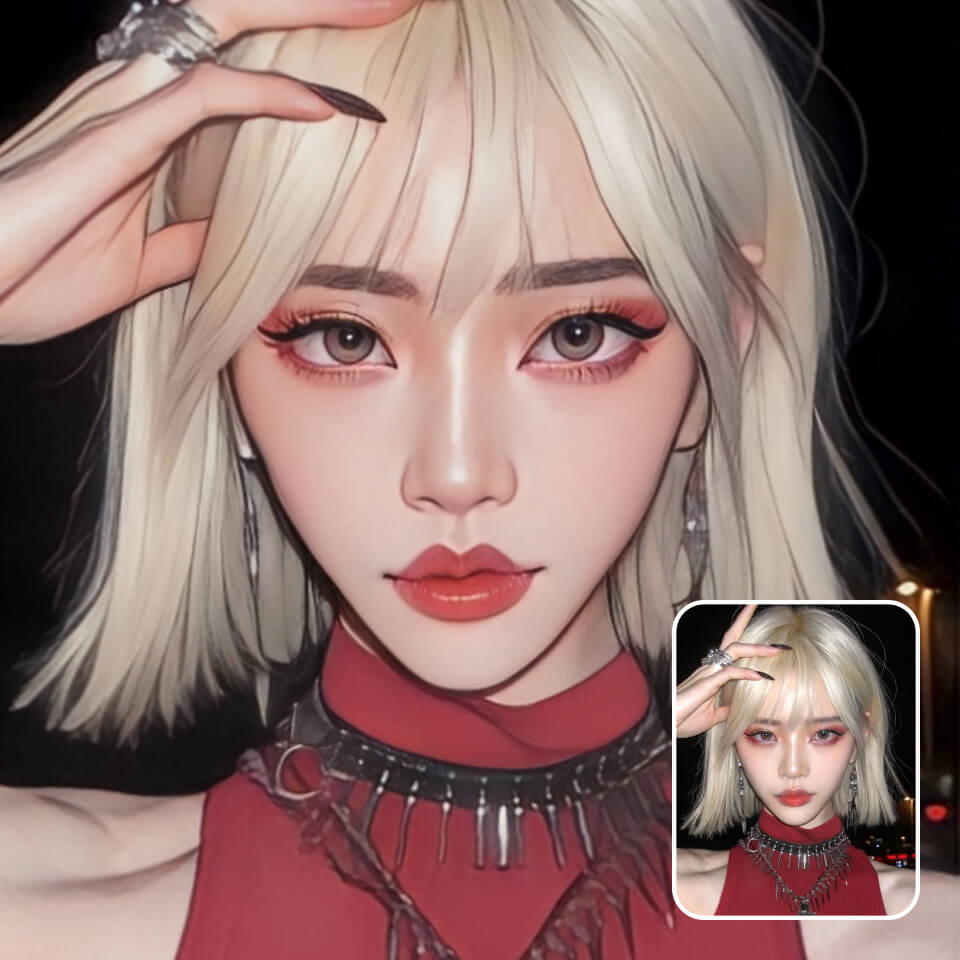
Bring Anime Style to Photos
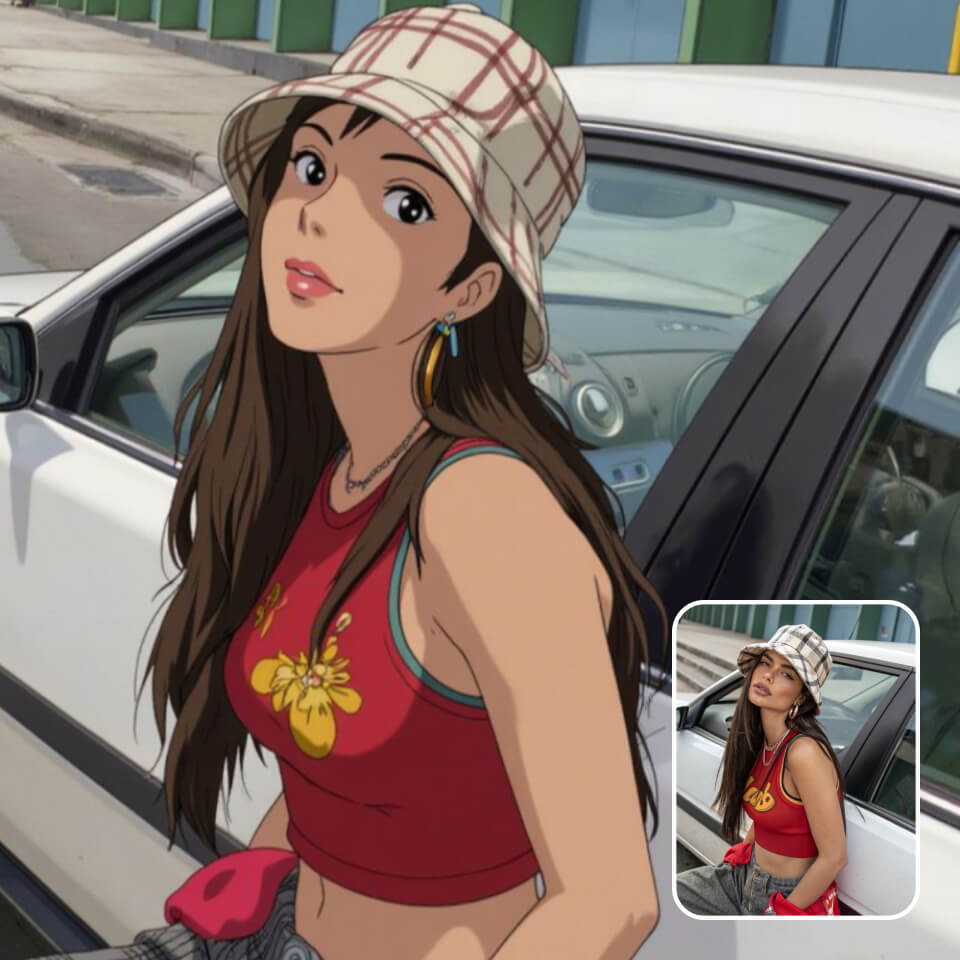
Convert Photos into Sketches
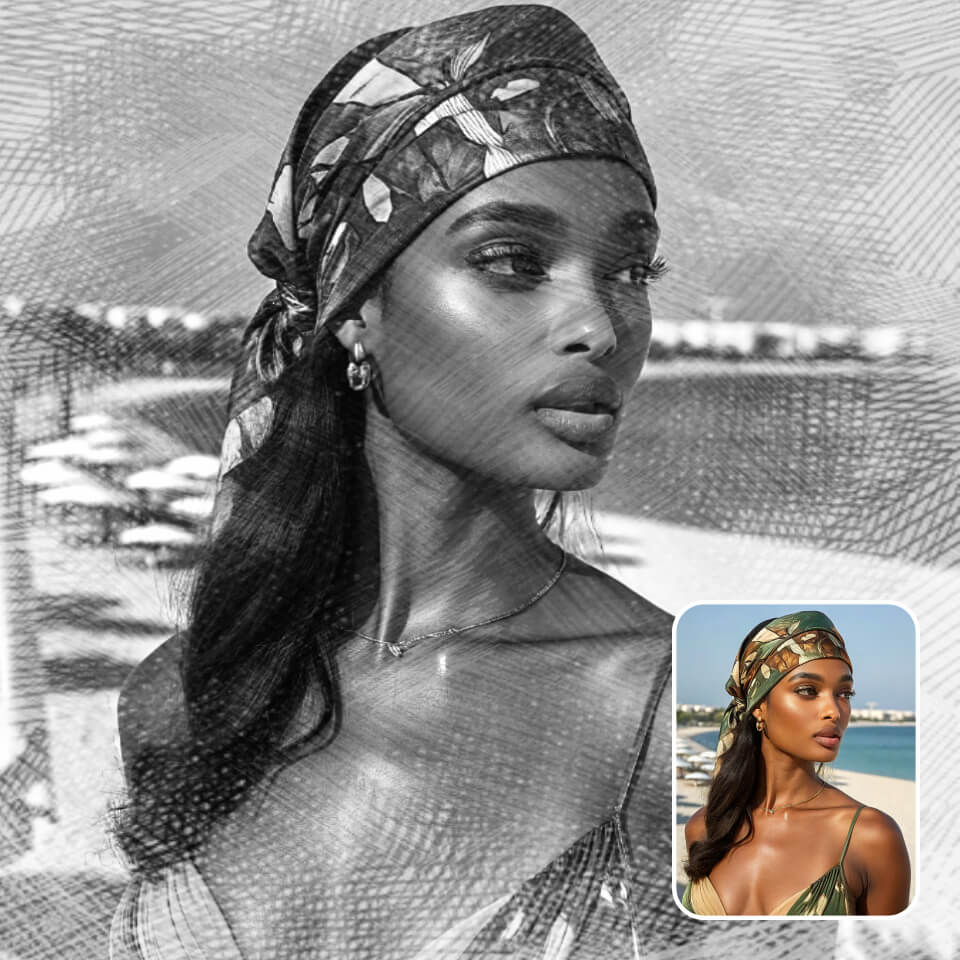
Make Photos into paintings
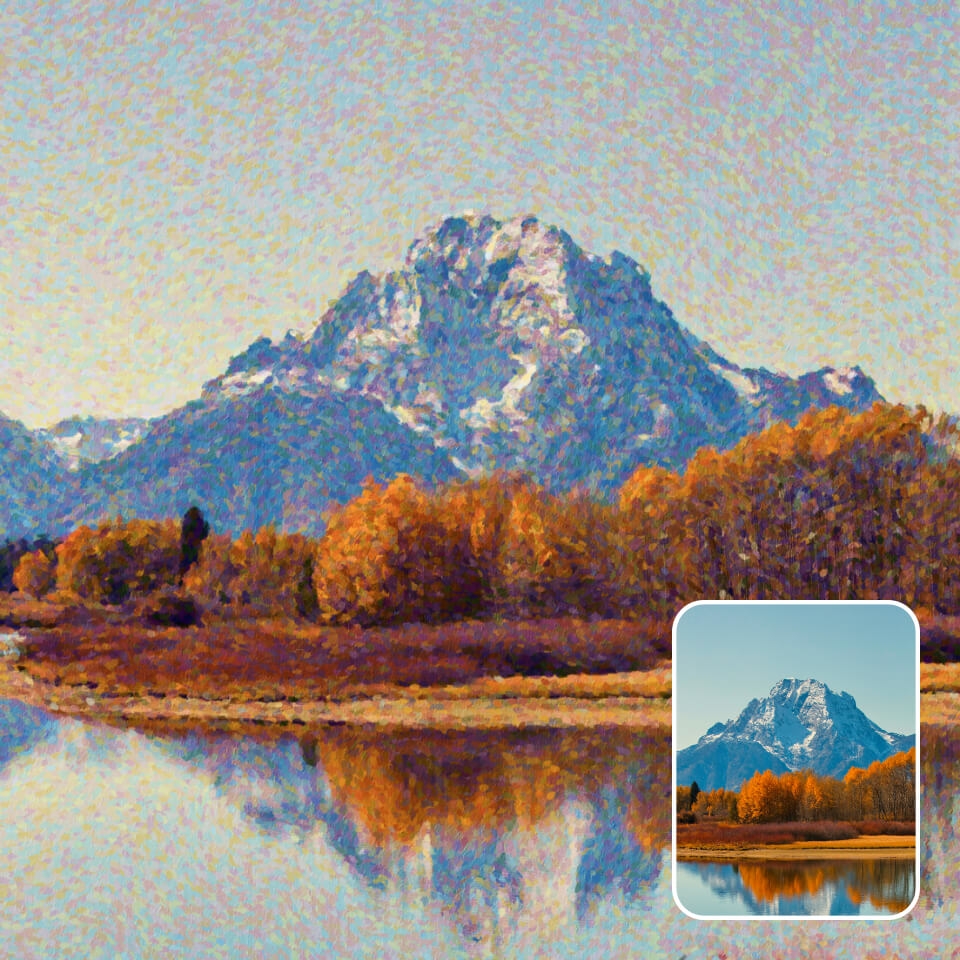
Generate Pixel Art from Photos
How to Turn Your Photo to an Art?
Upload
Upload any photo you want to transform.
Pick a filter
Choose from any of dozens of PhotoCat AI filters for free. Each creates a unique, fun effect.
Click and enjoy
Apply the filter with a single click. Within seconds, your AI output will be generated and ready to download.
User Reviews
FAQs
What is an AI filter?
An AI filter uses artificial intelligence to apply a style or effect to your photo. But instead of just altering your photo like old-fashioned filters, they generate a whole new image with the same subjects and composition. Different filters can turn photos into drawings, paintings, and more.
Are PhotoCat filters free?
Yes, PhotoCat AI photo filters are 100% free.
How many AI filters does PhotoCat include?
Will AI filters reduce image quality?
How long does it take to process AI images?
More Ways to Perfect Your Photos

AI Hairstyle Changer
Virtually try on different hairstyles, change hair colors online with a photo.
AI Face Swap
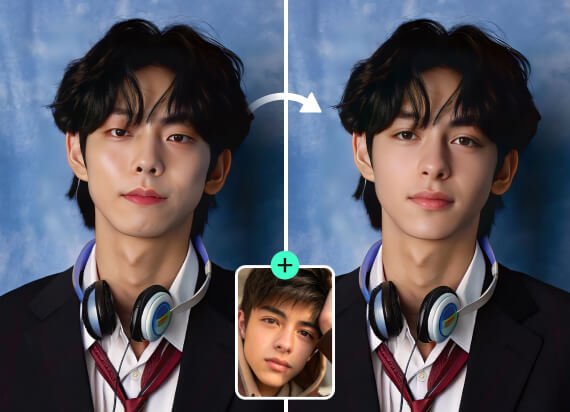
Swap faces in any photo with AI, change faces with celebrities, friends or memes.

AI Photo Retouching
Smooth skin, erase flaws, and add makeup in just one tap.

AI Image Enhancer
Upscale image sizes to 4K, remove noise and enhance blurry image with AI.

Tap to Reveal Your Filtered Look
Upload an image, pick a filter, and transform your photo. It's free.