
AI Enhance Ultra for Natural Photo Retouch

Restore clarity, refine portraits, balance light, improve skin tones, and remove distracting backgrounds with scene-aware AI. Get sharper detail, cleaner color, and natural-looking results without heavy smoothing or fake retouching.
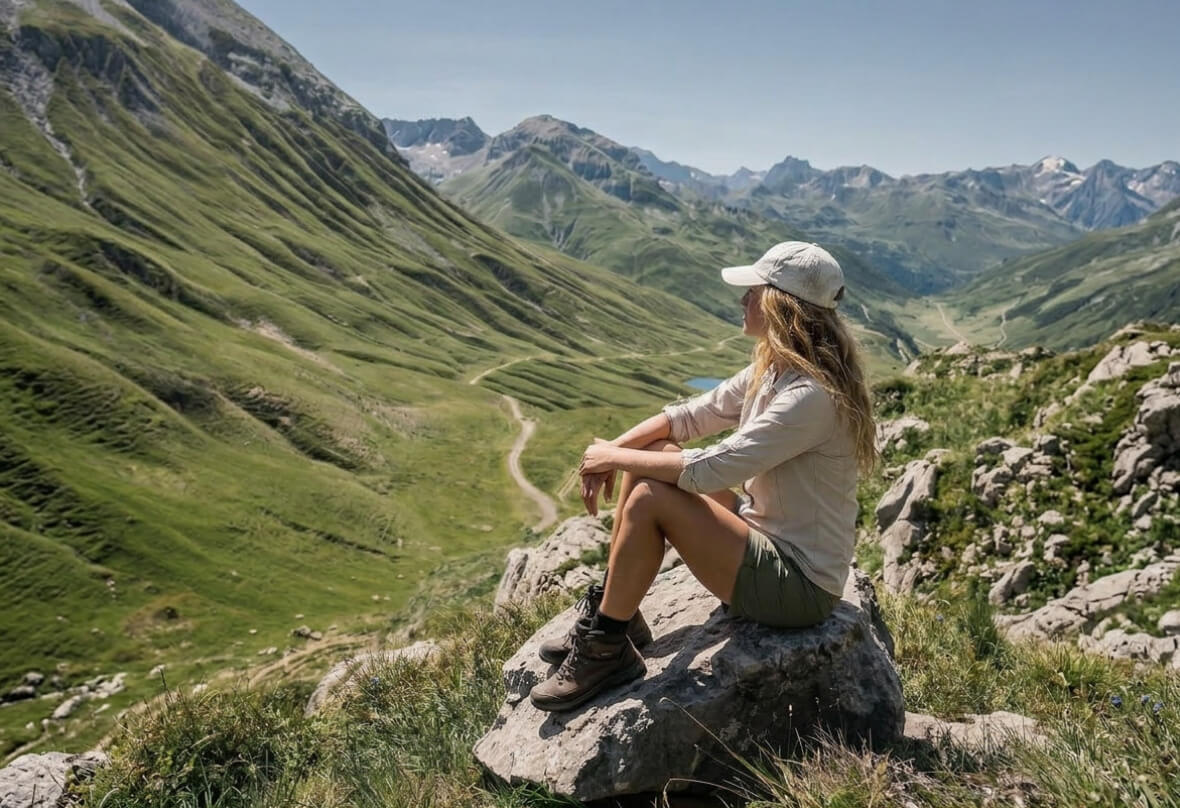
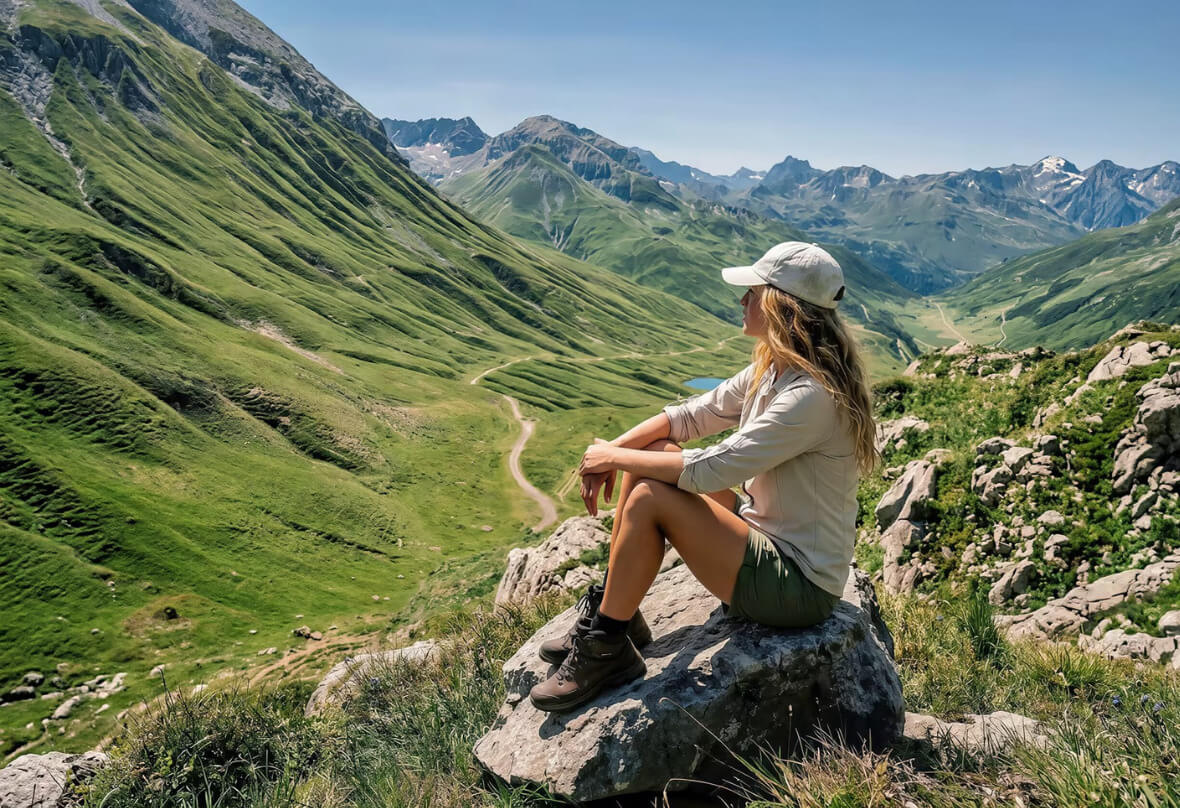
PhotoCat AI Enhance Ultra
Bulk edit up to 50 imagesDrag and drop Images here
IosIos
GoogleGoogle
PhotoCat AI Enhance Ultra

Natural AI Portrait Enhancement

AI Enhance Ultra improves portraits based on facial features, skin tone, and texture instead of using a one-style beauty filter. It adjusts light and tone for each face while preserving natural detail, so the result looks balanced, realistic, and never overly smoothed.
PhotoCat AI Enhance Ultra

Clear Detail & Texture Recovery

Blurry, overexposed, or flat photos lose important detail. AI Enhance Ultra restores clarity by fixing lighting issues, recovering shadows, and enhancing fine textures without heavy smoothing. The result keeps natural grain and structure so images stay sharp and clean even when zoomed in.
PhotoCat AI Enhance Ultra

Smart Scene Color & Cleanup

AI Enhance Ultra reads the scene and automatically adjusts color, contrast, and lighting for a consistent look across photos. It also removes background distractions like clutter or passersby, keeping the subject clear and centered while maintaining natural color balance and visual harmony.

How AI Enhance Ultra Works?

Upload Photo

Upload a portrait, landscape, travel image, or small batch to start AI Enhance Ultra.

Let AI Work Its Magic

AI Enhance Ultra instantly analyzes the scene, lighting, details, and portrait attributes, then enhances sharpness, textures, skin tones, and colors for a natural, high-quality result.

Download and Save

Once processing is complete, download your enhanced image and save it for sharing, editing, or use in your projects.

PhotoCat AI Enhance Ultra

FAQs

What’s the difference between PhotoCat AI Enhance Ultra and normal Enhance?

AI Enhance Ultra goes beyond basic enhancement. It uses scene detection and portrait attribute analysis to apply tailored adjustments for lighting, detail, color, and skin tones, instead of relying on a single-layer improvement in image quality or color.

Does it work for both portraits and landscapes?

Yes. It works for portraits, landscapes, travel shots, lifestyle photos, and everyday images that need clearer detail and better overall tone.

Why does AI Enhance Ultra take longer than other tools?

Can I process more than one photo at a time?

Do faces look natural with AI enhancement?

Call to Action

Level Up Your Photos in Seconds

Upload a portrait, landscape, or everyday shot. Let AI analyze and enhance it instantly into a clearer, brighter, more refined image.