
Batch Photo Editor: Edit Multiple Photos at Once

Edit up to 50 photos at once with PhotoCat batch photo editor. Retouch faces, change hairstyles, remove objects, and enhance images automatically with AI.

PhotoCat Batch Photo Editor
Bulk edit up to 50 imagesDrag and drop Images here
IosIos
GoogleGoogle
PhotoCat Batch Photo Editor

Retouch Faces in Photos as a Batch
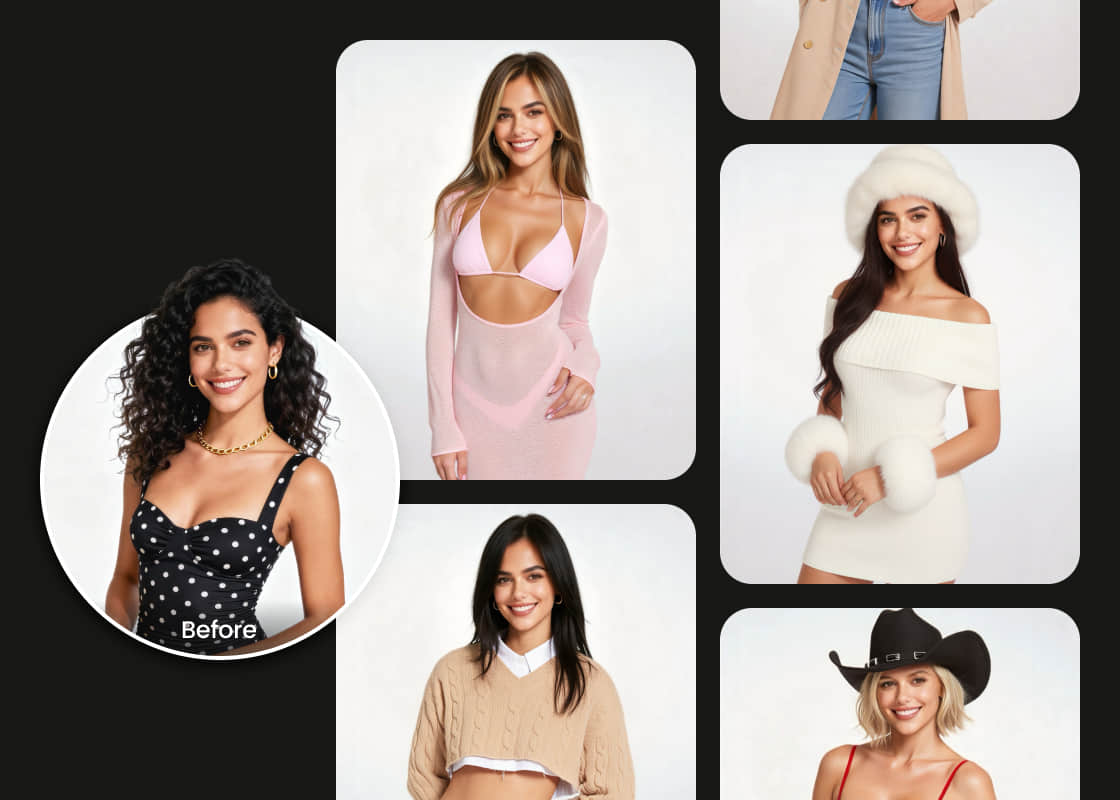
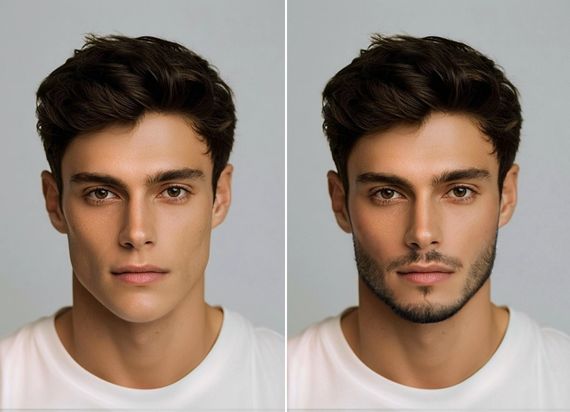
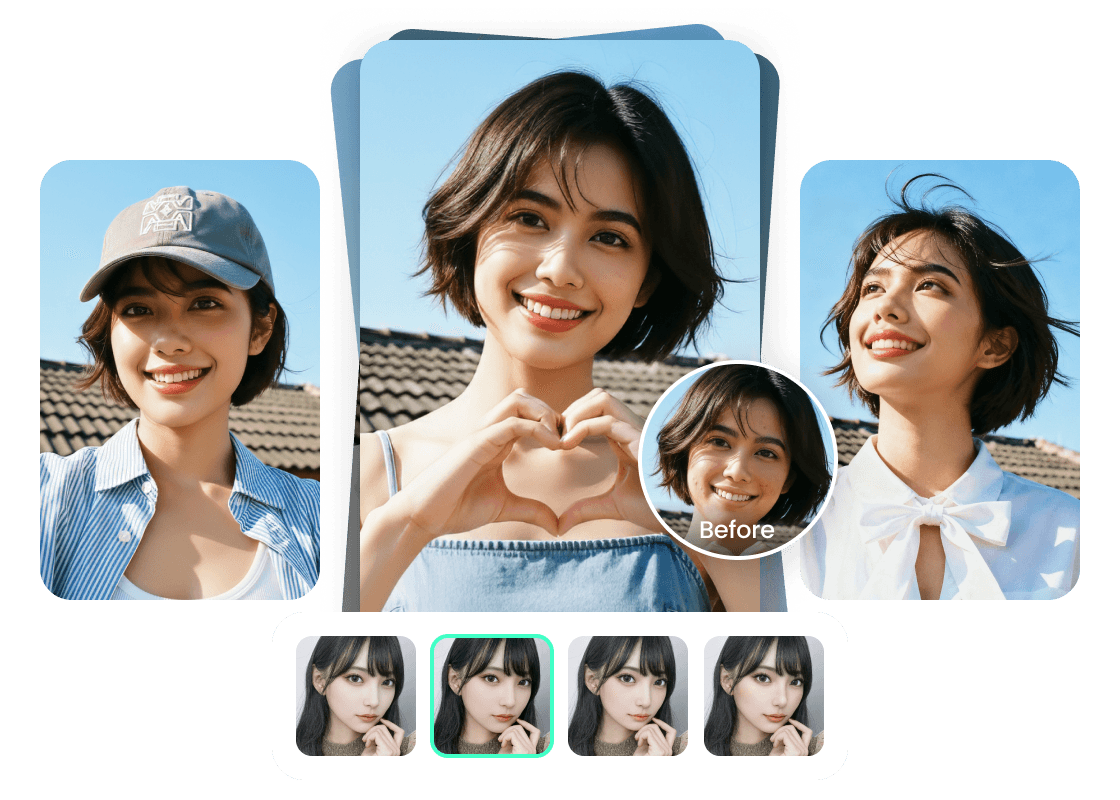
PhotoCat Batch Photo Editor lets you retouch faces in up to 50 photos at a time. Modify makeup, enhance smiles, or make other adjustments to facial features in multiple photos simultaneously. PhotoCat ensures consistent results across your batch.
PhotoCat Batch Photo Editor

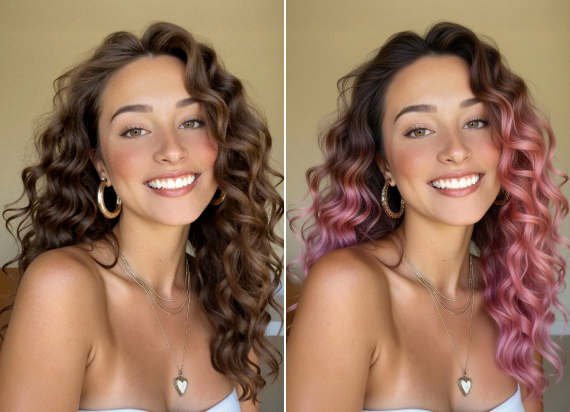
Change Hair and Outfits in Multiple Photos
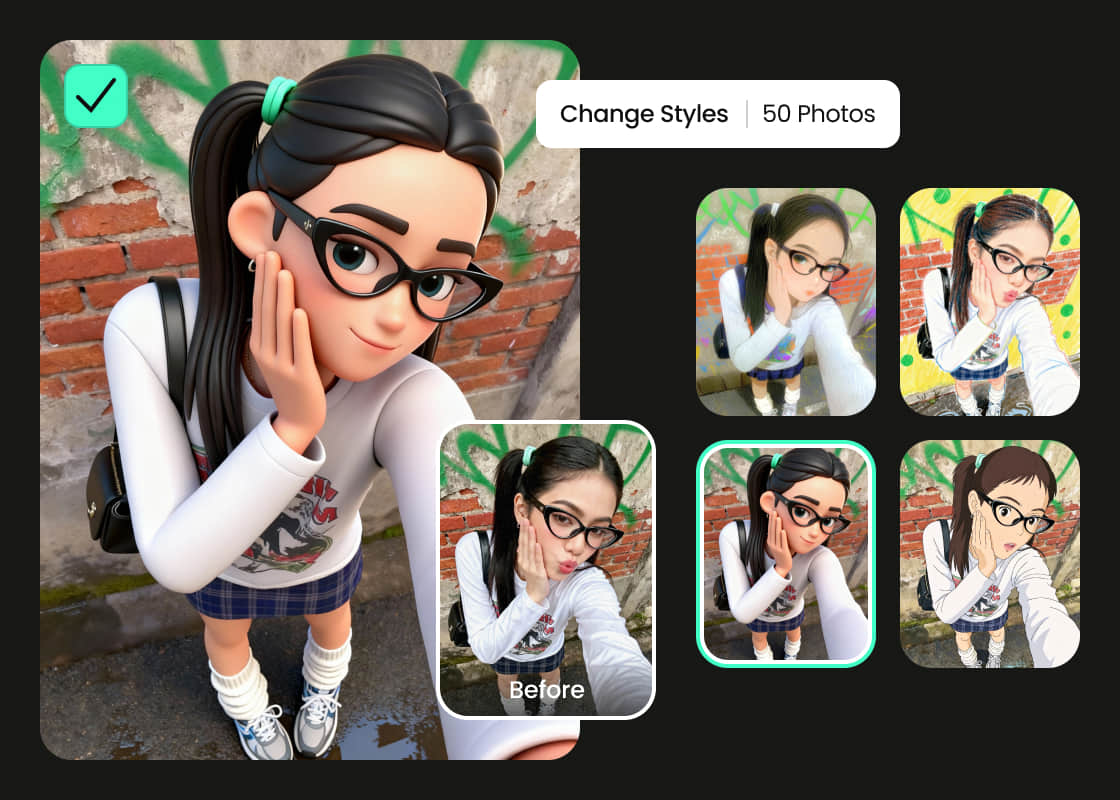
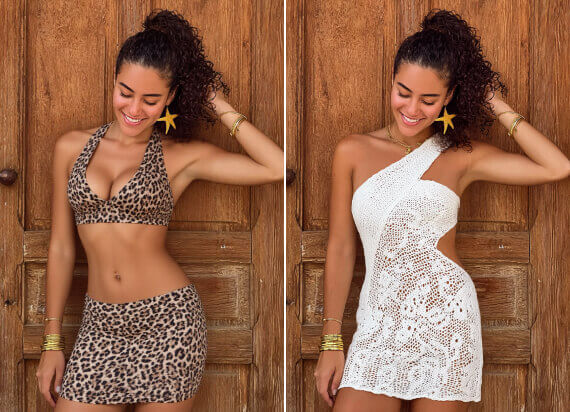
Use the PhotoCat bulk image editor to try out hairstyles or outfits in multiple photos at once. Try different haircuts, bangs and hair colors, or switch between party wear, beachwear, formal attire, and other outfits. Change hair or outfits for one person in multiple photos, or multiple people across the whole batch.
PhotoCat Batch Photo Editor

Turn Photos into Art Styles in Groups
Automatically convert a whole batch of photos to a different style. Click or tap once to turn them into anime, cartoons, pencil sketches, pixel art, paintings, or other styles or mediums. This is a quick and easy way to create avatars instantly for a whole team with a consistent style.
PhotoCat Batch Photo Editor

Remove Objects from Photos in Bulk

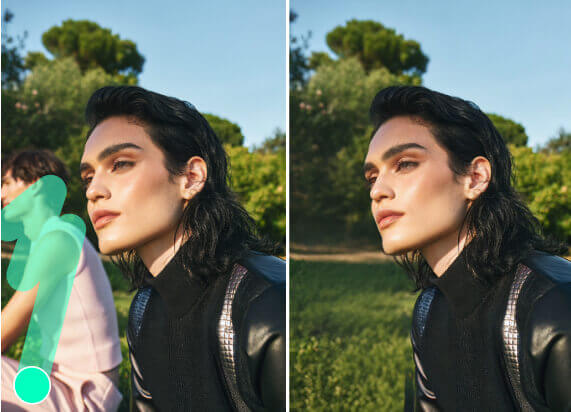
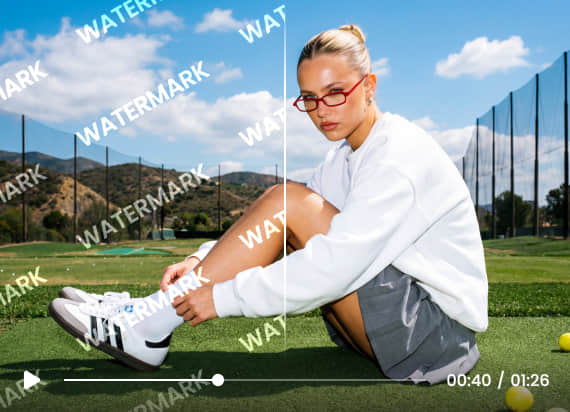
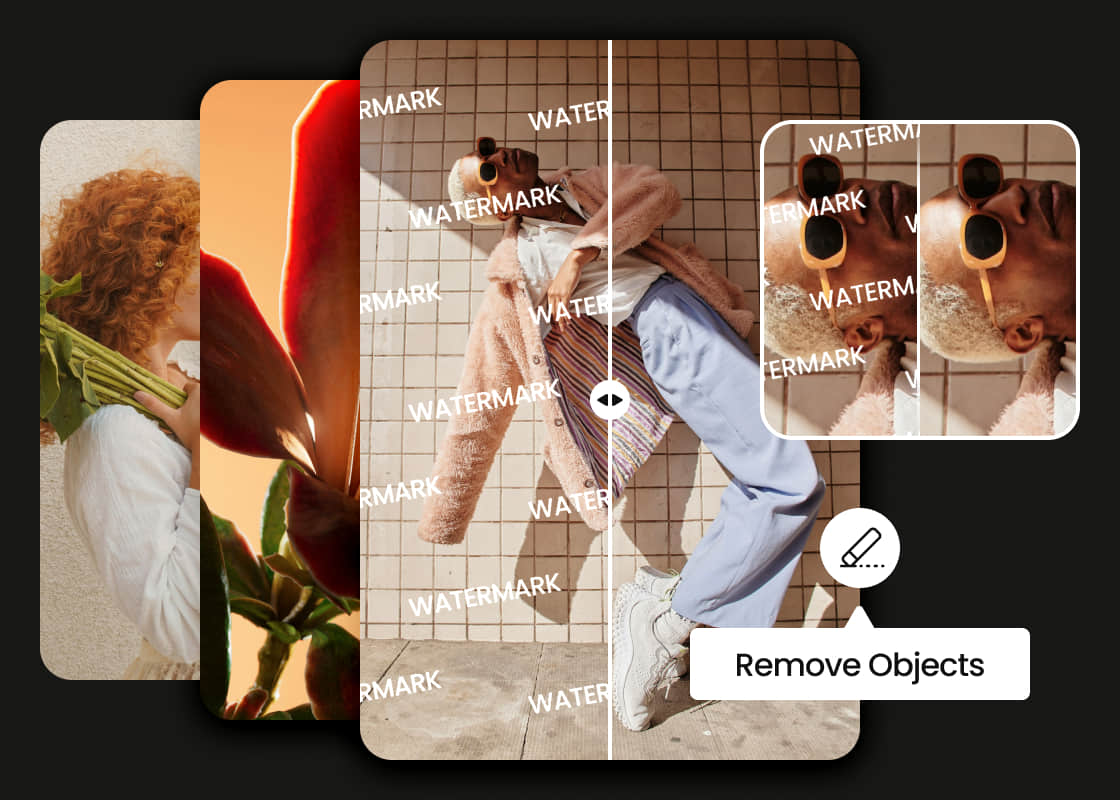
Remove an unwanted object from an entire batch of photos at once. You could do this to get rid of a watermark, signature, logo, text, street sign, or even people. The AI detects the object accurately, and removes it, seamlessly preserving the backdrop.
PhotoCat Batch Photo Editor

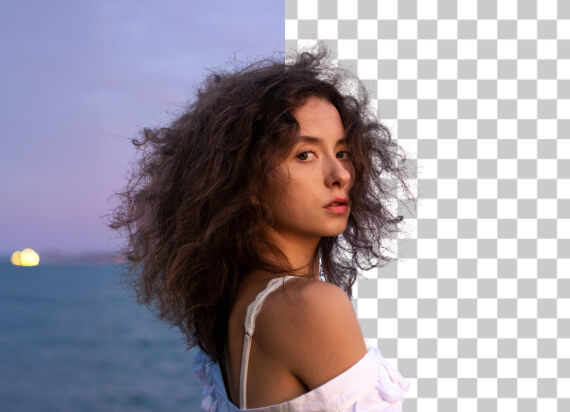
Edit Background with Batch Photo Editor

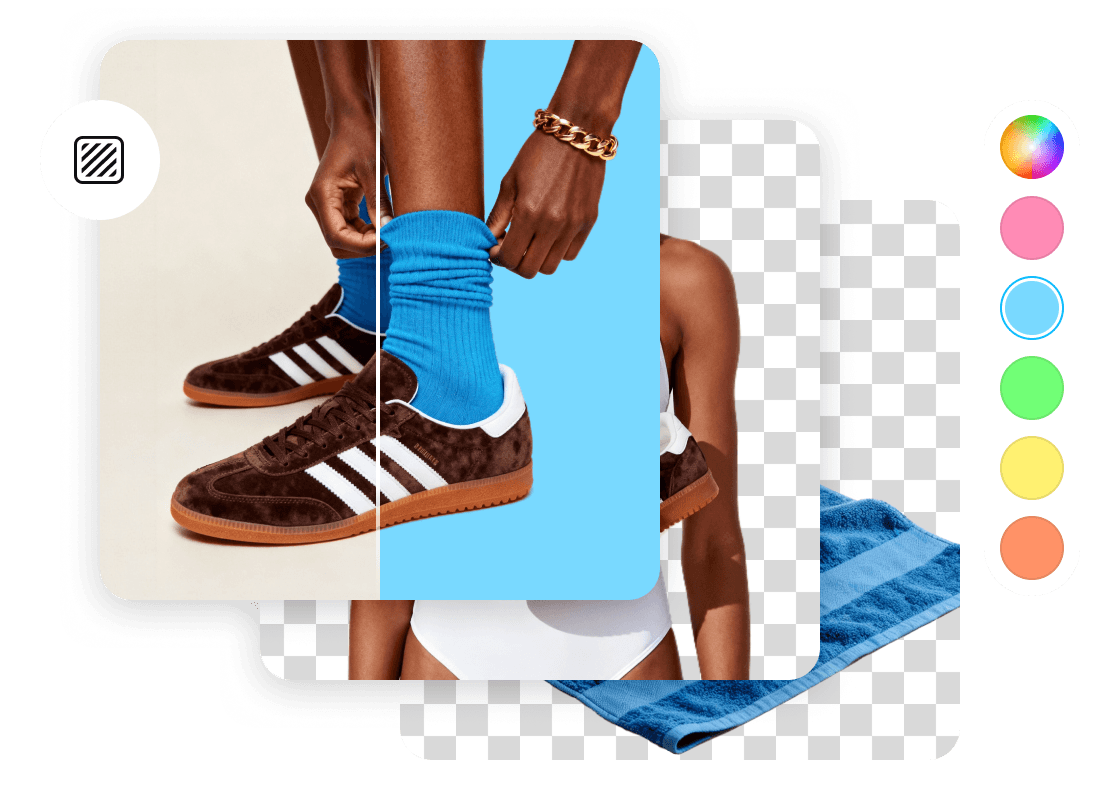
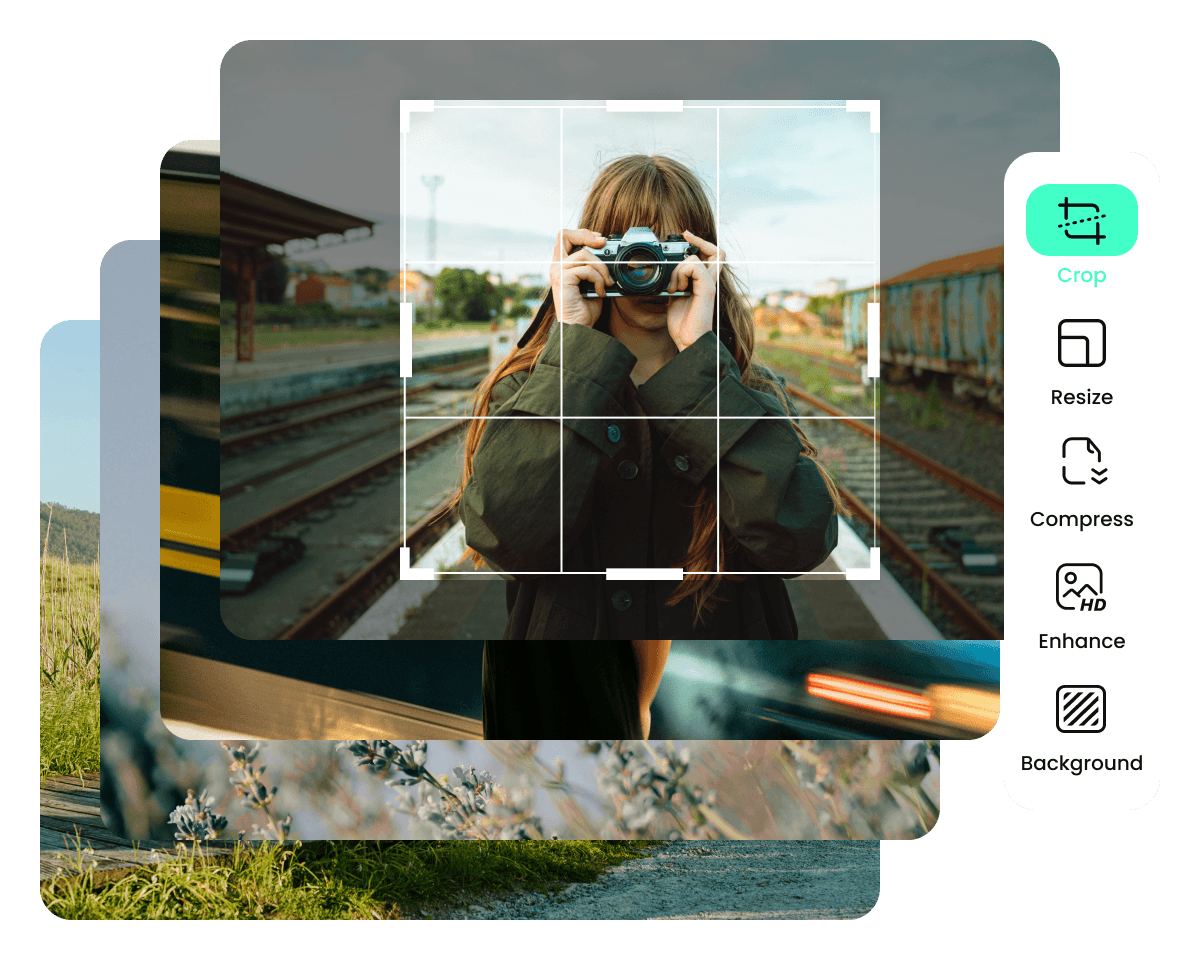
Remove the backgroundfrom a batch of photos, or change the background in all the photos to a specific color. PhotoCat batch photo editor could help you create photo IDs for employees, product photos for your website or marketing materials, or anything else where you need consistent clean backdrops.

Mass Enhance and Colorize Photos

Ehance Photo
Old Photo Restore
Colorize Photo

Batch Image Enhancer with HD Quality

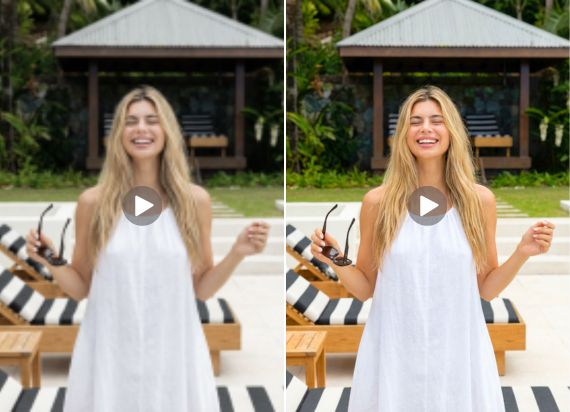
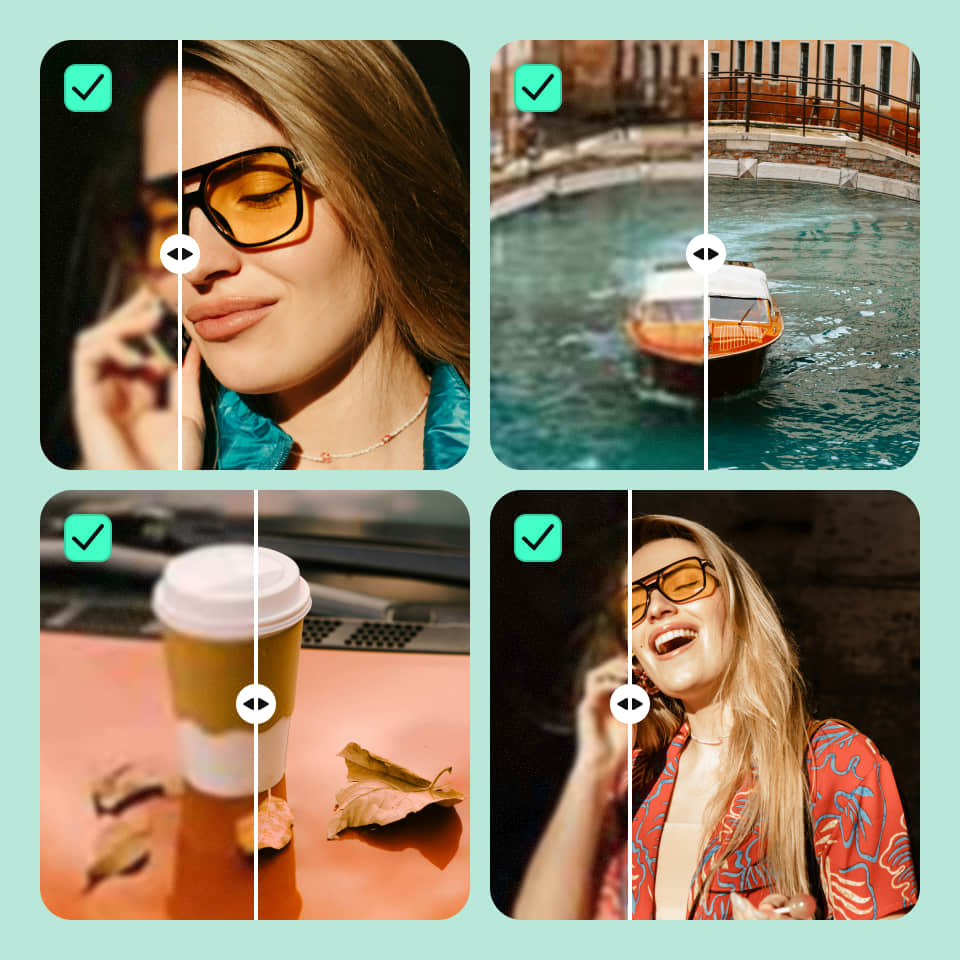
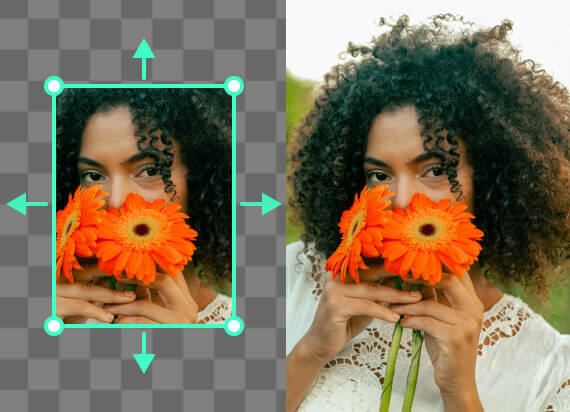
Upscale multiple images simultaneously using PhotoCat AI. Bulk upscaling will increase the size of your images and improve their clarity at the same time, resulting in crisp, high quality images that are ready to use in your projects.
PhotoCat Batch Photo Editor

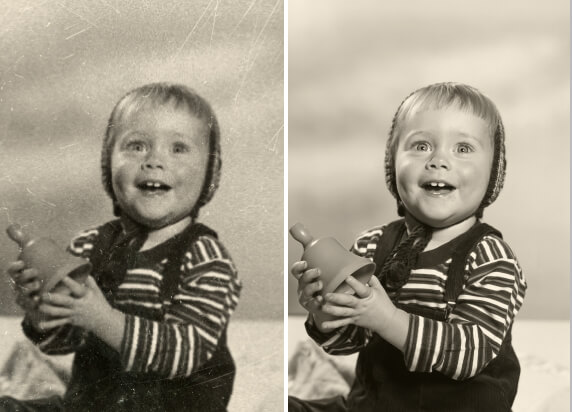
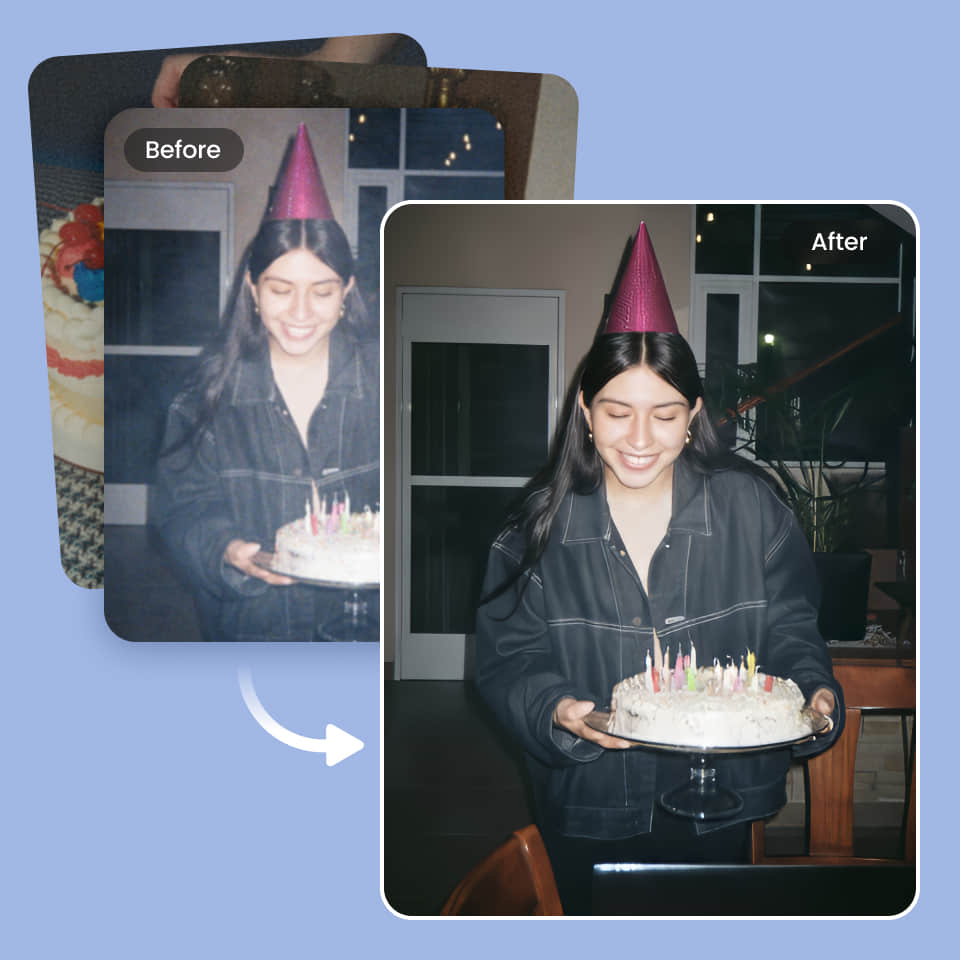
Restore Multiple Old Photos

Remove grain, enhance sharpness, and restore missing details to old photos using PhotoCat Batch Photo Editor. Make old photos look like new, and repair damaged photos to reconstruct missing or obscured elements.
PhotoCat Batch Photo Editor

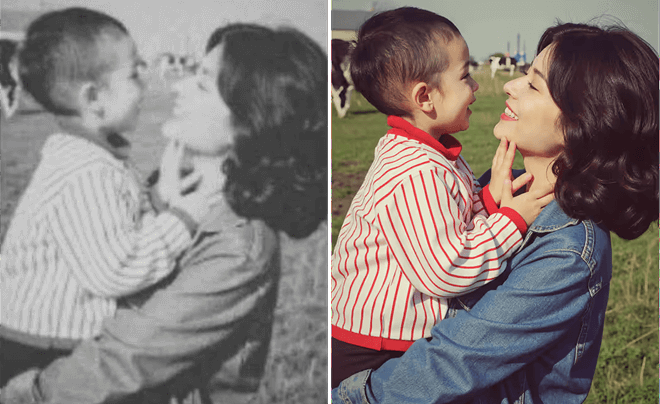
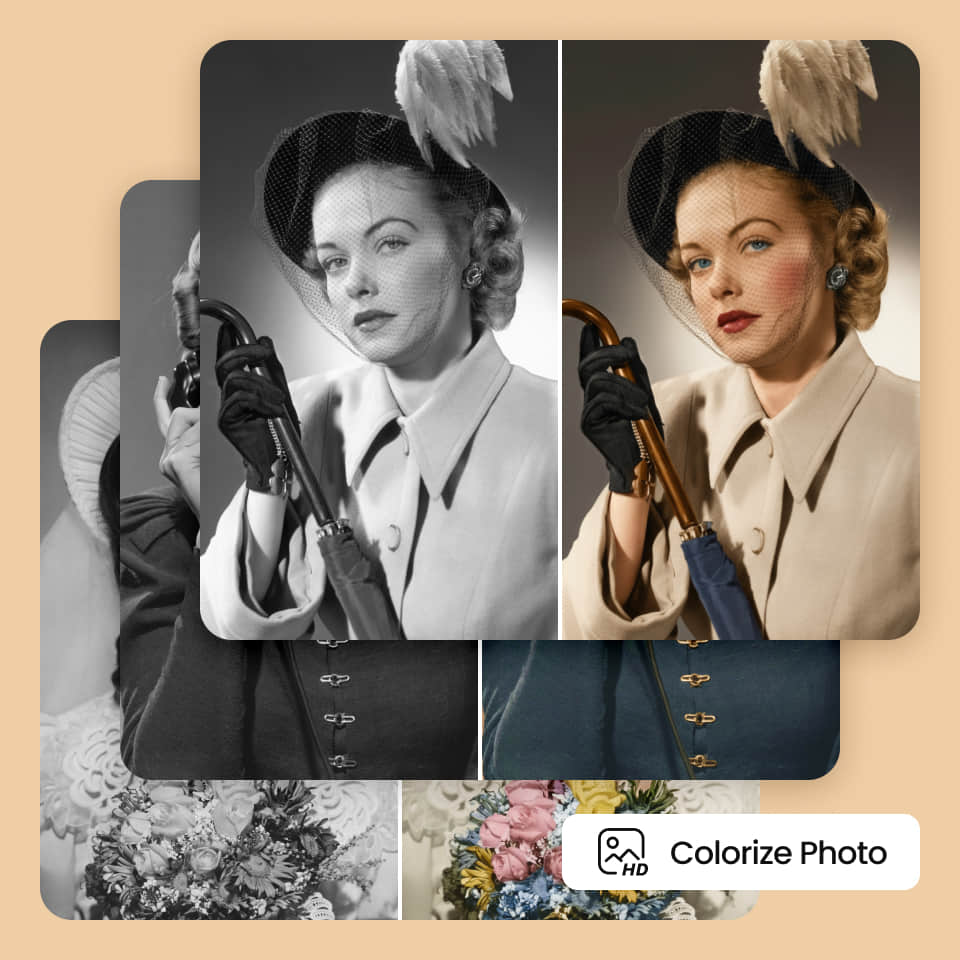
Bring Black and White Photos to Life

PhotoCat AI can instantly detect what is in a black and white or sepia photo and convert objects, people and backdrops into full color. With the Batch Photo Editor, you can apply this colorizing effect to a whole batch of images at once.
PhotoCat Batch Photo Editor

Why Choose PhotoCat Batch Photo Editor?

what
Edit Up to 50 Photos
Traditional photo editors only let you edit one image at a time. But PhotoCat Batch Photo Editor lets you apply your edits to up to 50 photos at a time automatically, saving time and effort in your workflows.
what
Batch Editing with AI
PhotoCat uses powerful AI technology to automatically and accurately detect image content to apply targeted batch enhancements and changes based on the tools and settings you choose. There is no need for manual selection.
what
All-in-One Batch Editor
PhotoCat Batch Photo Editor is more than just an image quality enhancement tool. It also lets you remove watermarks and other objects, change hairstyles and outfits, edit the backgrounds of photos, and more.

How to Edit Multiple Photos at Once?

Upload your batch

Upload the batch of photos you want to edit by dragging and dropping them into the Batch Photo Editor. Process up to 50 at a time.

Choose the tool to use

Select the batch editing feature you want to use, then apply it with one tap or click.

Download and save

Download the finished images as a batch in a zip file, and save them to your device. You can unzip the file to access the images.
PhotoCat Batch Photo Editor

User Reviews

Mike T.
“This is the best tool I’ve found for batch photo editing. I use it regularly to create product photos with a uniform look and feel with consistent solid color backdrops. It’s great for object removal as well.”
Ivan S.
“I needed a tool to edit multiple photos at once from my vacation. I was able to remove people from the landscapes for my whole batch all at once. This let me get unobstructed views of the scenery for much more picturesque shots.”
Chloe D.
“I used this tool to batch edit photos our employees submitted to use on our website and social media. They all have matching backgrounds now and a cohesive style. It saved me a lot of time.”

FAQs

Is it possible to edit multiple photos at once?

Yes, you can bulk edit photos using the PhotoCat bulk image editor.

How many photos can I edit at a time?

You can process up to 50 photos at a time with PhotoCat Batch Photo Editor.

Does PhotoCat Batch Photo Editor let me detect and change objects, people and backgrounds with AI?

Can I drag and drop with PhotoCat Batch Photo Editor?

Can I upload images in multiple formats at the same time?

Call to Action

Bulk Edit Photos with AI

Upload multiple photos and see instant batch enhancements, colorization, and more. No manual work required.