





AI Object Remover: Remove Objects from Photo Online
Seamlessly remove person, watermarks and other objects from photos in just three easy steps with the free AI object remover.




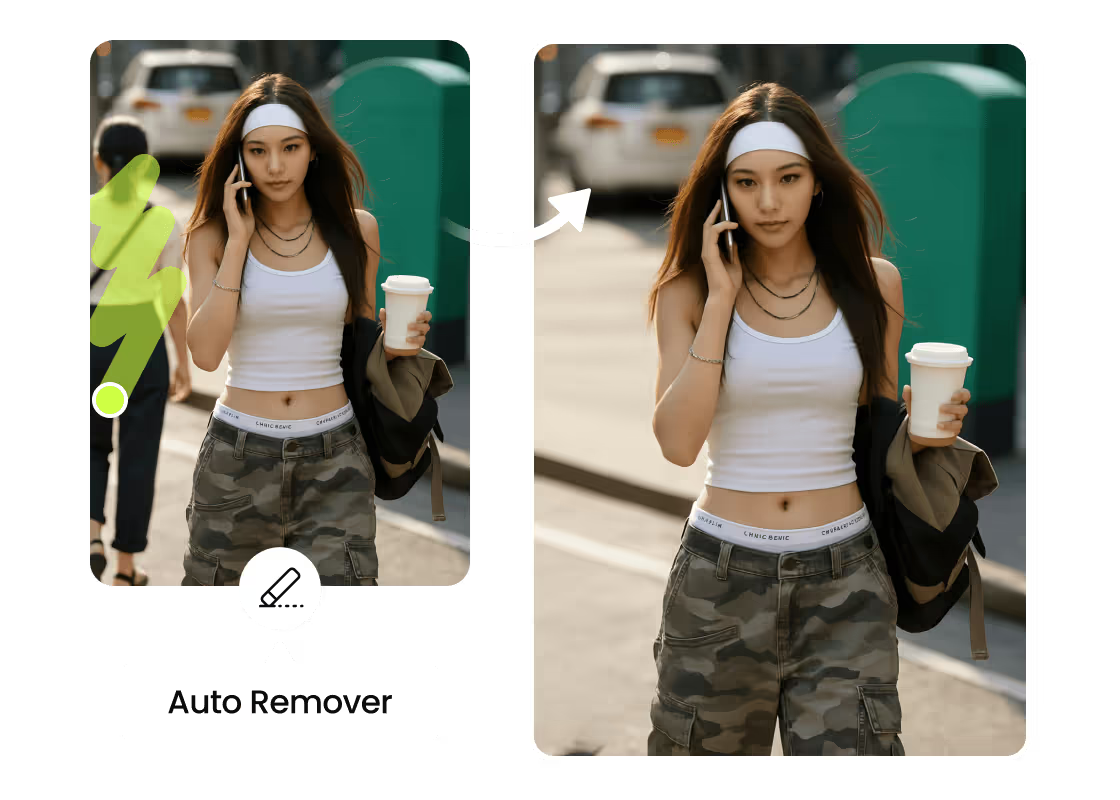
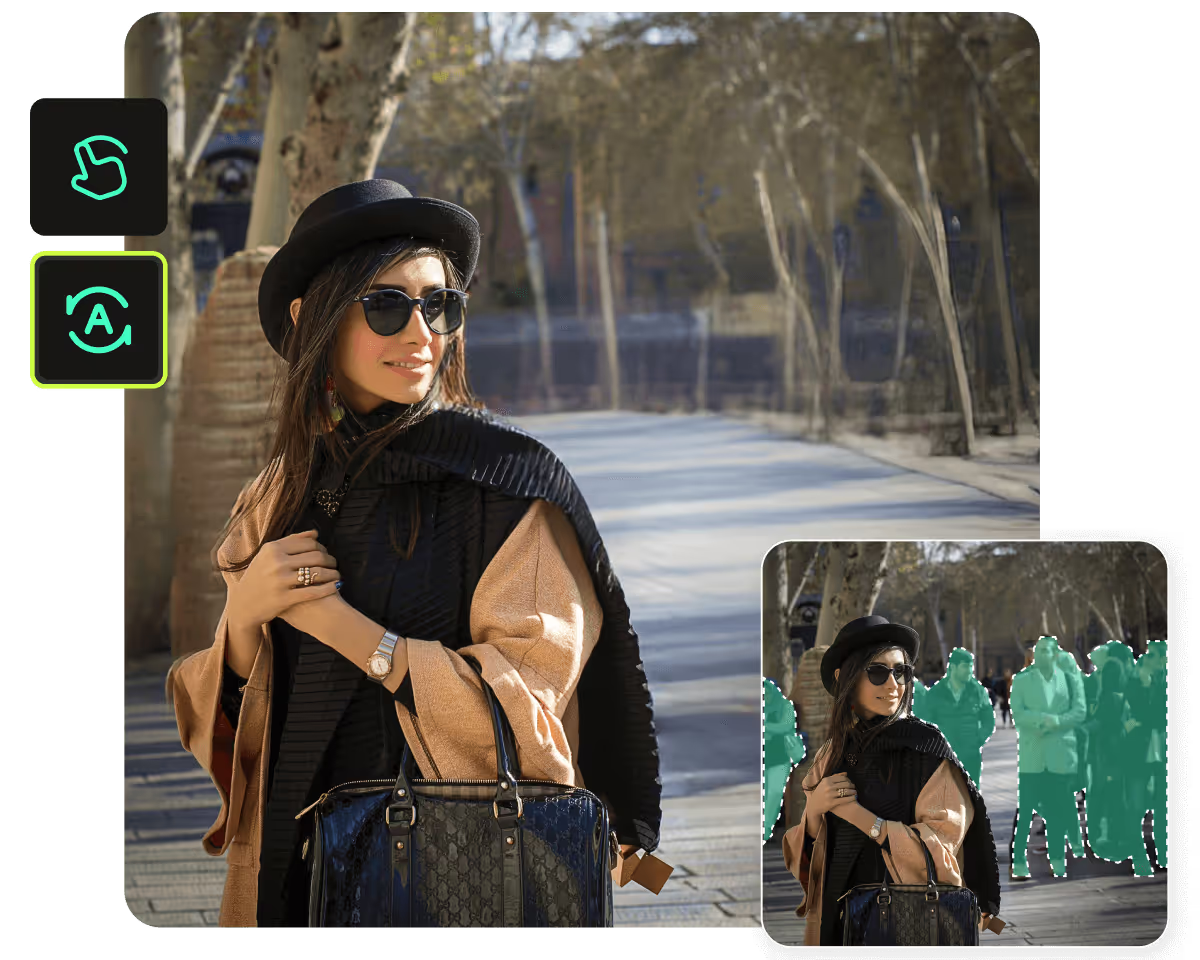
Remove an Object with a Single Tap
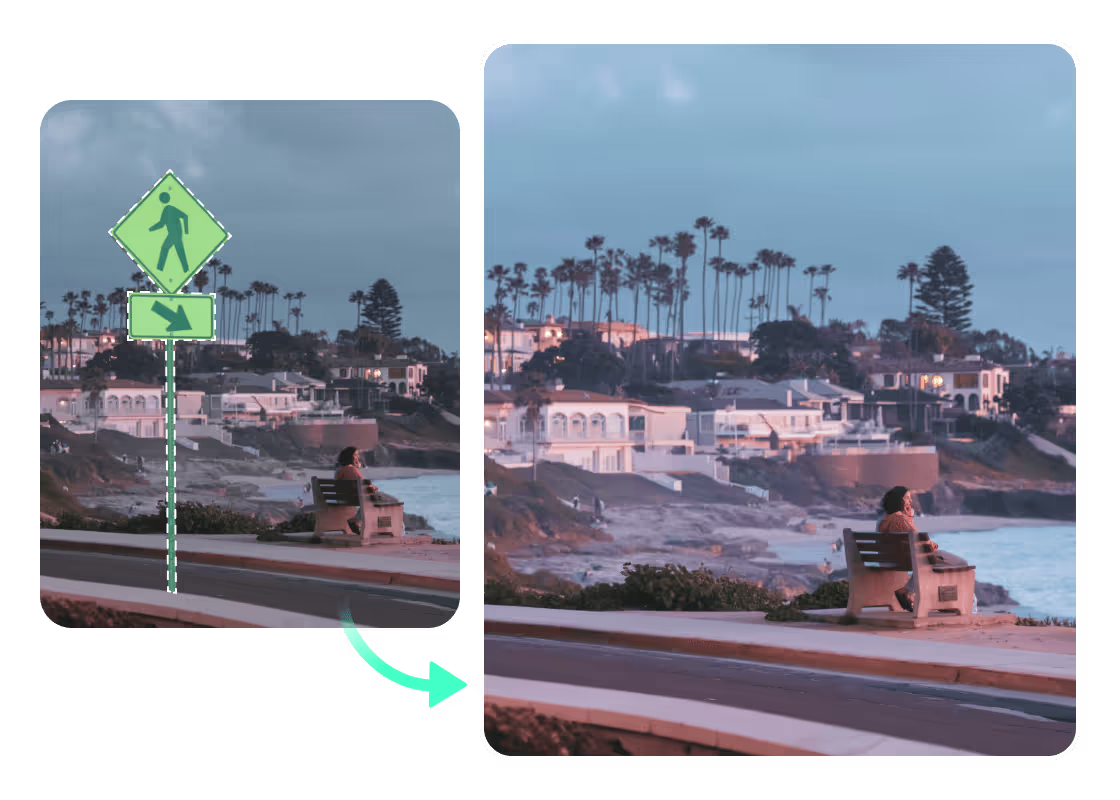
Generative Fills in the Removed Content
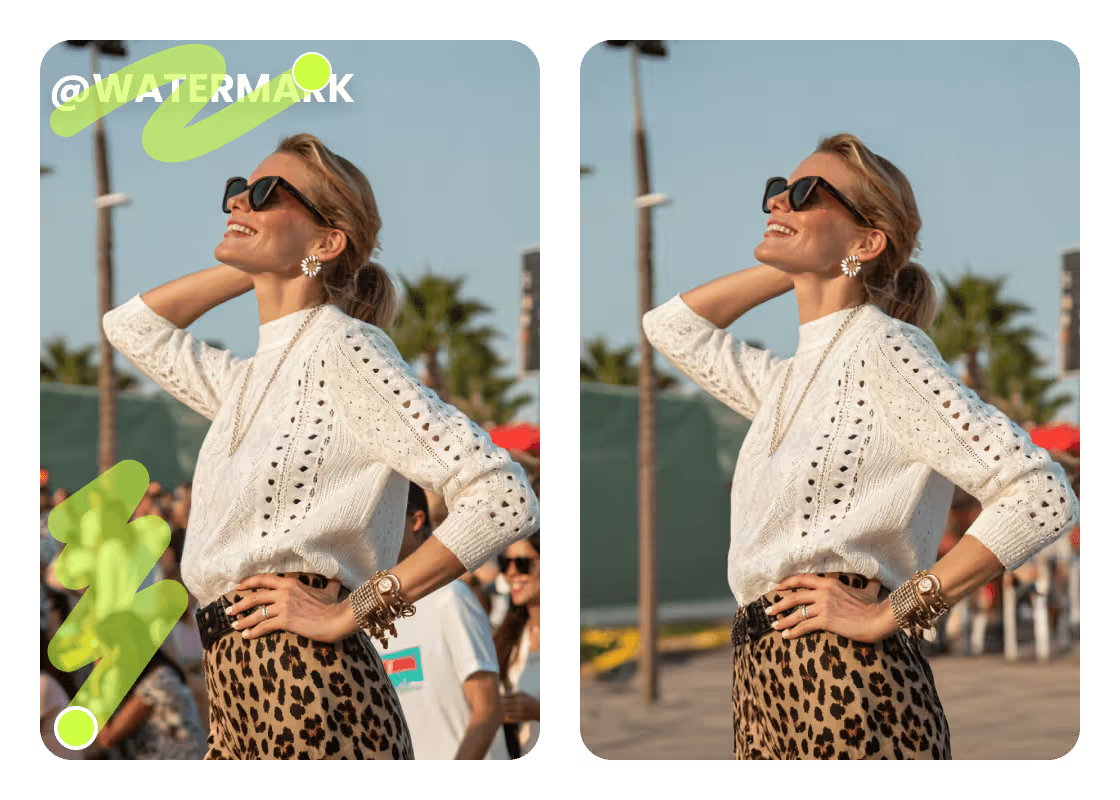
Get Rid of Any Unwanted Object
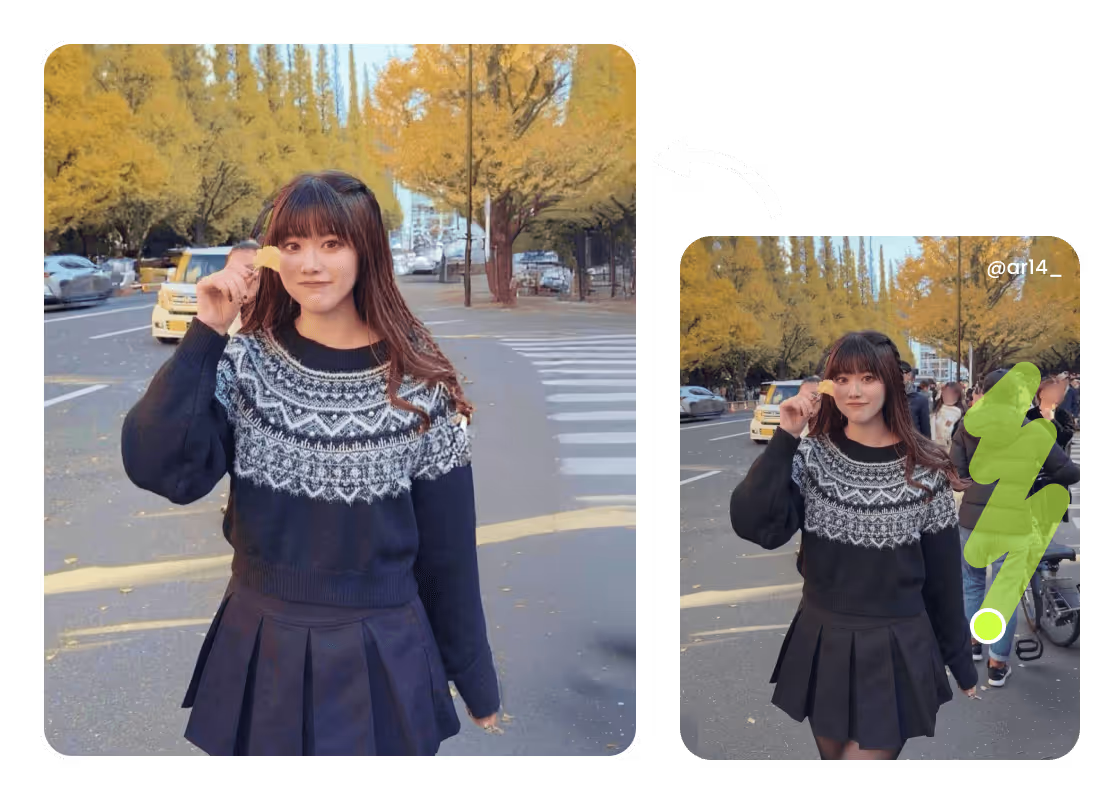
Try Manual or Automatic Object Remover
Free to Use with No Watermarks
Magic Eraser for Any Objects
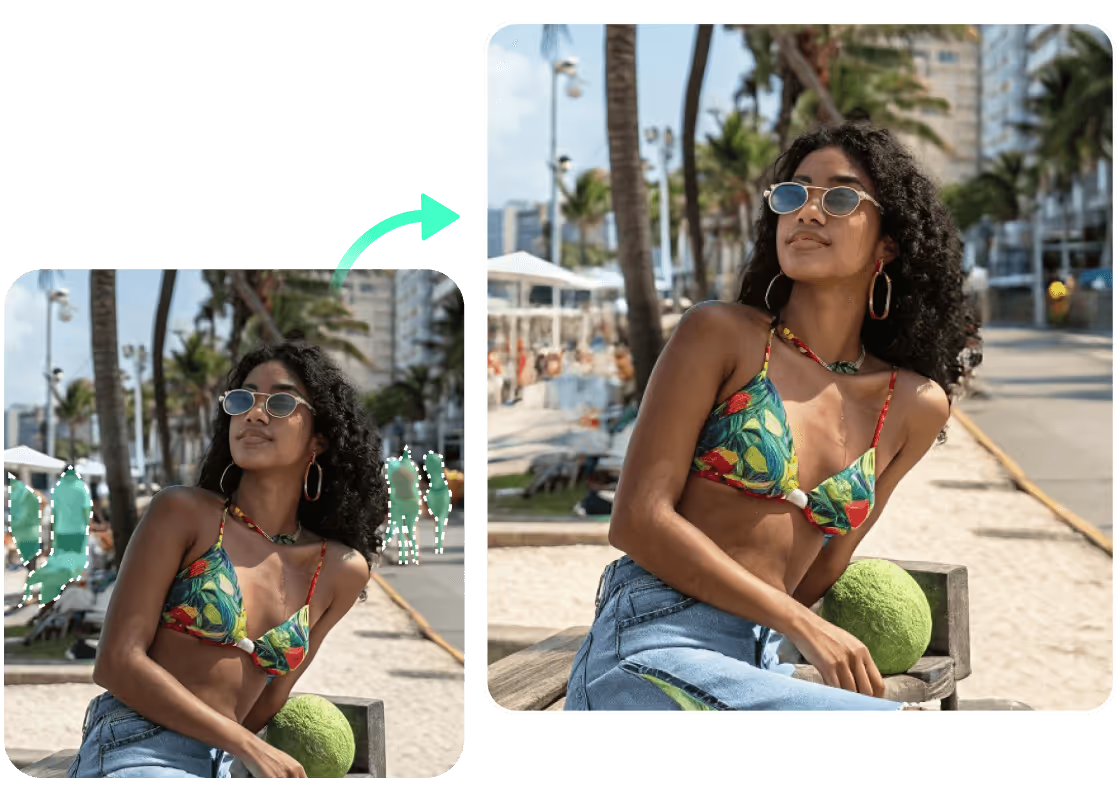
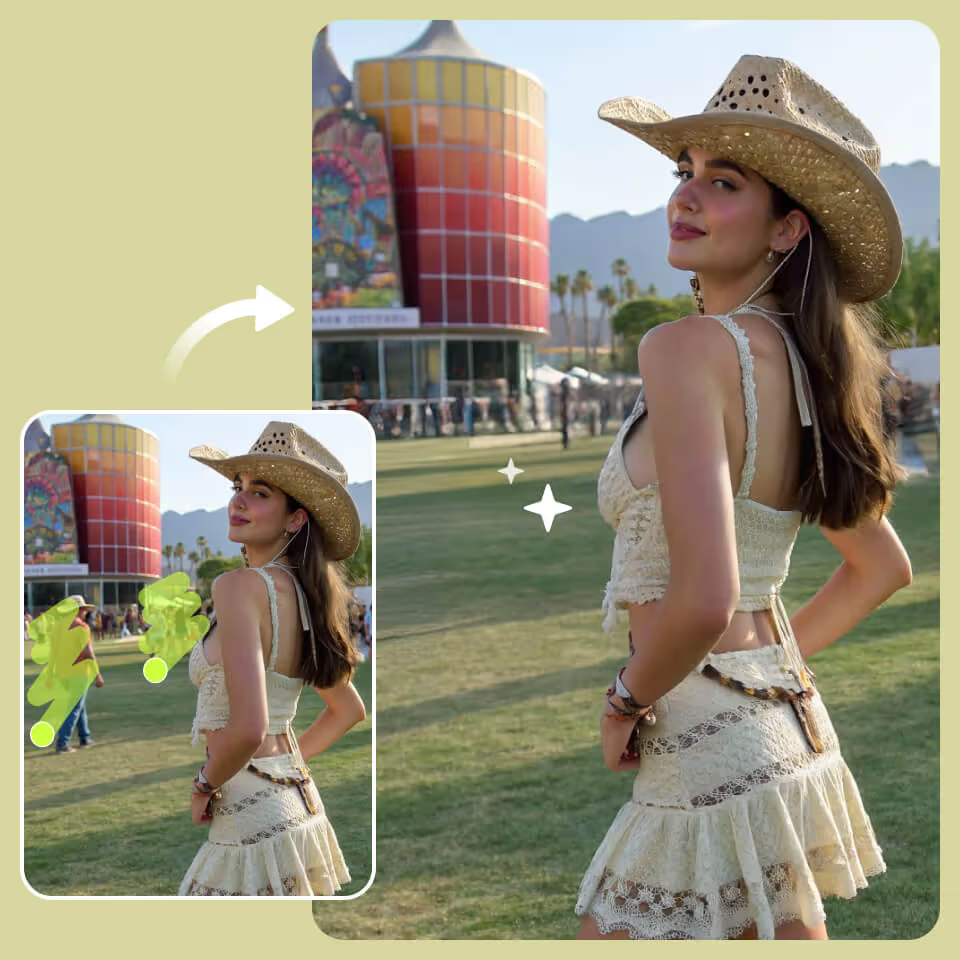
Remove Person from a Photo
Get Rid of Identifying Text
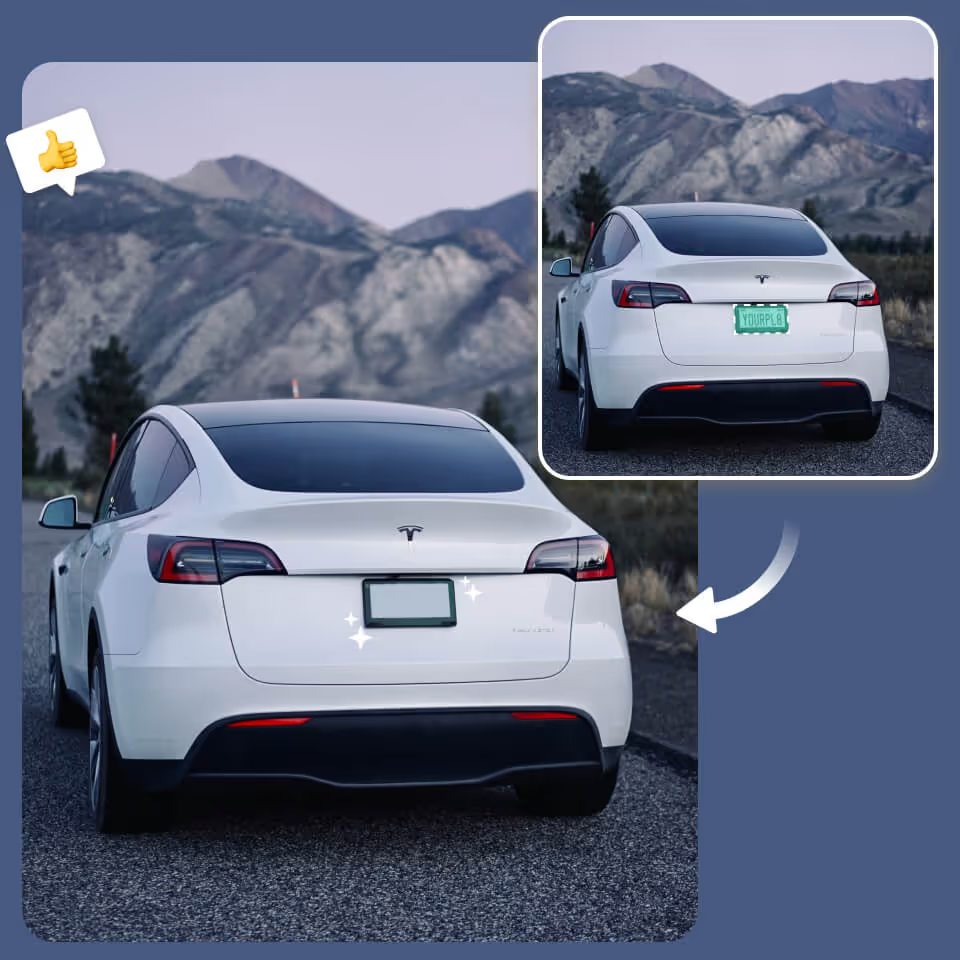
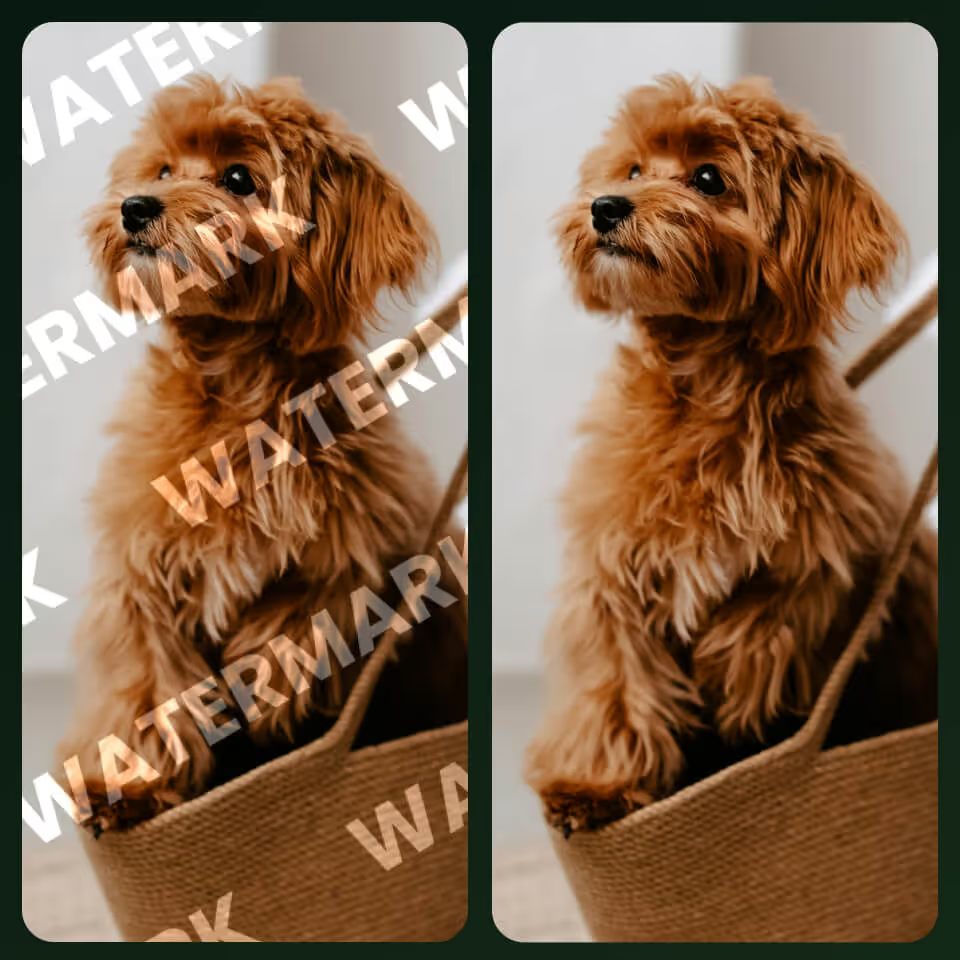
Erase Watermarks and Logos
Smooth Out Wrinkles or Textures

How to Remove an Object from a Photo?
Upload the photo
Upload your photo to PhotoCat. You can use PhotoCat directly in your browser.
Select the object
Next, brush over the object you want to remove. Use Auto Mode for the AI to select it for you, or choose Manual Mode to do it yourself.
Download and save
Click or tap for the AI to remove the object automatically. Then, download and save the finished image.
User Reviews
FAQs
How do I remove a person from a photo using AI?
To remove someone from a photo, just brush over them in the PhotoCat AI remover tool to select them. Then tap or click to remove them. The AI will make them disappear as if by magic.
Can I remove a shadow from a photo?
Yes, the PhotoCat AI object remover can be used to remove shadows from photos. Select them in Automatic or Manual mode just as you would any other object to remove.
How long does the AI take to remove an object?
Can I remove more than one object from a photo?
What image formats can I use with the object remover tool?
More Ways to Perfect Your Photos
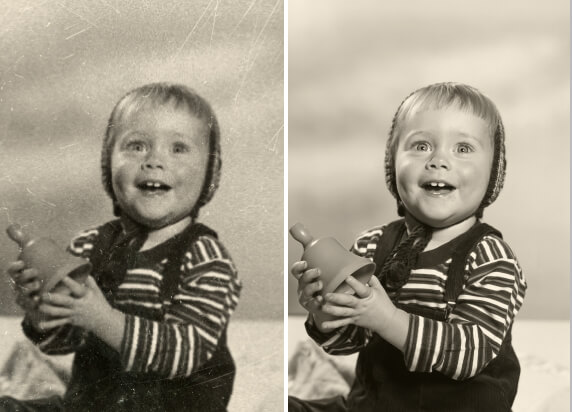
Old Photo Restoration
Repair old photos, remove blur, restore fading, and add color.

AI Photo Retouching
Smooth skin, erase flaws, and add makeup in just one tap.

AI Image Enhancer
Upscale image sizes to 4K, remove noise and enhance blurry image with AI.
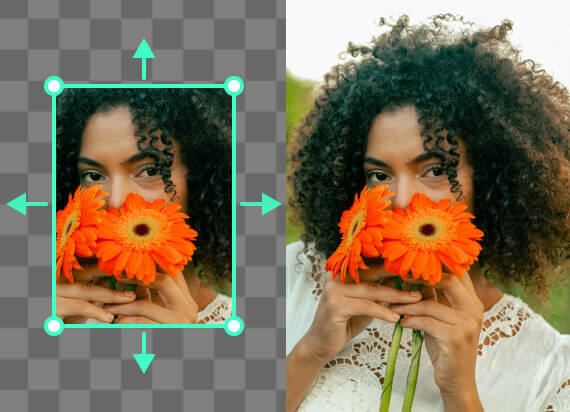
AI Image Extender
Expand an image’s background with AI outpainting that generates seamless new content.

Erase Objects from Photos
Unwanted objects? Gone in one tap. Try it now for free!