





AI Image Extender - Uncrop Image with AI
Enhance any photo by restoring missing edges or using the AI Image Extender to enlarge image size. Powered by Uncrop AI, it seamlessly uncrops and extends backgrounds, giving your pictures a fuller, natural look without manual editing.
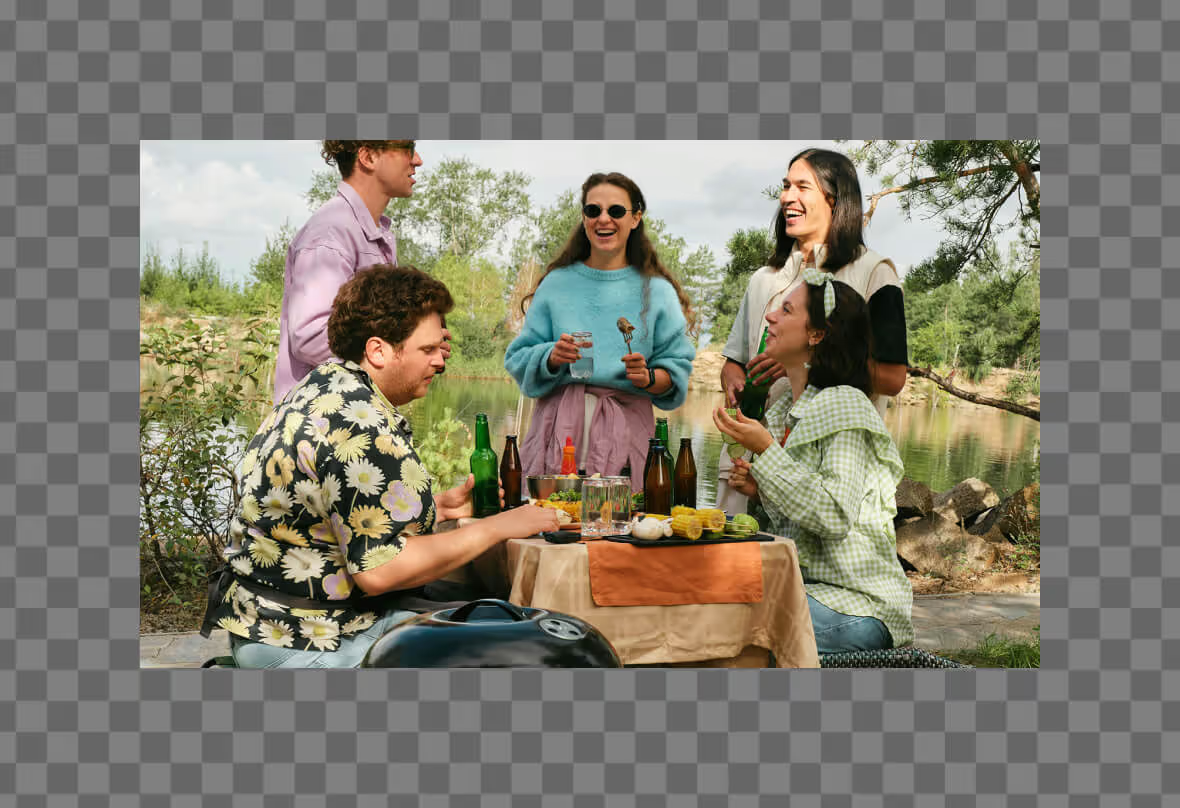



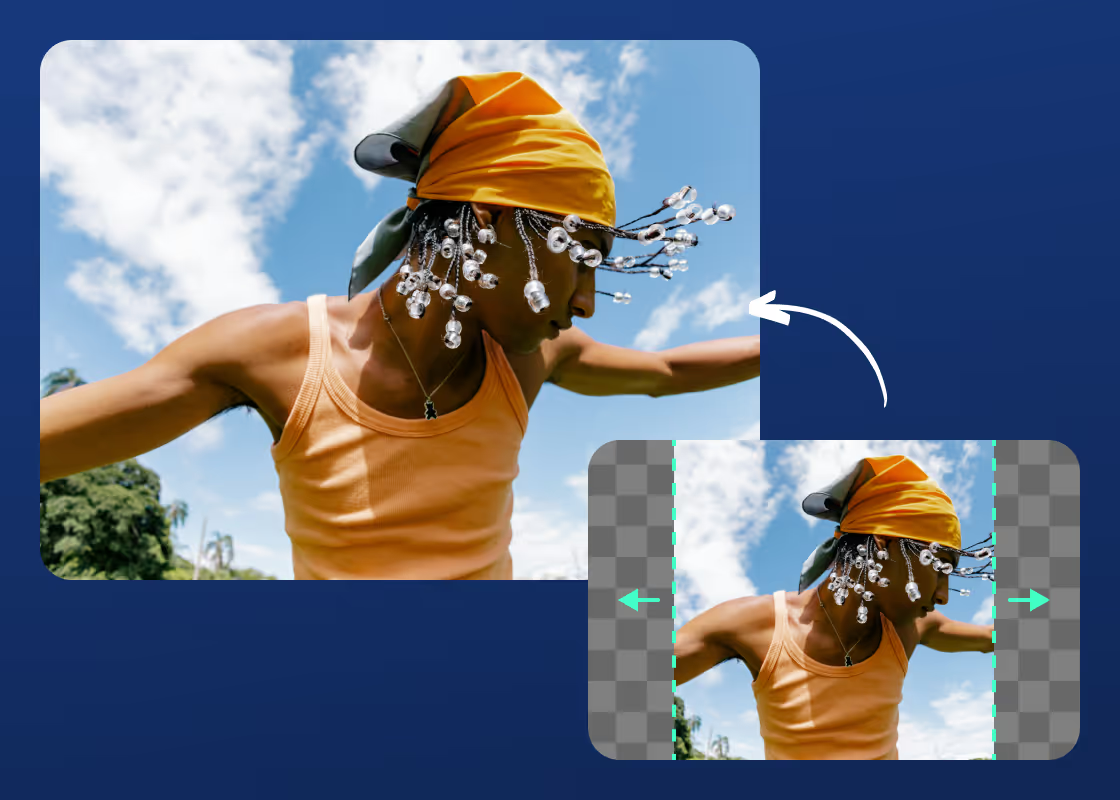
Free AI Image Extender with No Watermark
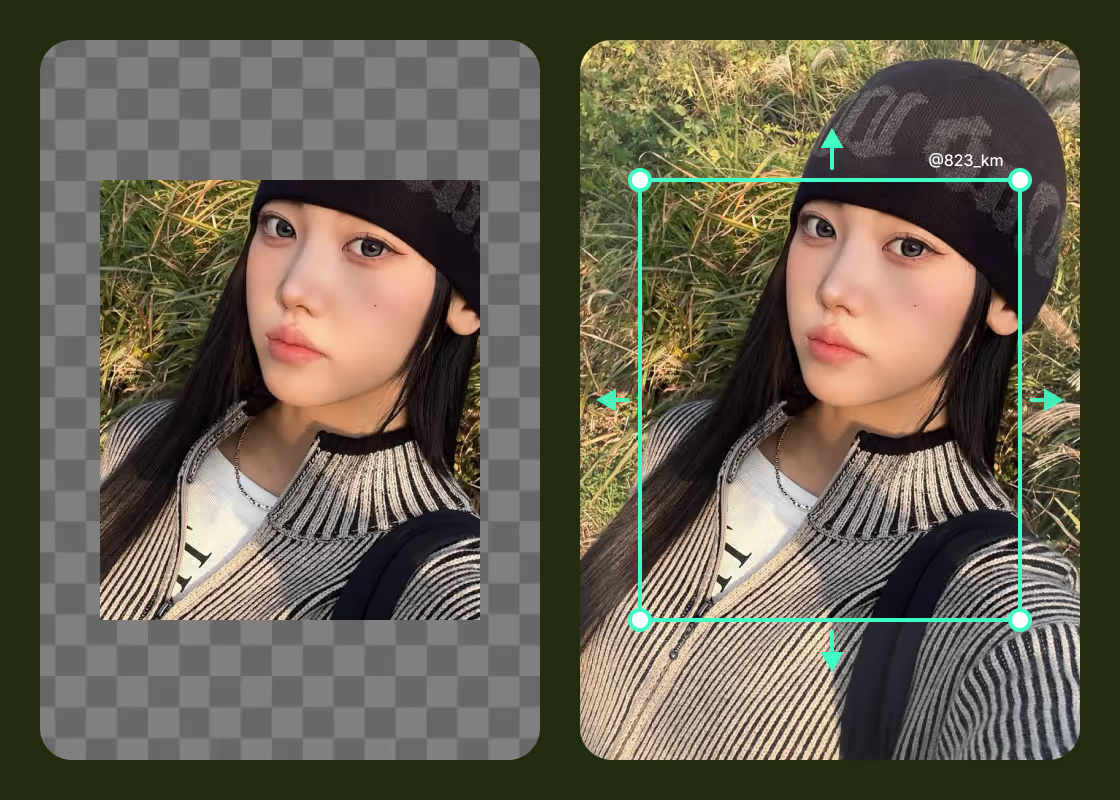
Realistic Photo Edits Using Generative Expand
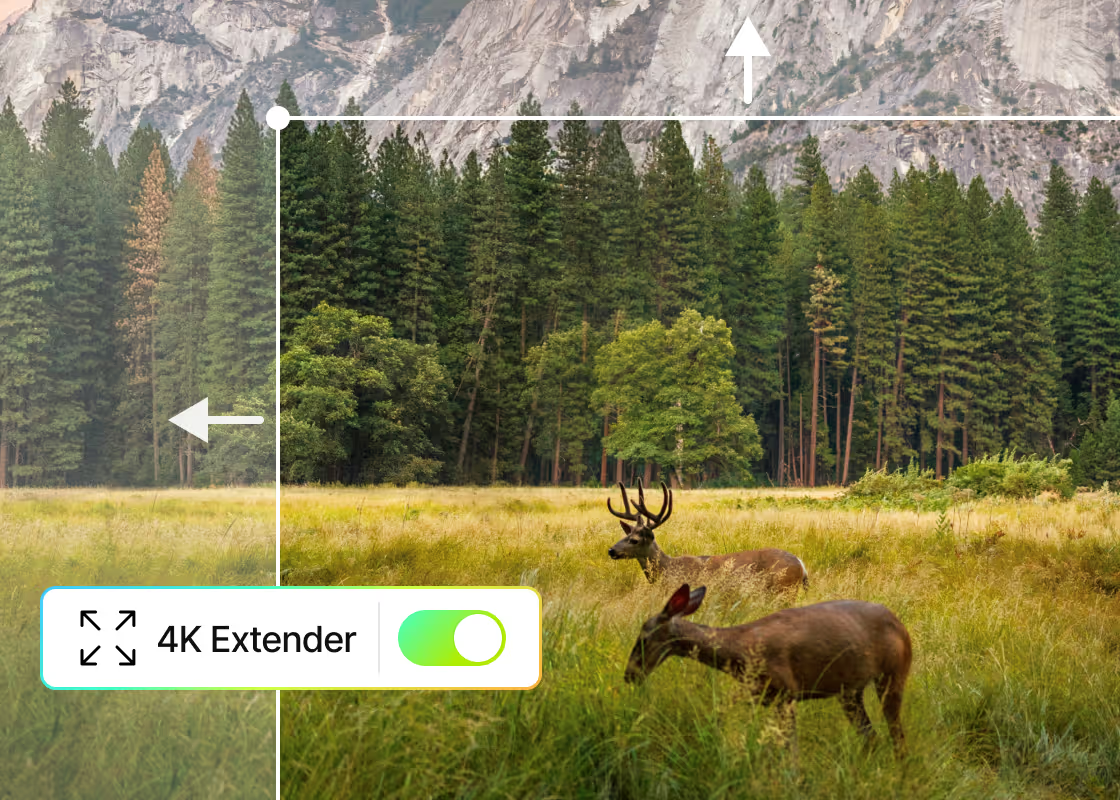
Extend Photos in 4K Without Image Distortion
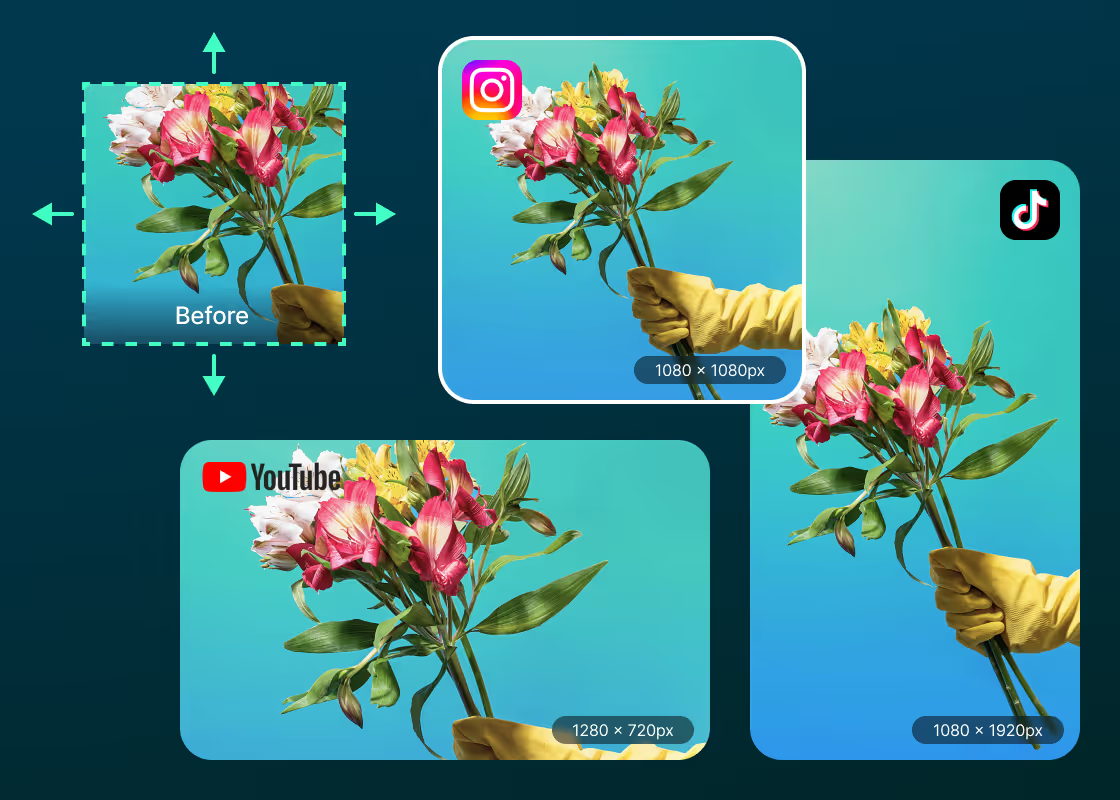
Expand Background to Match Any Photo Size
AI Image Extender for Every Visual Need
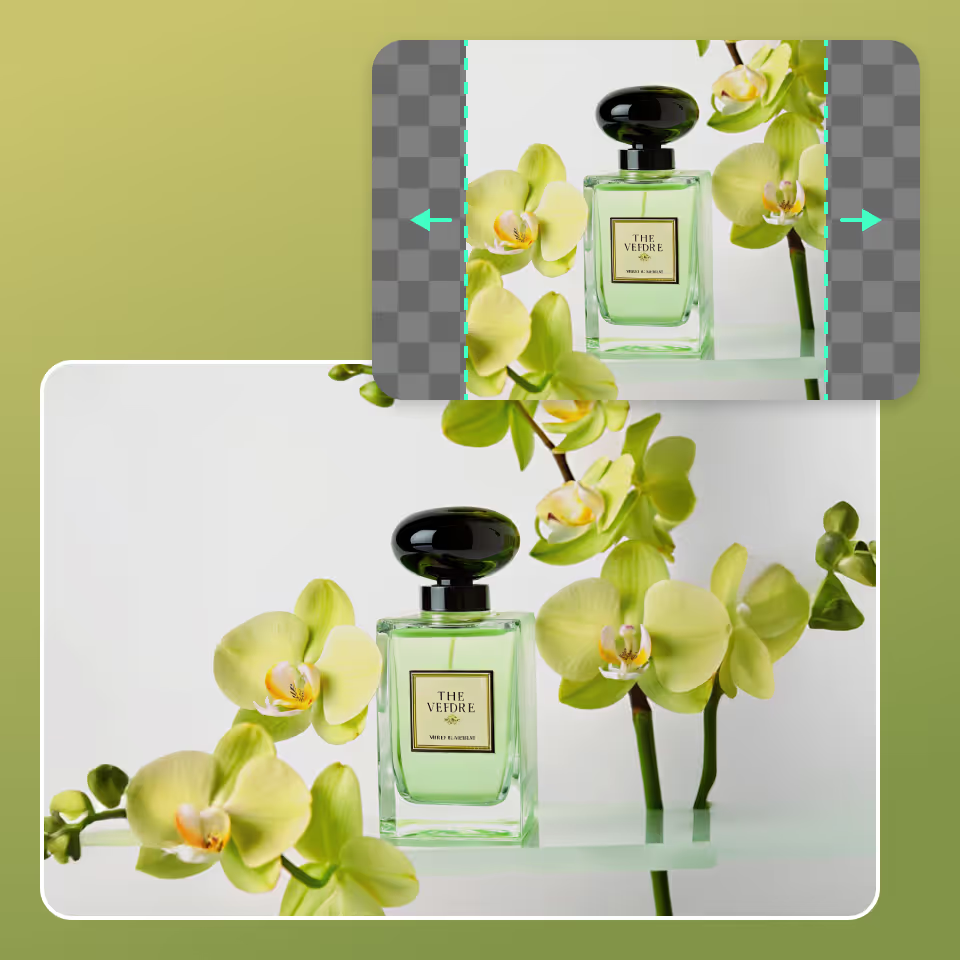
Enlarge Product Shots for E-commerce
Auto-Fit Social Media Banners with AI
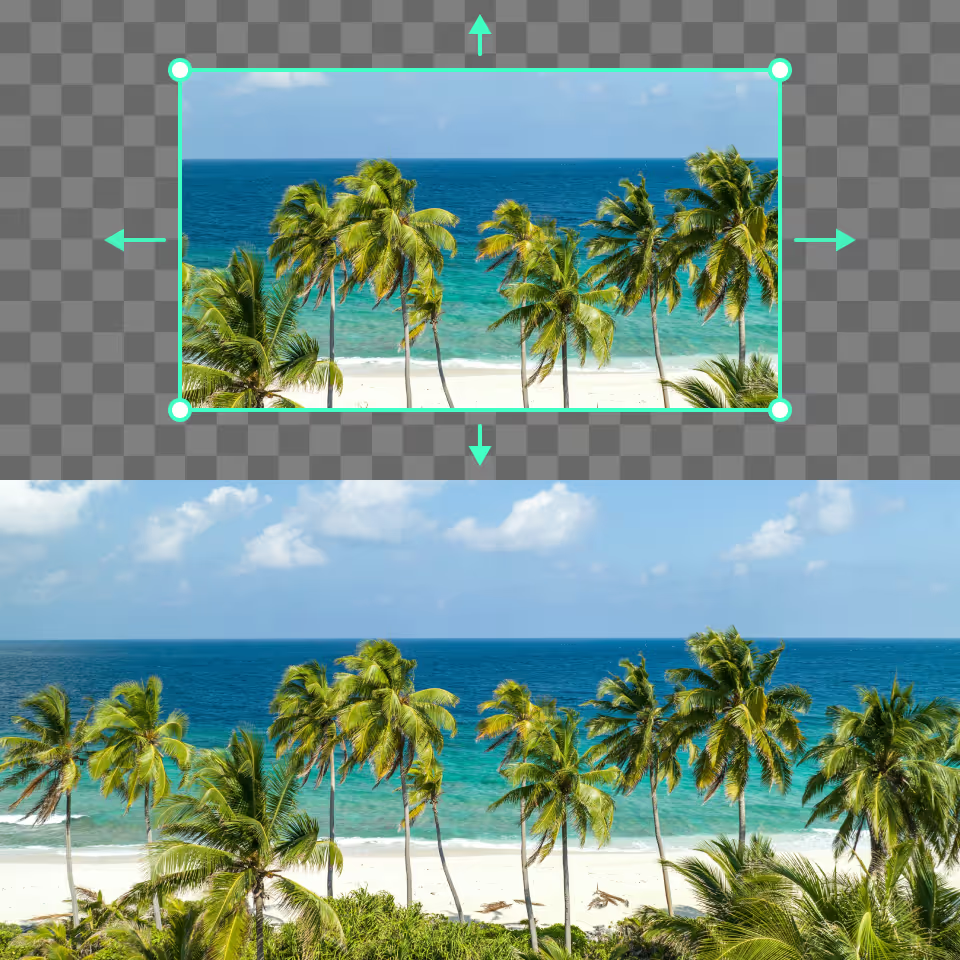
Turn Tight Scenery Shots into Wide Views
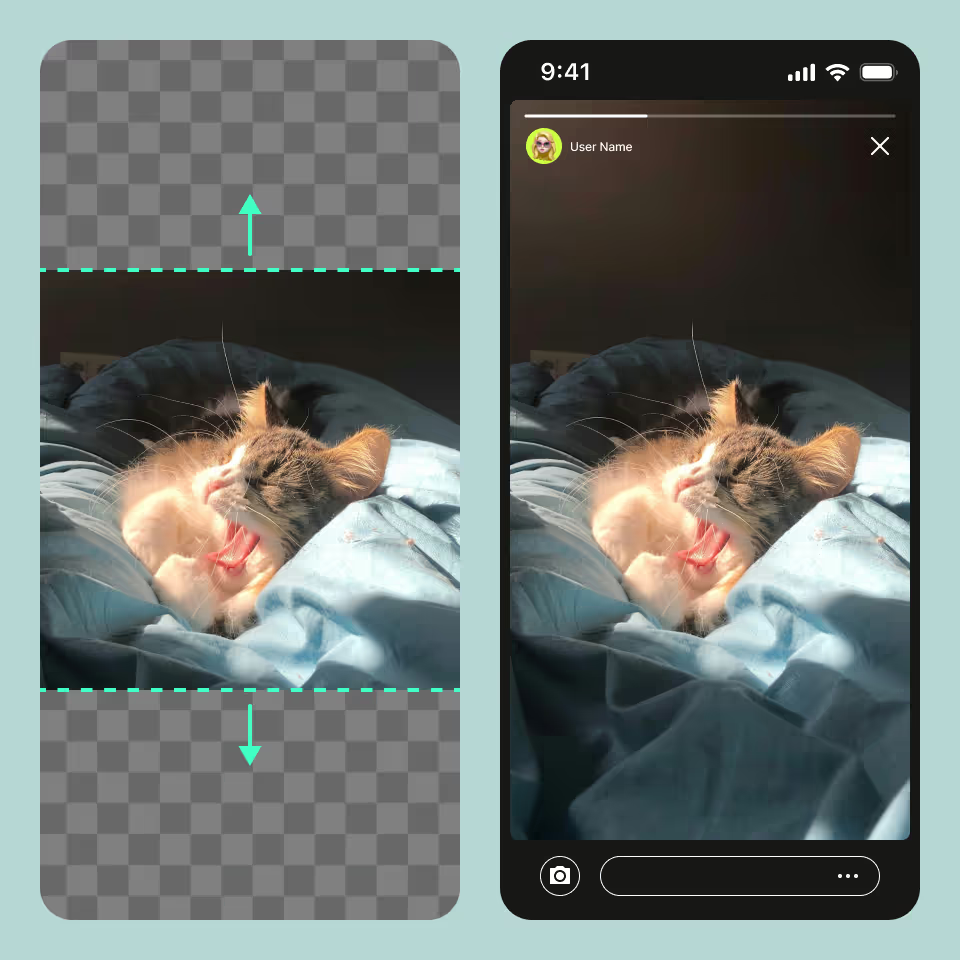
Make Every Portrait Feel Whole
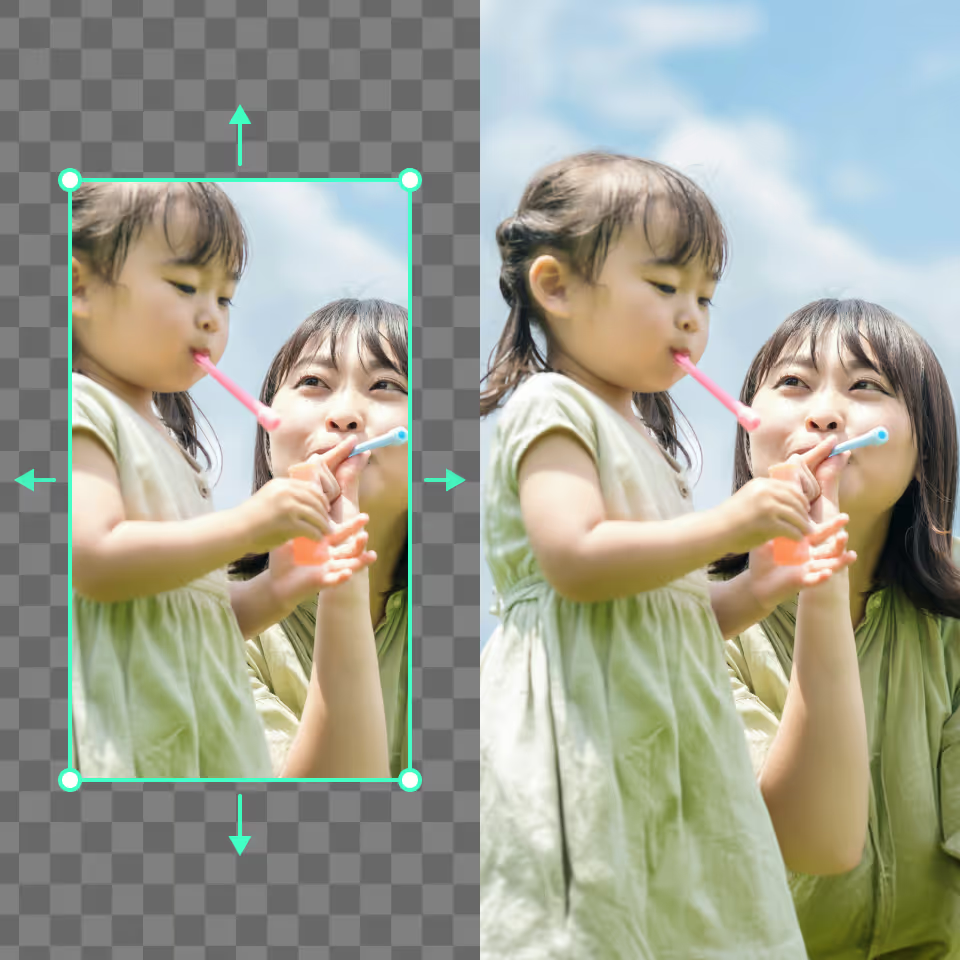
How to use AI Image Extender?
Upload an Image
Open the AI image extender and upload your image or drag and drop it from your gallery.
Select the Size
Choose from 7 preset options or resize the canvas by dragging the image borders to your preferred dimensions.
Generate and Save
Click “Generate,” let the AI process your expansion, then download your images for free with one tap.
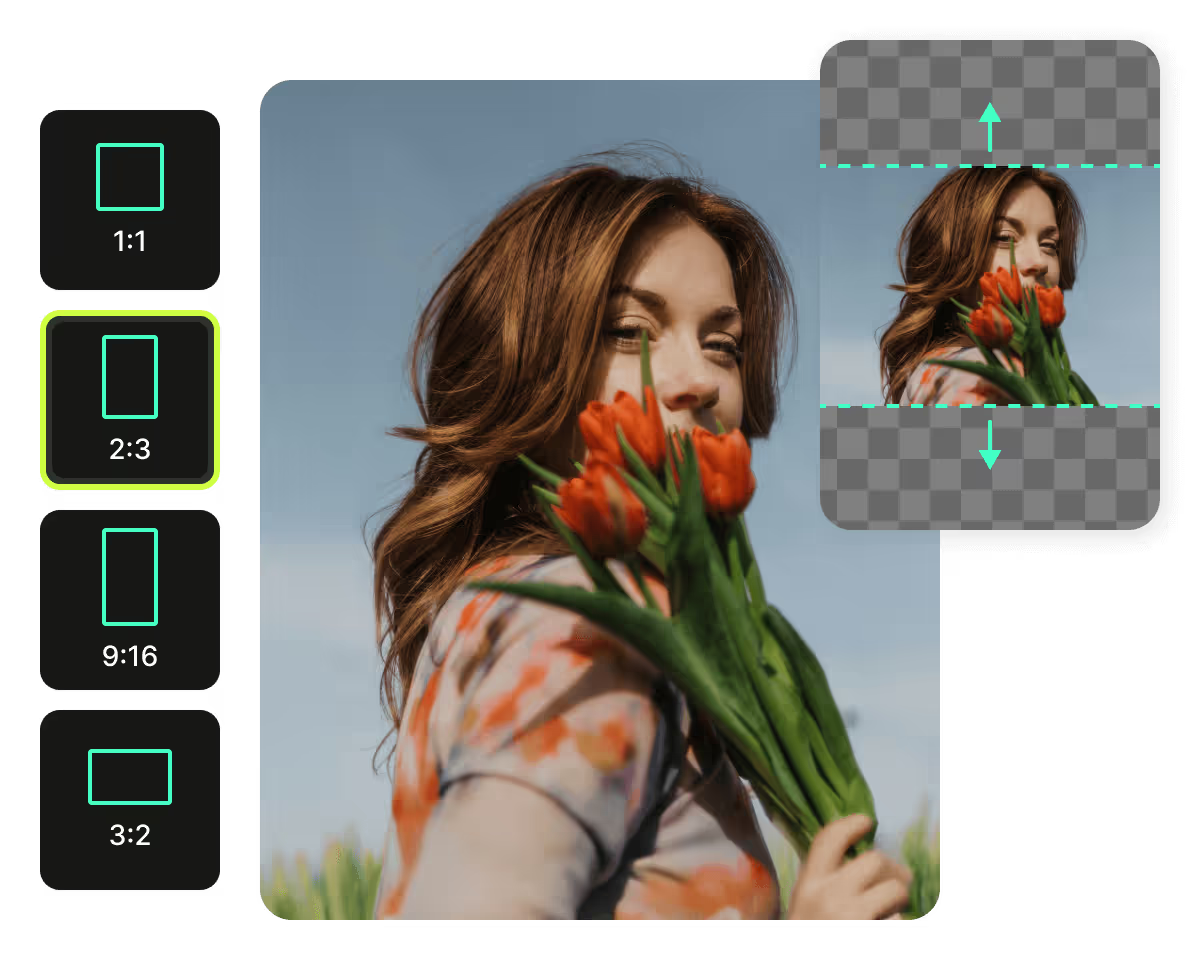
User Reviews
FAQs
Does the AI-Expanded Image Look Realistic?
Yes. When you expand an image with PhotoCat’s AI image expander, the tool analyses the scene and blends new areas seamlessly. The result maintains natural image quality, giving you an extended photo that looks authentic and consistent.
Which Image Size Works Best for Instagram Stories?
Instagram Stories look best at 1080 × 1920 pixels, as this size fills the entire screen without cropping or losing image quality. You can resize images before uploading to ensure they display correctly.
What Is the Difference Between an AI Image Extender and an Image Upscaler?
Can I Extend an Image Multiple Times?
How Long Does the AI Image Extender Take to Process?
More Ways to Perfect Your Photos

AI Image Enhancer
Upscale image sizes to 4K, remove noise and enhance blurry image with AI.
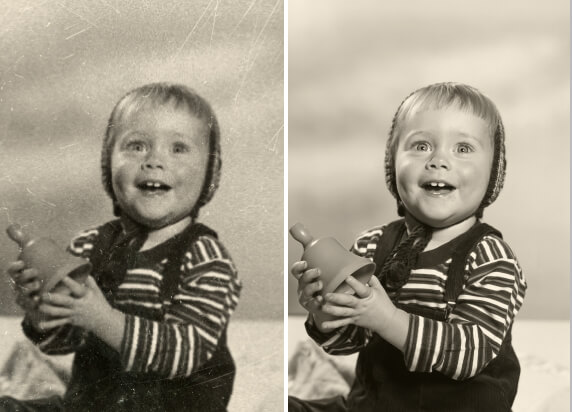
Old Photo Restoration
Repair old photos, remove blur, restore fading, and add color.

AI Photo Retouching
Smooth skin, erase flaws, and add makeup in just one tap.

AI Filter
Turn any photo into art with AI filters including cartoon, anime, painting, and many more unique styles.

Extend Images Online for Free
Whether it’s for portraits, products, or social posts, PhotoCat expands your images with ease.