





Free Image Background Remover Online
Create transparent backgrounds fast with PhotoCat AI Background Remover. Free to use, no sign-up, no watermark.




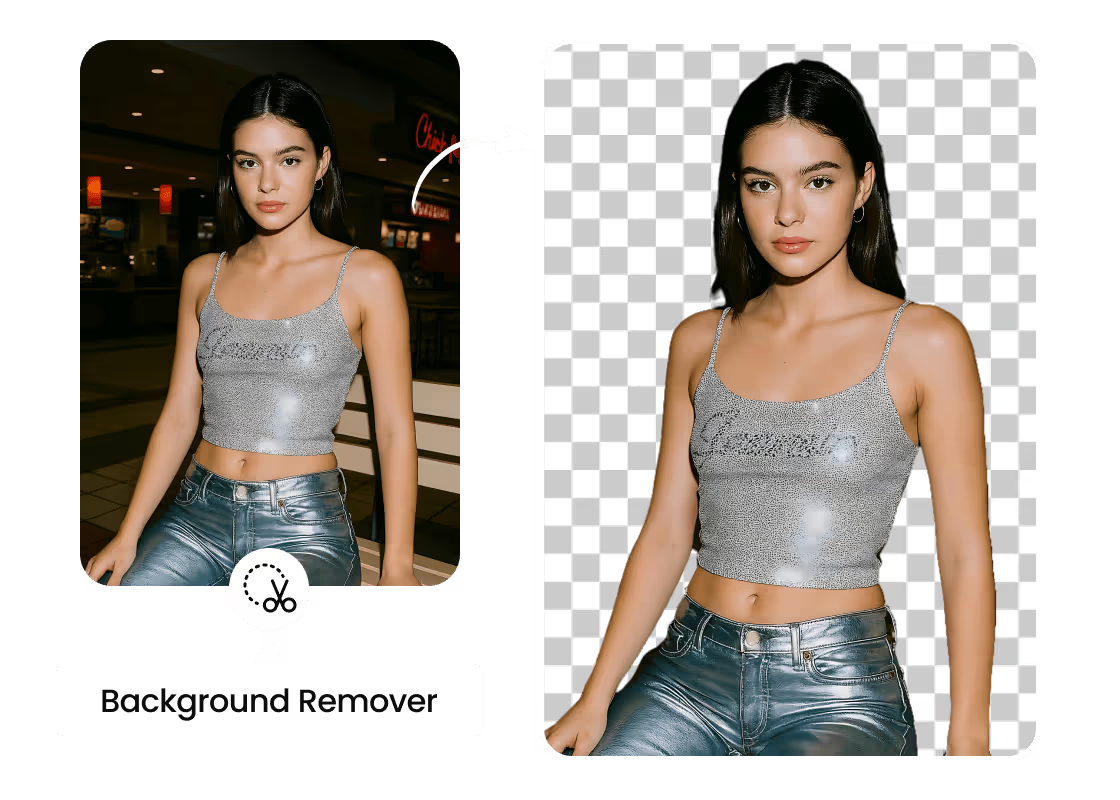
1-Click Automatic Background Remover

Convert Image to Transparent Background
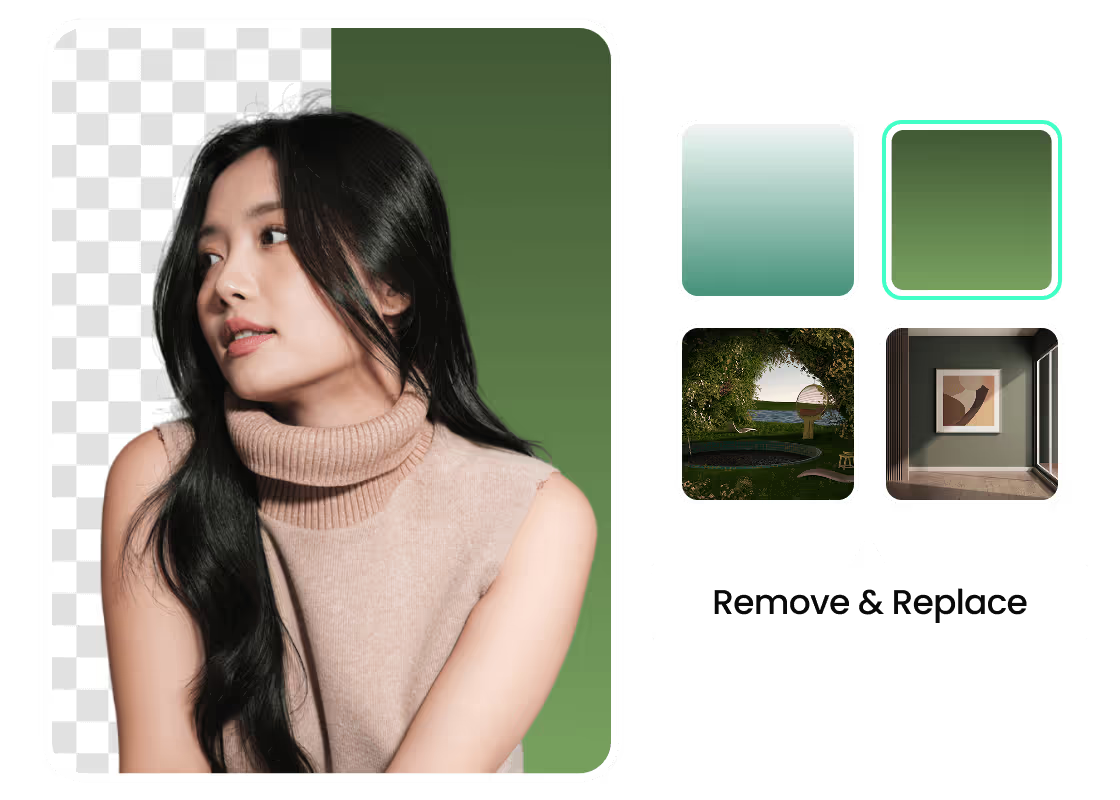
Remove Background and Replace Instantly

Adjust Background Manually for Better Detail
Remove Any Background with PhotoCat
Remove Background from Logo
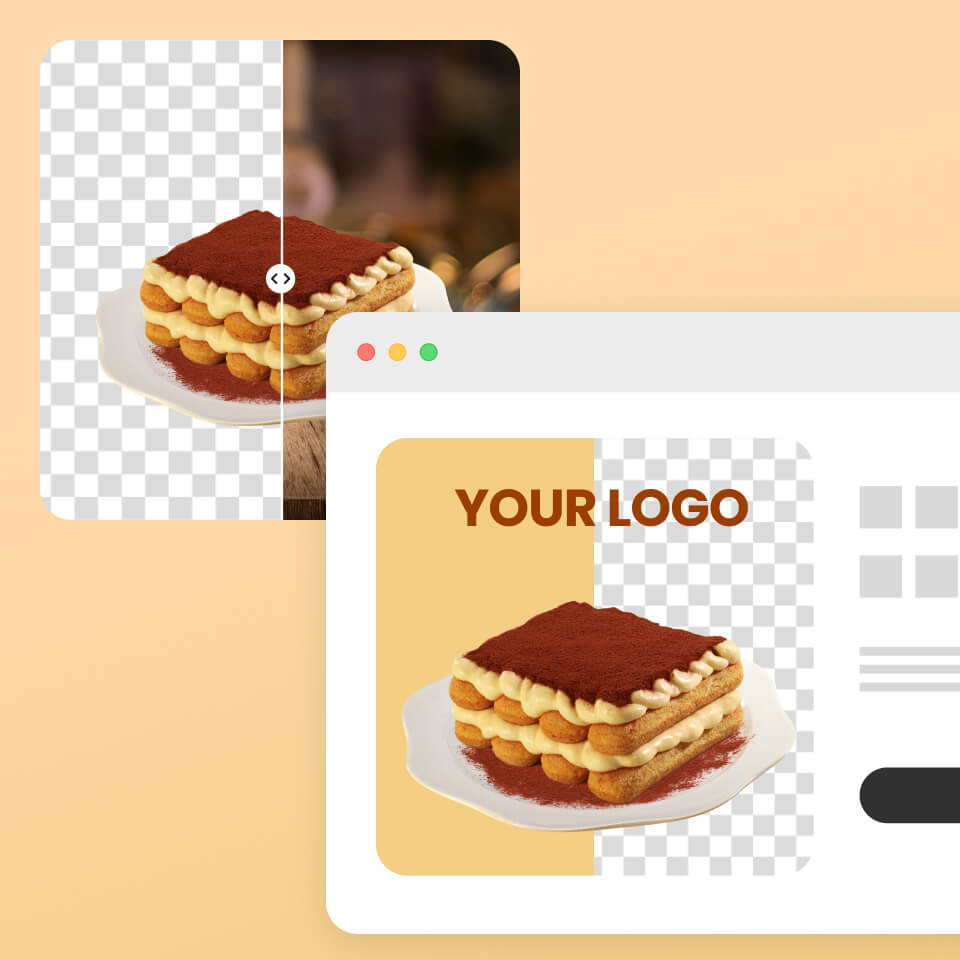
Erase the Product Image Background

Create a Professional ID Photo at Home
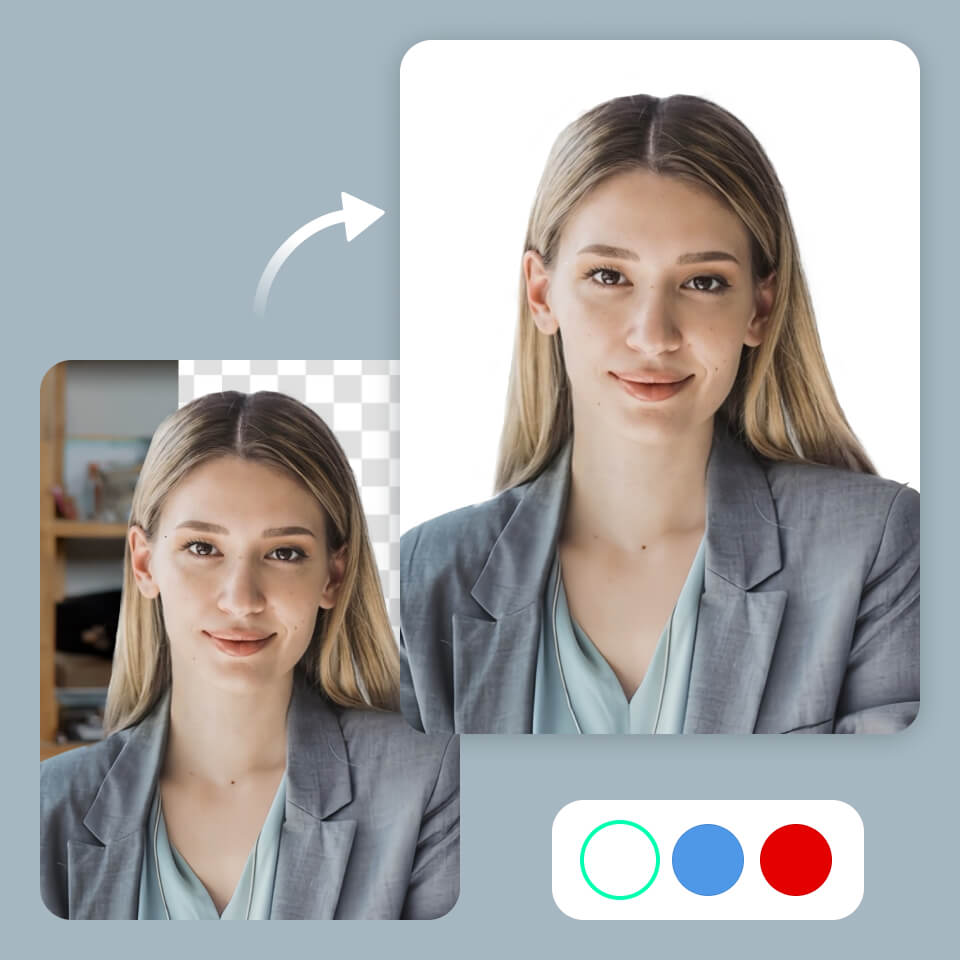
Get a Sharp Social Media Profile Picture

Make Eye-Catching Thumbnails Fast

Why Choose PhotoCat Image Background Remover?



How to Use PhotoCat Image Background Remover?
Select Image
Upload the image from your gallery directly, or simply by drag and drop.
Remove Background
Let the PhotoCat AI automatically remove the background for you. Also, you can select the background manually for precise results.
Download Image
Once satisfied with the results, download the picture by clicking on the download button.

User Reviews
FAQs
Do I need to sign in or create an account to use this app?
No, you do not need to register for an account or sign in to our software. You can change the background of any image with no distractions.
Which app works best to remove the background from an image?
Many apps can remove picture backgrounds well, but PhotoCat stands out as the best choice. It turns any background transparent, allows you to replace it with your preferred color, and delivers natural-looking results, all for free.
Does the PhotoCat app allow me to manually remove the background from a picture?
Is it possible to change the background after removing it?
What output formats does PhotoCat produce for edited images?
More Ways to Perfect Your Photos
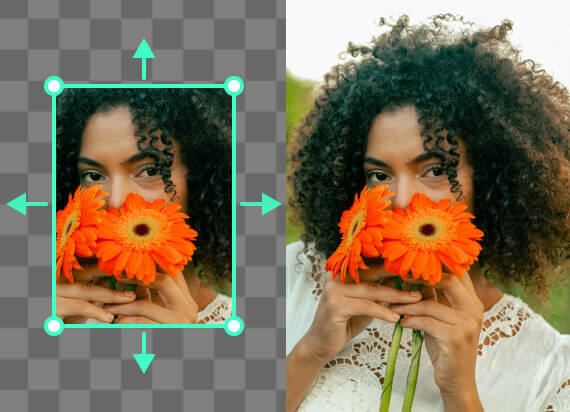
AI Image Extender
Expand an image’s background with AI outpainting that generates seamless new content.

AI Object Remover
Remove person, text, watermark, logo, wrinkles and more in photo with AI.
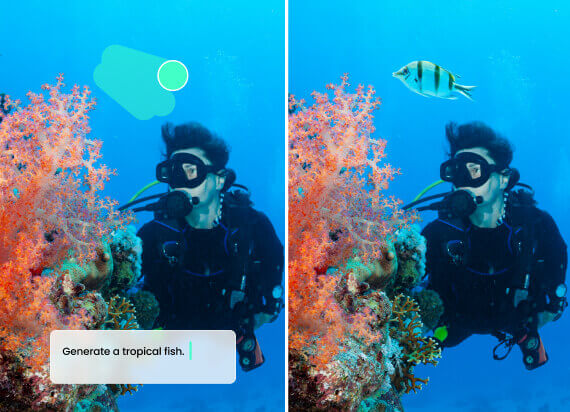
AI Replace
Select the object, enter a prompt, and instantly replace unwanted items in your photo.

AI Image Enhancer
Upscale image sizes to 4K, remove noise and enhance blurry image with AI.

Try Background Remover Now
Instantly remove and edit backgrounds for free with no watermark added.