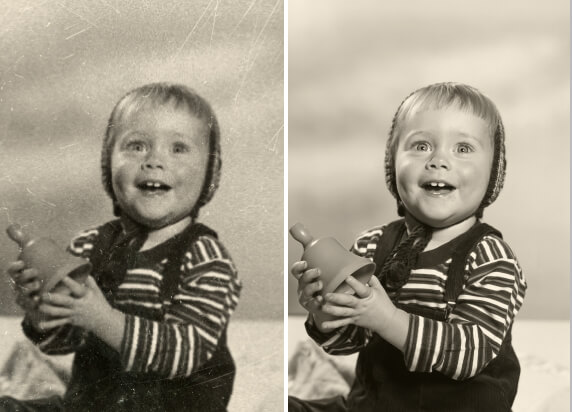

AI Replace: Fast Object Replace in Photo with AI

Try AI replace to Erase and replace the unwanted object in a photo with your desired elements.
PhotoCat AI Replace
Drag and drop Images here
IosIos
GoogleGoogle
PhotoCat AI Replace

Erase and Replace Objects with Prompt
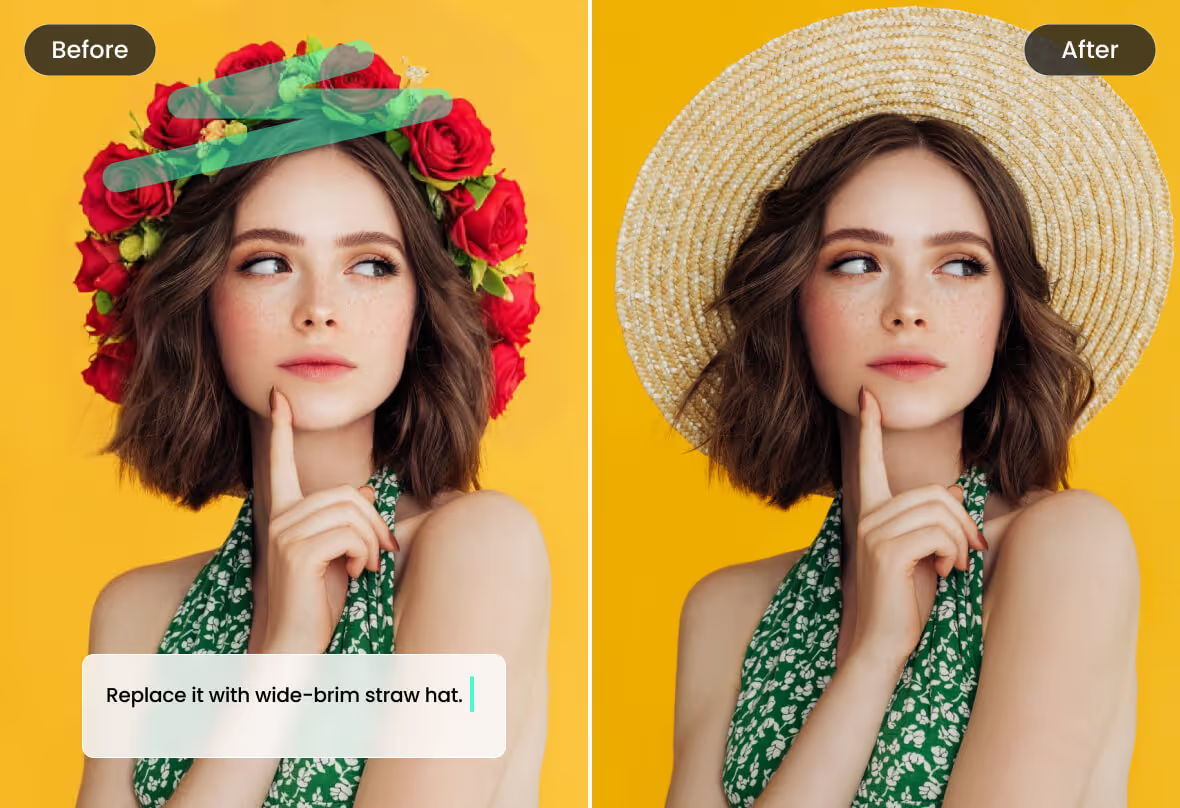
Replacing objects has never been easier with the PhotoCat AI replace. Powered by generative AI technology, all you need to do is upload a photo, type in a prompt, and PhotoCat will give you what you want. No need for advanced Photoshop skills or complicated editing tools.
PhotoCat AI Replace

Auto Content Fill with AI Inpainting

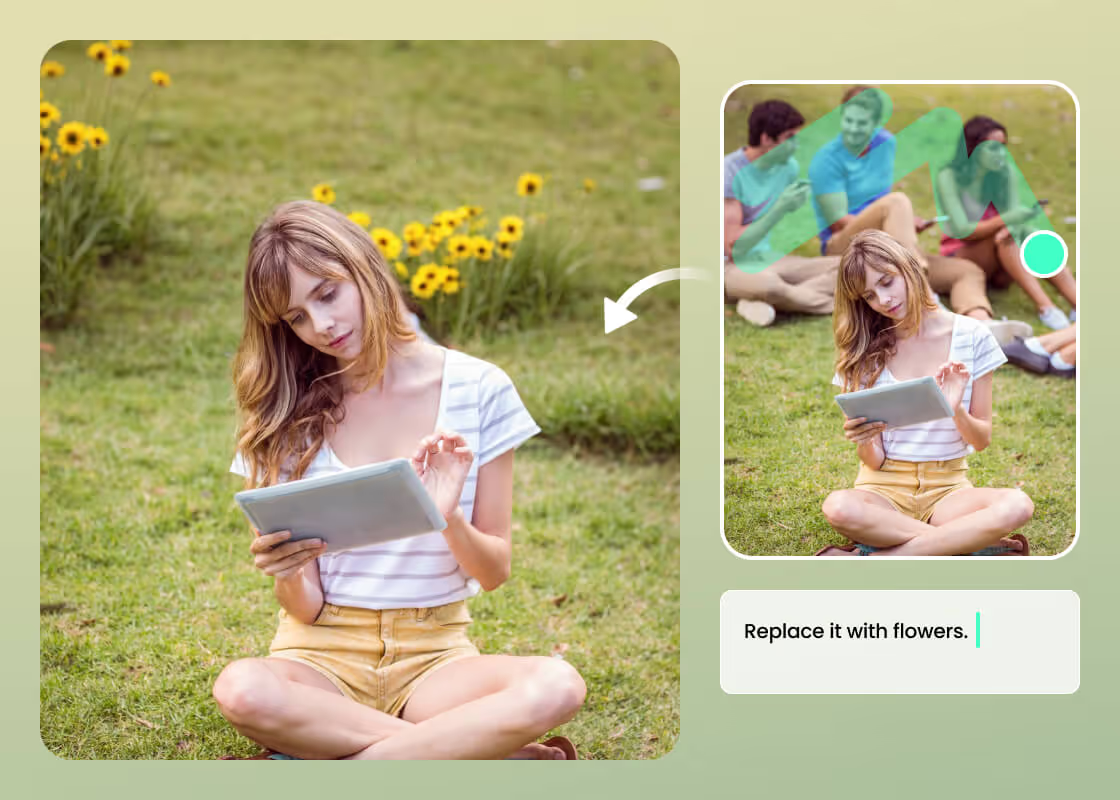
What would take the place of the gap left by the removal of the object? PhotoCat intelligent AI photo replacer analyzes the objects in the surroundings of the provided image. It fills the gap automatically concerning the color and objects in the photo.
PhotoCat AI Replace

Smooth and Seamless Image Replacement
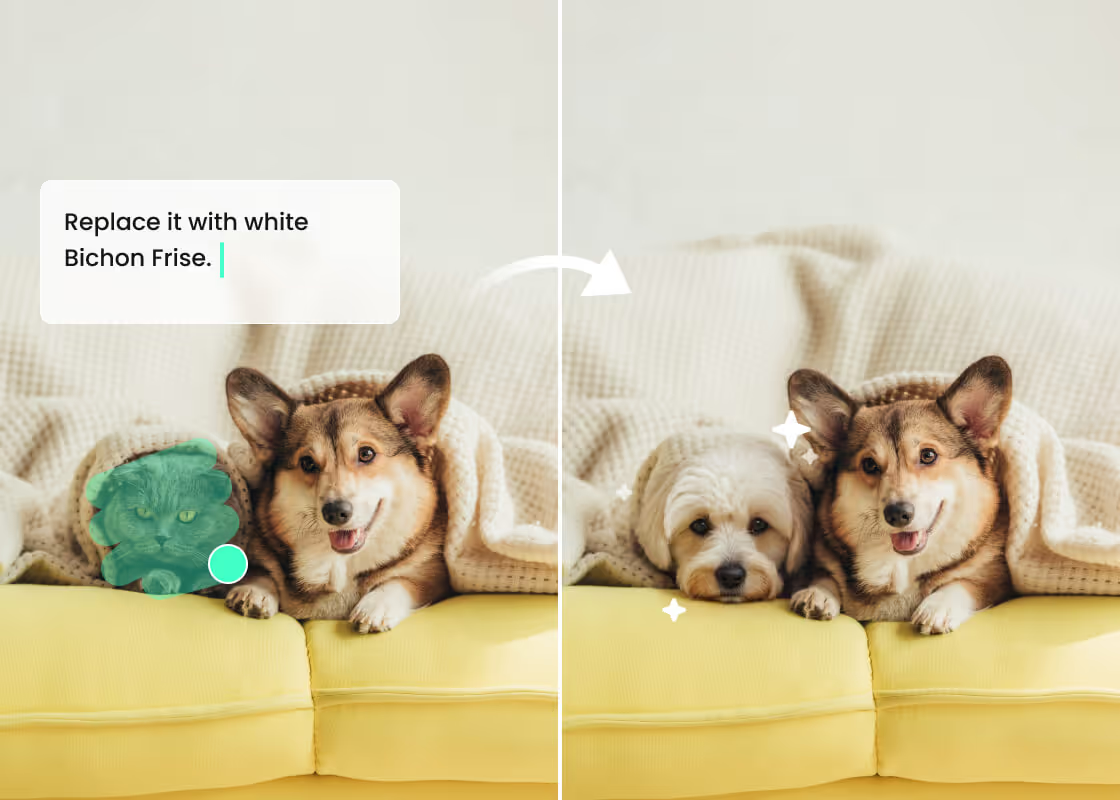
PhotoCat AI replacement tool considers proportions, lighting level, and image angle before making an outcome. The replaced object smoothly integrates with the image contents and gives it a sense of coherence. No more awkward layouts or hasty cutouts to eliminate certain objects from photos.
PhotoCat AI Replace

Free AI Replace for Any Device

PhotoCat works seamlessly on all devices and can be used directly in any web browser, whether you're on mobile or desktop. It's completely free, with no downloads or payments required, so you can erase or replace objects in your images anytime, anywhere.

AI Replace Made for Every Task

Virtual Fitting
Product Photo Editing
Clean up Clutter
Creative Edits
Fun & Playful Edits

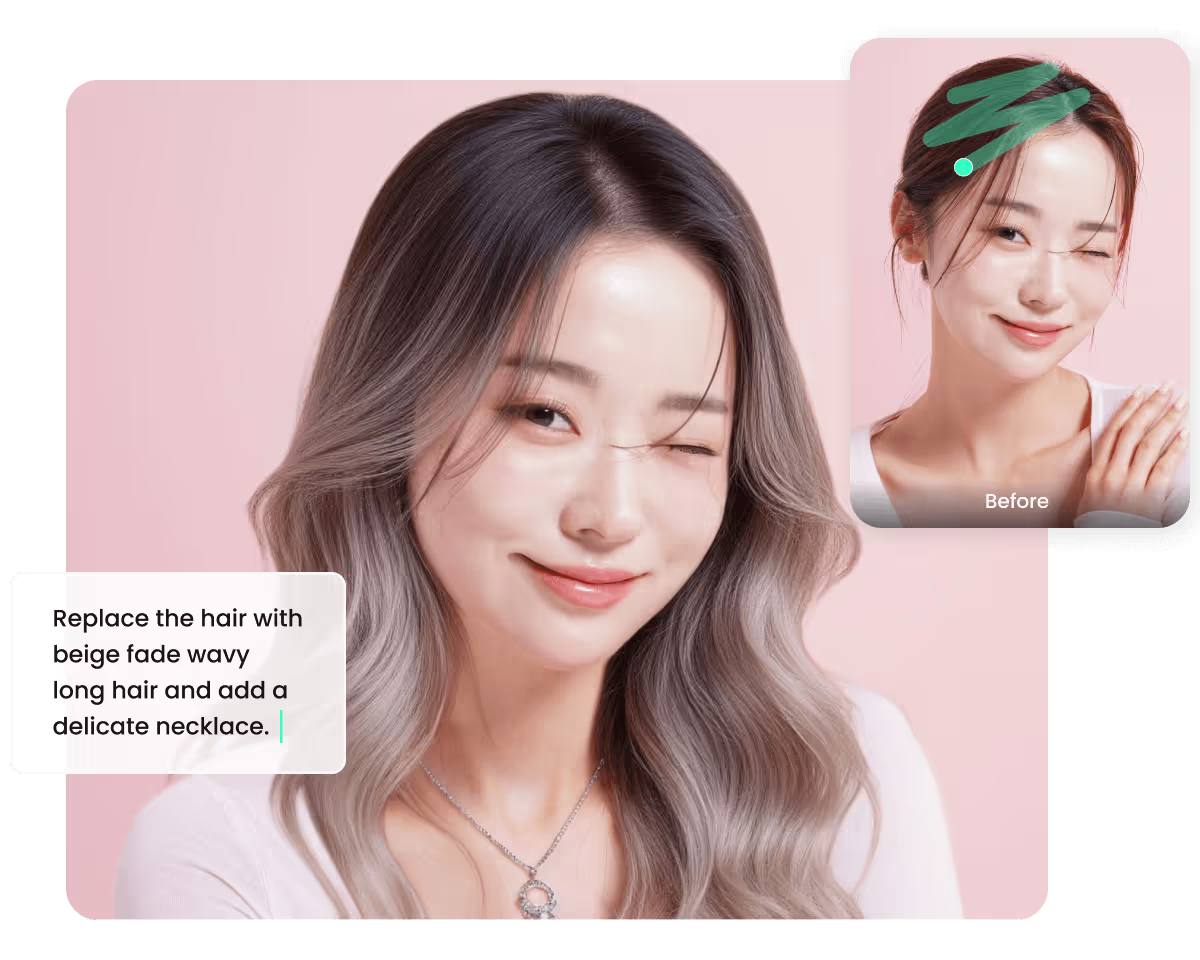
Virtual Try on Clothes or Hairstyles

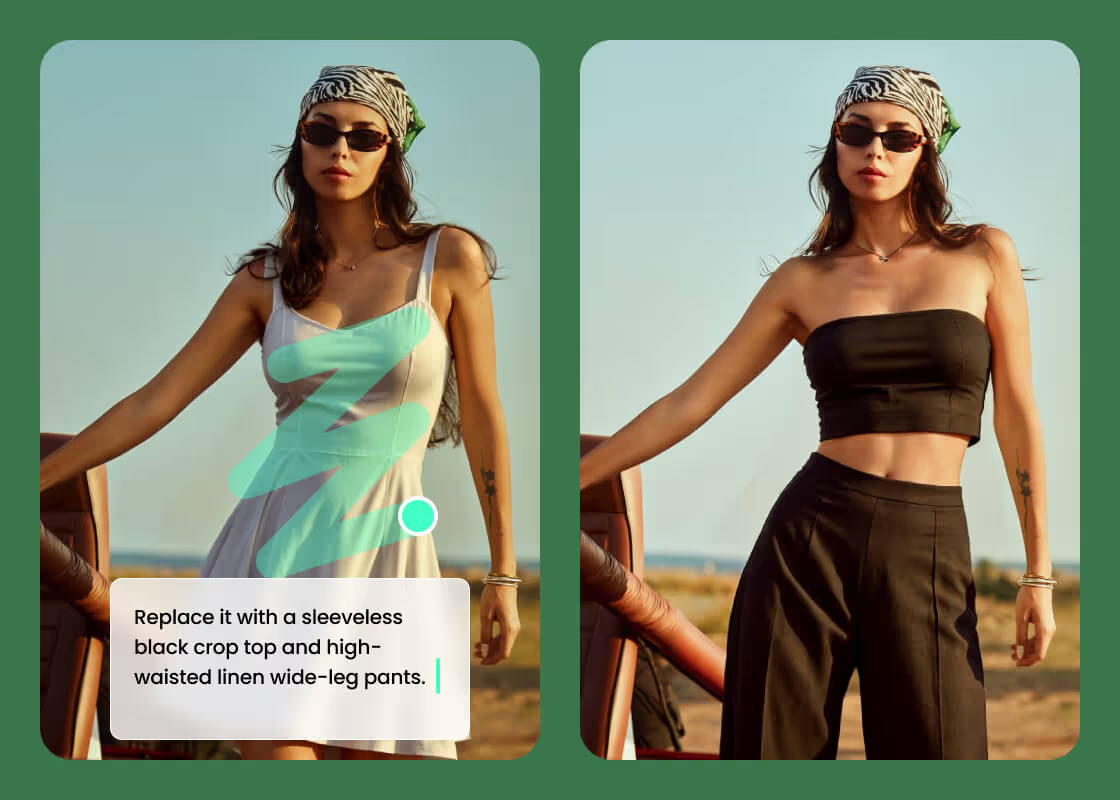
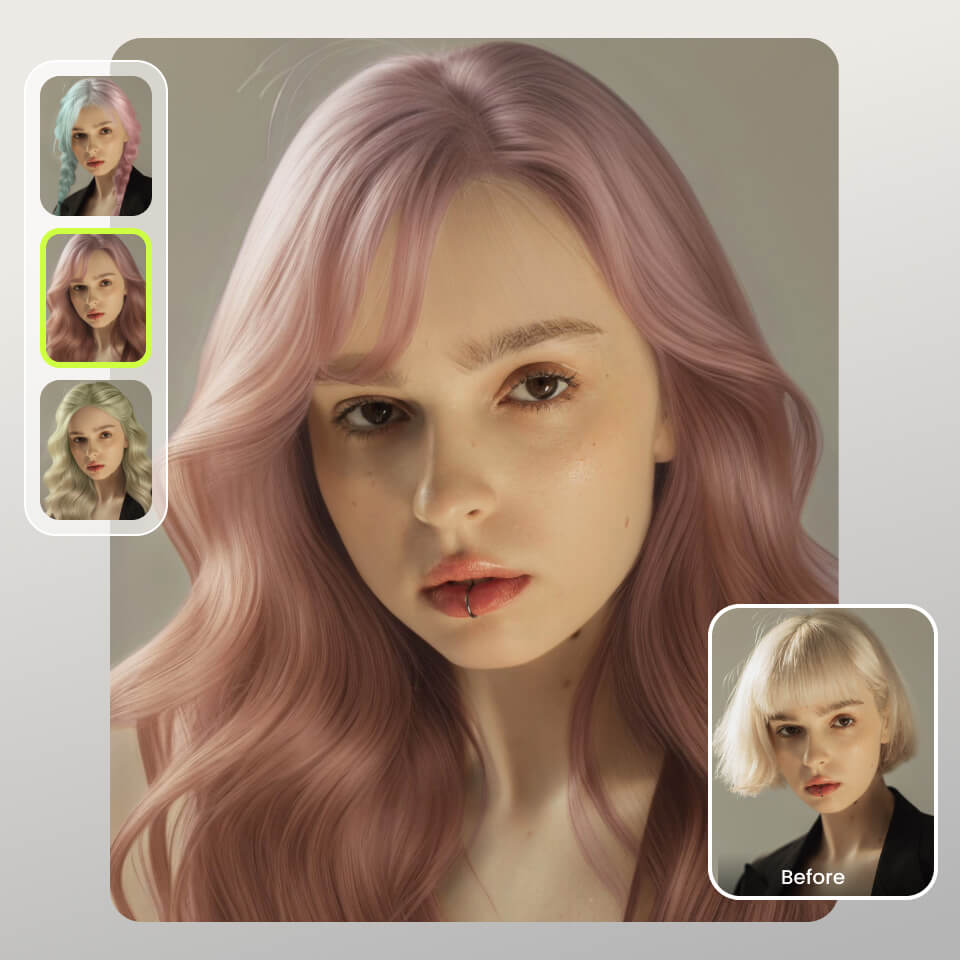
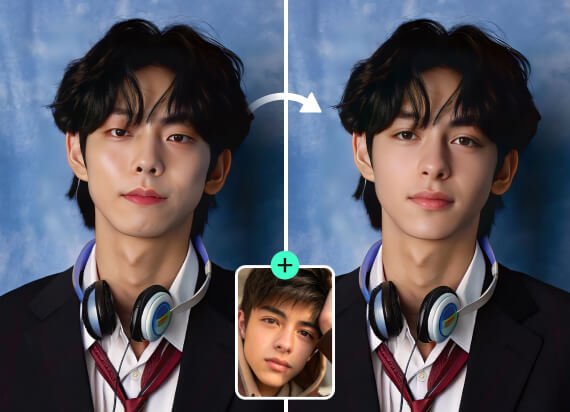
If you wish to transform yourself, the PhotoCat AI replace is the way to go. You can use it to try on hairstyles on a picture for free online or experiment with various dresses without spending a dime. Choose a dress style, color, and length as well as hair style, color, and length, and give the prompt. This way, you can experiment with as many looks as possible without losing your time and money.
PhotoCat AI Replace

Speed Up Product Image Workflow

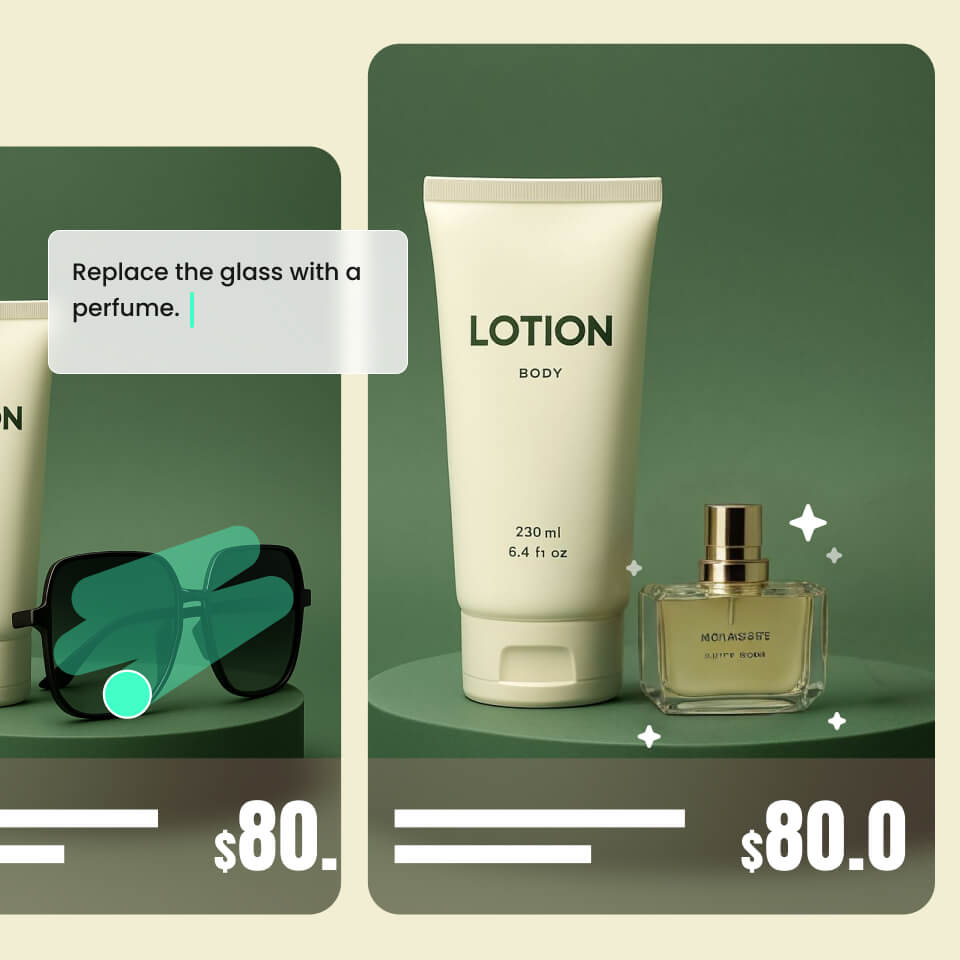
Fed up with shooting similar product photos daily? Work more intelligently and give the PhotoCat erase and replace AI tool a try. No retakes required each time you receive a new product. Take a snap and create multiple new photos using various products from a single photo. It is ideal for creating low-budget commercials and offering inventory updates to your customers.
PhotoCat AI Replace

Remove Unwanted Objects in Photos

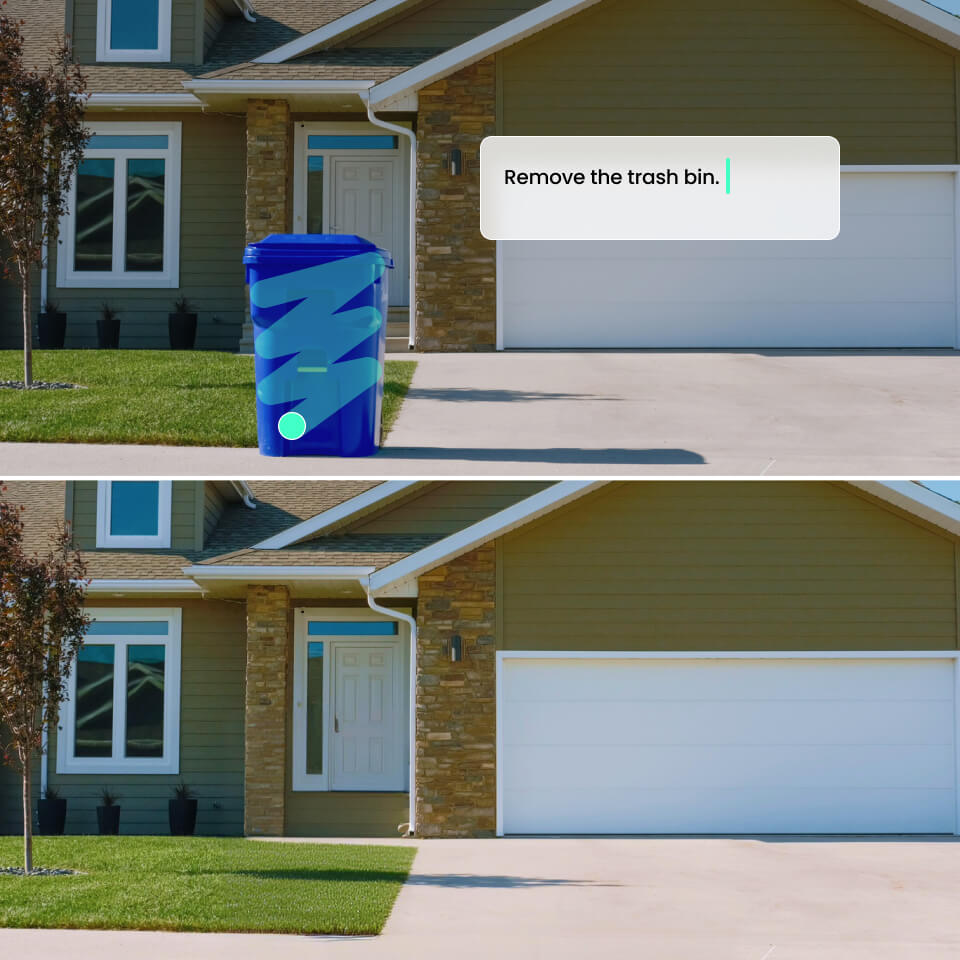
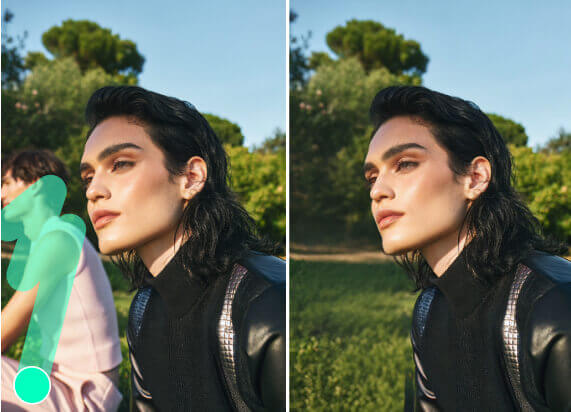
If the unnecessary object in your image is spoiling its aesthetics, eliminate that object using PhotoCat. It may be a garbage bin, a bee, unwanted poles, or any other items. With a clear command, it can even remove license plates or ID details to avoid data leakage. Moreover, you can even swap the crying children or the crowd from your image using this amazing tool.
PhotoCat AI Replace

Inspire Innovative Visual Creation

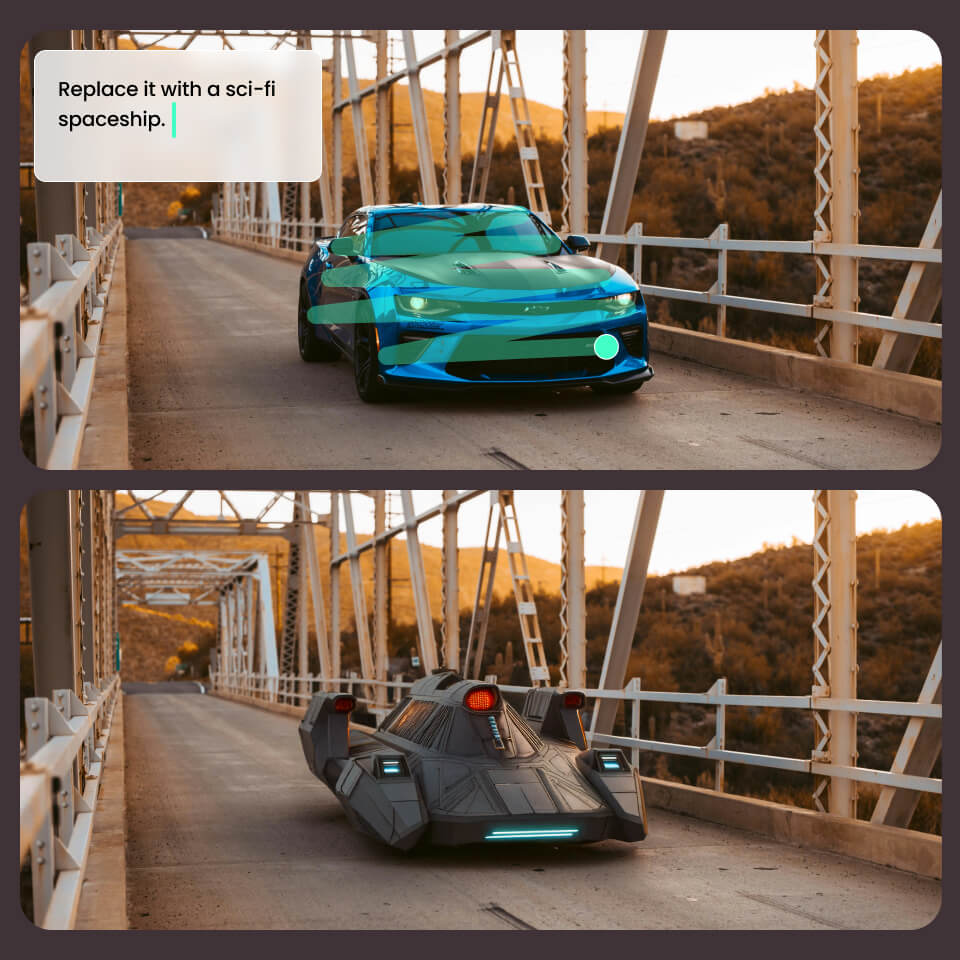
Would you like to bring more excitement to your images? With PhotoCat AI Replace, you can replace the unexciting cars in your image with mind-blowing sci-fi spaceships. You can even convert an ordinary house into a castle or a dragon ride to increase the amusement in your images. Let your imagination go wild and have all the fun free of cost.
PhotoCat AI Replace

Get Creative with Funny AI Replace

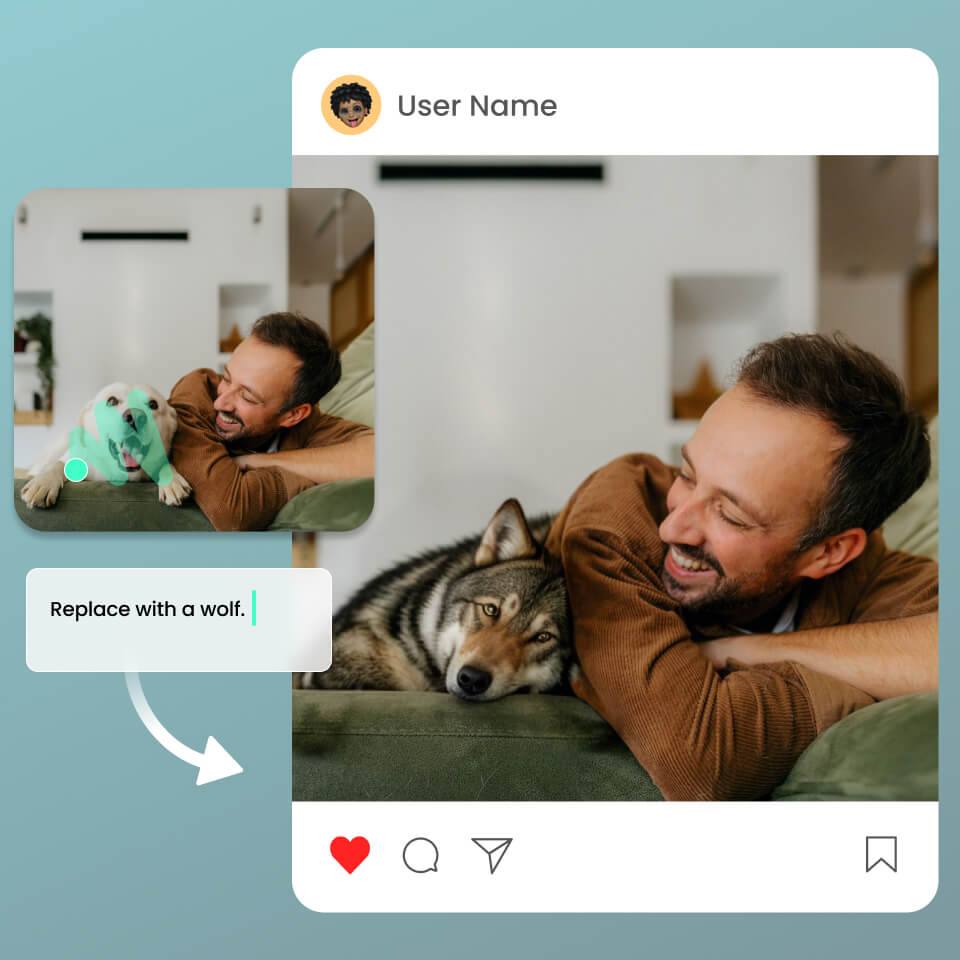
Why not make your group photos more lively? Experiment with some funny ideas and let the laughter dose kick in. For instance, you can swap your friend having a coffee with an octopus or have your own picture of playing with a wolf instead of a dog. You may also try many more ideas to share some laughs with friends and spice up your group chat.
PhotoCat AI Replace

How to Replace Objects in an Image with AI?

Provide the Image

Click "Upload" and select the photo you wish to edit.

Highlight the Object

Highlight the object to be replaced with a brush and type in a prompt.

Save the Image

Hit the "Download" button to get the final image.
PhotoCat AI Replace

User Reviews

Sarah T.
“I love teasing my best friend and never miss any opportunity. I would take her pictures and make them humorous using this tool. The results are so real, and we have so much fun. It makes our hectic lives a bit easier.”
Claire
"I am very conscious about my photos. During holidays, it is almost impossible to get solo images at a good location. I use this feature to eliminate all the crowd, and the solo photo looks just gorgeous and seamless."
Michael
"My kid loves spaceships, UFOs, and aircraft. Let's face it! I simply can't get him one. So at times, I employ this gadget to create a picture in which he is amid UFOs or spaceships. The pictures are so realistic, and he becomes so excited."

FAQs

What objects can I replace in a picture?

You can swap out any type of object in a picture. Your hair, dress, trash can, animal, or even automobile.

Can I try on hairstyles using AI replace?

Yes, you can try this tool to swap out your current hairstyle for a new one. Highlight your hair, enter the prompt of the hairstyle that you desire, and click go.

How do I edit my photos precisely?

Do I have to download an app to access AI replace?

Will I get natural results after AI replacement?

Call to Action

Try AI Replace Now

Get started to replace all unwanted objects and get your shots to look perfect.