PhotoCat Photo Organizer: Keeps Your Album Tidy

Swipe to delete, tap to sort into albums, and compare similar photos with PhotoCat smart photo organizer app. Keep your memories tidy and free up phone space.

IosIos
GoogleGoogle
PhotoCat Photo Organizer

Swipe to Delete or Keep Photos

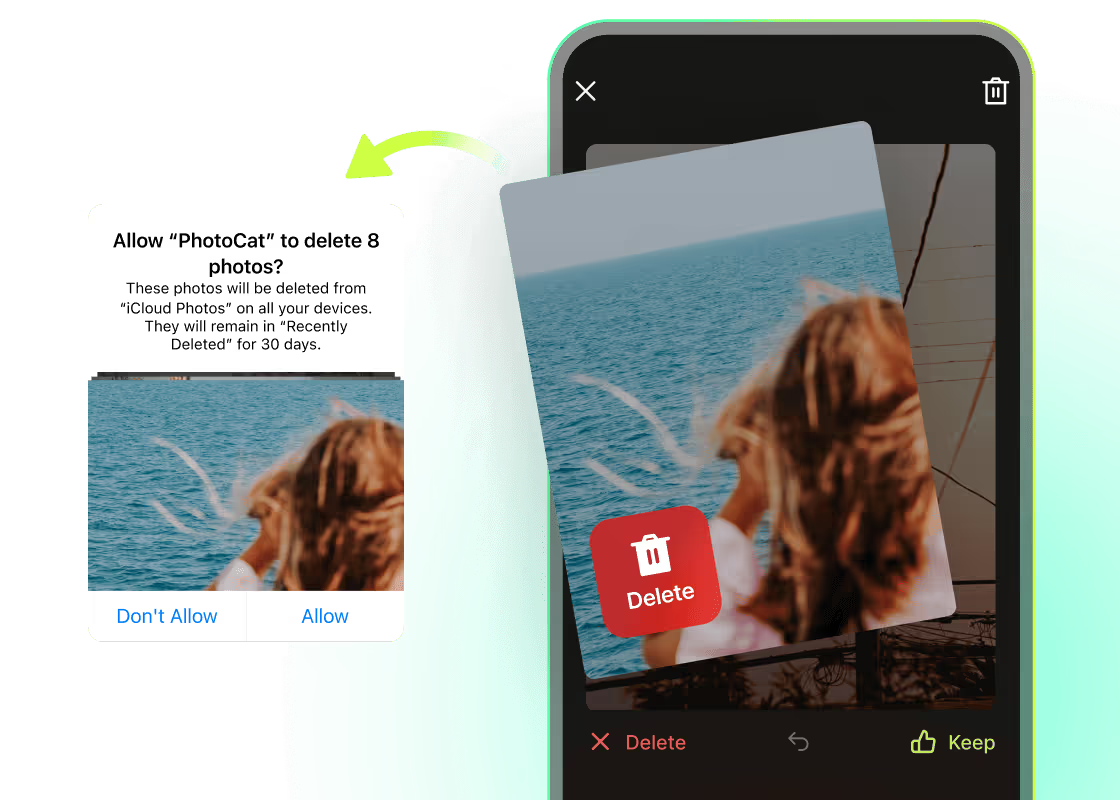
Do you dread scrolling through thousands of photos in your gallery to delete photos one by one? PhotoCat as an AI photo organizing software can make it easier for you. You can swipe left to delete unwanted pictures or swipe right to keep them within seconds. Now you can do your seasonal or monthly cleaning and file organization efficiently.
PhotoCat Photo Organizer

Detect & Clean Up Duplicate Photos

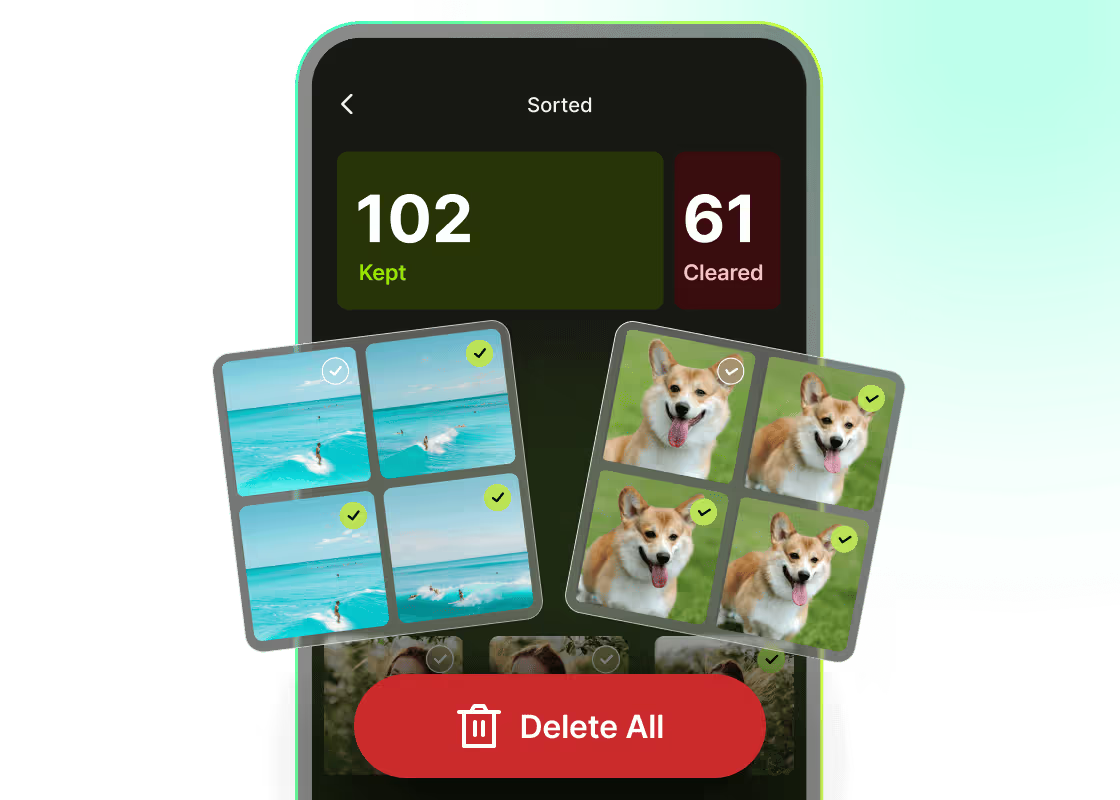
It is easy to snap dozens of nearly identical photos and hard to choose the best one when you have a nice trip. PhotoCat photo organizer app automatically detects similar photos and compares duplicate photos to help you find the best one. In this way, you can quickly decide and free up the storage from duplicate photos.
PhotoCat Photo Organizer

Sort Photos by Date & Media Type

When your photo library is overflowing, finding a single image and managing photos becomes a challenge. PhotoCat the best photo organizing software sorts pictures smartly into organized folders by month, media types, and other categories. This makes it easier and saves your time from scrolling through thousands of pictures to find one picture or organizing the photos.
PhotoCat Photo Organizer

Sync Edits with Your Phone Gallery

PhotoCat smart photo organizing software automatically synchronizes your recent changes in the app with the phone's gallery. After synchronization, all the changes you make in the app will be instantly updated across your device. So you will always have an updated photo library without manually refreshing it every time you make changes in the app.
PhotoCat Photo Organizer

Restore Photos with Built-in Trash Bin

Swiping makes it effortless to delete photos, but quick gestures can sometimes remove the ones you didn’t mean to. PhotoCat photo organizing app comes with a trash bin which stores your deleted photos in case you accidentally delete them. You can always retrieve deleted photos before you want to remove them permanently.

User Reviews

Frank V.
“PhotoCat is my all time favorite app when it comes to organizing the sea of pictures in my gallery. Ever since I downloaded this app, I can easily find my old pictures by their correct months and years. It's such a convenient app.”
Lily R.
“I like to have all the things in place whether it's the data in my phone or my room. I use PhotoCat to organize the photo library and I love it. It finds duplicate photos for me and I can delete the unwanted data with just a swipe. So easy! “
Aleyda S.
“I love swiping left and right to manage my photos. Even if I delete something by mistake, the trash bin lets me recover it easily. It feels so safe and reassuring to use!”

FAQs

How to delete photos using PhotoCat photo organizer app?

Select an album and browse your photos. Swipe left to quickly delete a photo. Deleted photos go to PhotoCat’s built-in trash bin. To permanently remove them, empty the trash.

How to sync edits in PhotoCat with the phone’s gallery?

After deleting a photo, you will need to remove it from the trash bin of the app again. Then the changes will sync to the phone's gallery automatically.

Is there any way to recover deleted photos from PhotoCat?

Is the photo organizer app free?

How can I use advanced features in PhotoCat?