





AI Video Enhancer
Upscale and enhance your videos online for free the easy way using the automated PhotoCat AI Video Enhancer tool.


Increase Video Quality with AI

Upscale Video to Different Resolution

Save Time with Batch Video Processing

Free Online AI Video Enhancer
Videos You Can Enhance with AI Video Enhancer
Keep People Looking Natural

Faithful Upscaling of Product Videos

Improve Gaming Videos Resolution

Enhance Anime Video Quality

How to Enhance Video Quality?
Upload your video
Drag and drop the video you want to enhance into the PhotoCat AI Video Enhancer interface in your web browser.
Select resolution
Select the resolution you want, and then tap to begin the process. Wait a few minutes for the video quality enhancer to upscale the video.
Download and save
Download the output file and save it to your device.

User Reviews
FAQs
What is the best AI video enhancer?
We strive to make PhotoCat the best AI video editor by making it easy to use, fast, and precise. We offer a range of resolution options so you can pick the one you need.
Can I use the AI Video Enhancer to convert 1080p to 4K?
Yes, our free video upscaler lets you convert from 1080p to 4K. Upload your 1080p video, then select 4K as your desired output resolution. Tap to apply, and the AI will upscale your video to 4K.
Do faces look natural with video enhancement?
Can I improve an old or low-resolution video?
Do I need to download software to use PhotoCat AI Video Enhancer?
More Ways to Perfect Your Photos
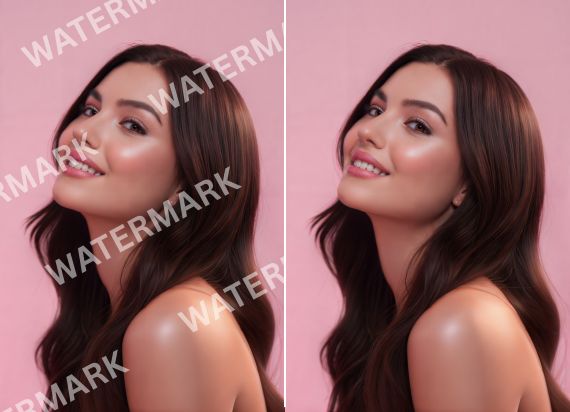
Image Watermark Remover
Remove watermark from image using AI automatically.
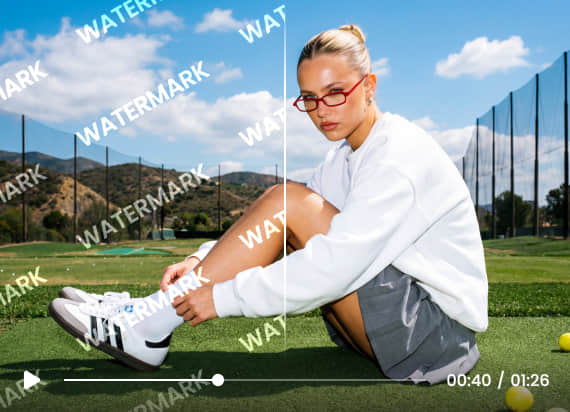
Video Watermark Remover
Remove unwanted watermarks from your videos automatically using AI.
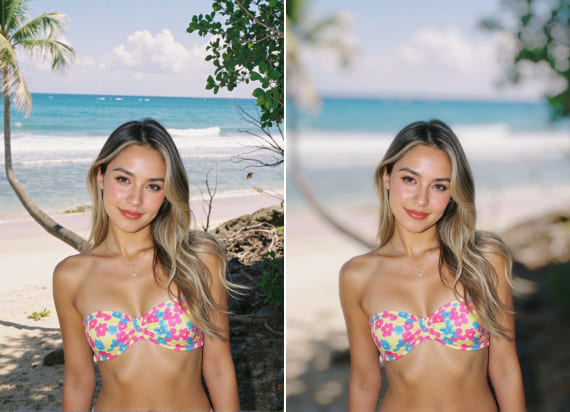
Blur Background
Create a shallow depth of background and focus on the subject.
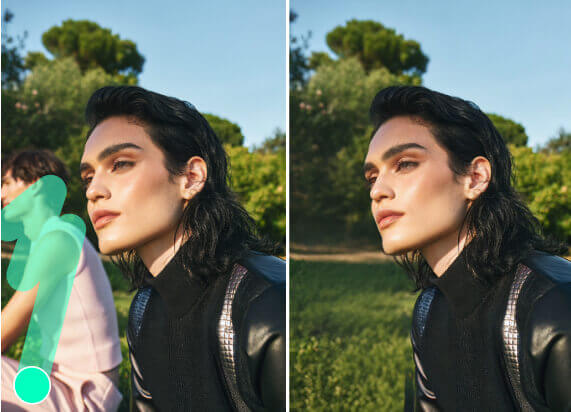
AI Object Remover
Remove person, text, watermark, logo, wrinkles and more in photo with AI.

Enhance Video Quality Now
Upscale your videos instantly without software or skills using PhotoCat AI Video Enhancer. Instantly boost clarity and resolution for free.